
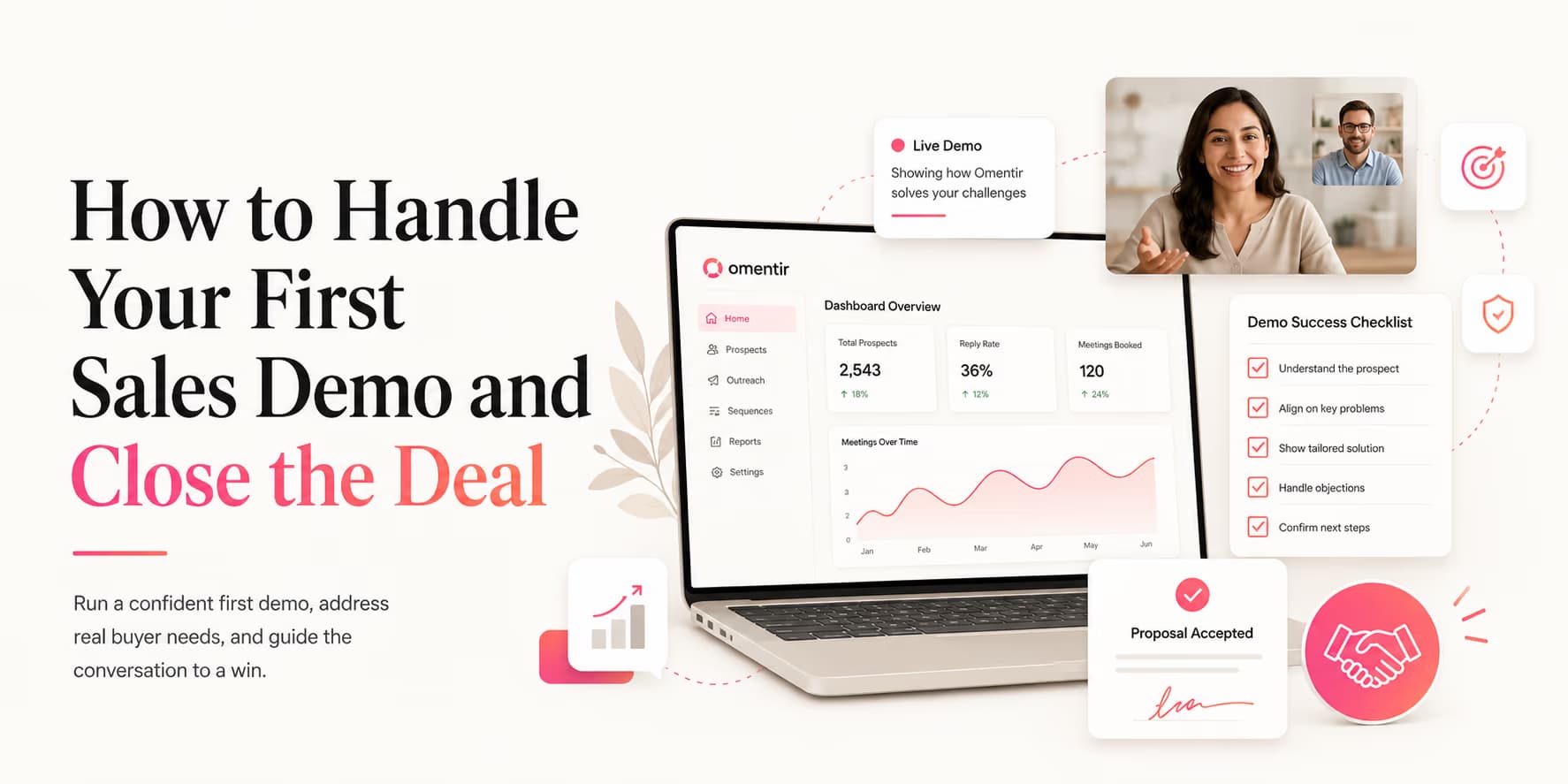
Outbound campaigns are designed to generate sales opportunities. Growth teams invest hours configuring multi-inbox rotation, refining prompt variables, and pacing campaigns safely to book meetings. But when a prospect finally books a demo slot, your pipeline value depends on call execution.
Running a successful B2B sales demo requires structure. Senders who log in to calls and immediately start sharing their screens to show every settings page will see low close rates.
A demo is not a software tutorial. It is a structured sales conversation designed to verify pain points, map solutions to outcomes, and secure commitments.
Omentir helps book these demos by running live prospecting agents in the background. The rest of this piece is about handling the call and closing the contract.
Prepare the pre-call brief
Your first demo should not start when the video call opens. Ten minutes before the meeting, write a one-page brief with the prospect's company, role, likely pain, source of the lead, exact message that booked the call, and the strongest reason they agreed to talk.
This brief prevents the most common founder mistake: treating every demo like the same product tour. If the buyer came from a message about SDR hiring, show the outbound workflow. If they came from a conversation about manual prospect research, show lead qualification first. The call should feel like a continuation of the conversation that earned the meeting.
Also decide what you will not show. Early founders often over-demo because they want to prove the product is real. Buyers do not need proof that every settings screen exists. They need proof that the product removes a painful bottleneck in their workflow.
The 30-minute sales demo structure
To keep calls focused and professional, structure your demos around a strict 30-minute framework:
- Discovery (0-7 minutes): Ask target questions to uncover current bottlenecks and goals.
- Walkthrough (7-22 minutes): Show specific outcomes, mapping features directly to discovery answers.
- Closing (22-30 minutes): Address pricing objections, outline next steps, and agree on a timeline.
For details on early sales validation, check out our guide to MVP outbound validation campaigns.
Open the call by setting the agenda out loud. A simple line works: "I thought we could spend five minutes on how you handle outbound today, ten minutes mapping that to the product, and the rest on whether this is worth testing. Does that work?" This gives the buyer confidence that the call will not become a rambling pitch.
The discovery stage: operational bottlenecks
Before you show your product, you must understand your buyer's current processes.
Ask open-ended discovery questions to uncover pain points:
- "How do you currently build your target lead databases?"
- "What metrics do your sales reps spend their working hours tracking?"
- "What happens to your outreach campaigns when sending profiles get blocked?"
These questions reveal their specific operational challenges.
Listen for three kinds of answers. Pain answers tell you what is broken. Process answers tell you how the team works today. Priority answers tell you whether the problem is urgent enough to buy now. A great demo is built from all three.
Use a simple discovery script
Do not improvise the first five minutes. Use a repeatable script so you can compare calls and learn faster.
Before I show anything, can I understand the current workflow? How are you finding target accounts today, who writes the first message, and where do replies go once someone shows interest?
After they answer, ask one follow-up: "What part of that process feels most expensive right now: time, data quality, account safety, or reply handling?" This forces the conversation toward a business outcome instead of a vague feature discussion.
Take notes using the buyer's exact words. If they say "our reps waste mornings cleaning lists," use that phrase when you transition into the walkthrough. Mirroring their language makes the demo feel tailored without turning it into a performance.
The walkthrough: outcomes over feature lists
During the product walkthrough, do not show general menus. Focus only on features that resolve the pain points identified during discovery.
For example, if the buyer complained that "our SDRs waste hours copy-pasting pitches," show them how Omentir's review queue drafts connections based on career triggers automatically, allowing operators to approve campaigns in minutes.
A strong walkthrough has a before-and-after rhythm. First, restate the messy current state. Then show the smallest product path that creates the better state. Avoid feature stacking. If the buyer has three problems, show three short moments, not thirty menu items.
- Lead quality problem: show how qualified prospects are selected against the ICP.
- Copy problem: show how a message is drafted from a visible trigger and routed for review.
- Follow-up problem: show how interested replies land in one inbox instead of being lost across tabs.
Keep checking during the walkthrough. Ask, "Is this close to how your team would want to review leads?" or "Would this remove the manual step you mentioned?" These questions keep the buyer involved and surface objections while you can still address them.
Closing Rule: Secure Next Steps 💡
Never end a demo with "Let me know if you have questions." Always schedule a specific next call or send a setup link with a defined review date to maintain deal momentum.
Handling objections: pricing, timing, and integrations
Objections are natural parts of B2B sales. Senders should treat them as opportunities to clarify product value.
When buyers object to pricing, compare the cost of your software (such as Omentir's $49/month Pro plan) to the cost of manual lead sourcing and verification databases. That is the ROI argument: time and budget saved versus the monthly fee.
Timing objections usually mean one of two things: the buyer has a real constraint, or you have not made the pain feel urgent enough. Ask which one it is. "Is this not a priority until next quarter, or is there a specific blocker we would need to solve first?" The answer tells you whether to nurture, close, or disqualify.
Integration objections need calm specificity. Do not promise custom work casually on a first call. Explain what works today, what would require setup, and what you would need to verify before committing. Trust increases when you are honest about constraints.
Objection scripts you can reuse
Your first demos will feel easier if you prepare plain-language responses to the objections you know are coming.
- "We are not ready yet." "That makes sense. What would need to be true for this to become worth testing: cleaner lead flow, safer sending, or more outbound capacity?"
- "We already have a tool." "Totally fair. Is the current tool solving discovery, message quality, and reply handling, or mainly the sending part?"
- "I need to ask my cofounder." "Of course. What would they care about most: price, safety, setup time, or whether this can actually book meetings?"
These scripts work because they do not argue. They clarify. The goal is not to win a debate on the call; it is to understand what still needs to be true for the buyer to move forward.
The close: commitments and next steps
To close B2B contracts, you have to agree on next steps.
State the timeline clearly:
- Step 1: Send the account setup link immediately after the call.
- Step 2: Set a trial review window of 7 to 14 days.
- Step 3: Schedule a brief setup call to verify integrations.
Be specific about ownership. If the next step is a trial, who creates the account? Who connects LinkedIn? Who reviews the first campaign? Who decides whether the test succeeded? A vague next step creates a polite follow-up thread that goes nowhere.
A clean close sounds like this: "Based on what you shared, the useful test is one campaign against your seed-stage SaaS segment. I will send the setup link today. If you connect the account by Thursday, we can review the first draft batch Friday. If those leads look wrong, we stop. If they look right, we let the campaign run for a week." That is a decision path, not a hope.
Send a useful follow-up
The follow-up email should be short and useful. Do not send a generic "great chatting" note with five attachments. Send the buyer's problem, the agreed next step, the owner, and the deadline.
Good speaking today. My understanding: your team is losing time cleaning LinkedIn lists before reps can send. Next step: you will connect one sender account by Thursday; I will help set up one campaign for SaaS founders hiring SDRs; we review lead quality Friday before anything scales.
This kind of recap reduces ghosting because it turns the demo into a shared operating plan. It also gives you a clean reason to follow up if the buyer misses the agreed action.
SOP: the sales demo preparation checklist
Prepare for your B2B sales calls using these steps:
- Step 1: Research the prospect's company website and active campaigns.
- Step 2: Document the discovery questions target role.
- Step 3: Prepare a test account displaying relevant campaigns.
- Step 4: Confirm pricing tiers and next-step actions before logging in.
- Step 5: Write the one-sentence outcome you want the buyer to believe after the call.
- Step 6: Prepare a follow-up recap template before the meeting starts.
Omentir automates the B2B prospecting that books these calls, letting you focus on execution.
Turn the demo into a buying decision
Outbound campaigns are only as useful as the demo that follows. Structure the call around discovery and outcome mapping, and you have a real shot at converting booked leads into paying clients.
Your job on the demo is to turn that conversation into a clear buying decision: problem confirmed, workflow mapped, next step owned, and timeline agreed. If you spend the hour on slides, you already lost the meeting you worked to book.
Frequently Asked Questions
Ask about manual bottlenecks: "How much time does your team spend sourcing lists?" or "What happens to your pipeline when emails bounce?" Then map the product to those answers, not to a generic feature tour.
No. Showing every setting confuses buyers. Limit your walkthrough to the three features that directly resolve the pain points uncovered during discovery.
Reference the ROI of your solution: compare the monthly platform cost (like Omentir's $49/month Pro plan) to the cost of manual lead sourcing, showing how much time is saved.
Never end a call with "I'll send an email follow-up." Agree on a specific next action, such as scheduling a setup call or sending a contract link with a review date.