Omentir works with
Connect Claude, ChatGPT, Grok, Cursor, or your own assistant once. From chat they can set My Product, create classic lead finders or Steal Customers agents, inspect leads with post and comment context, and check when outreach will send.
Get started in four steps
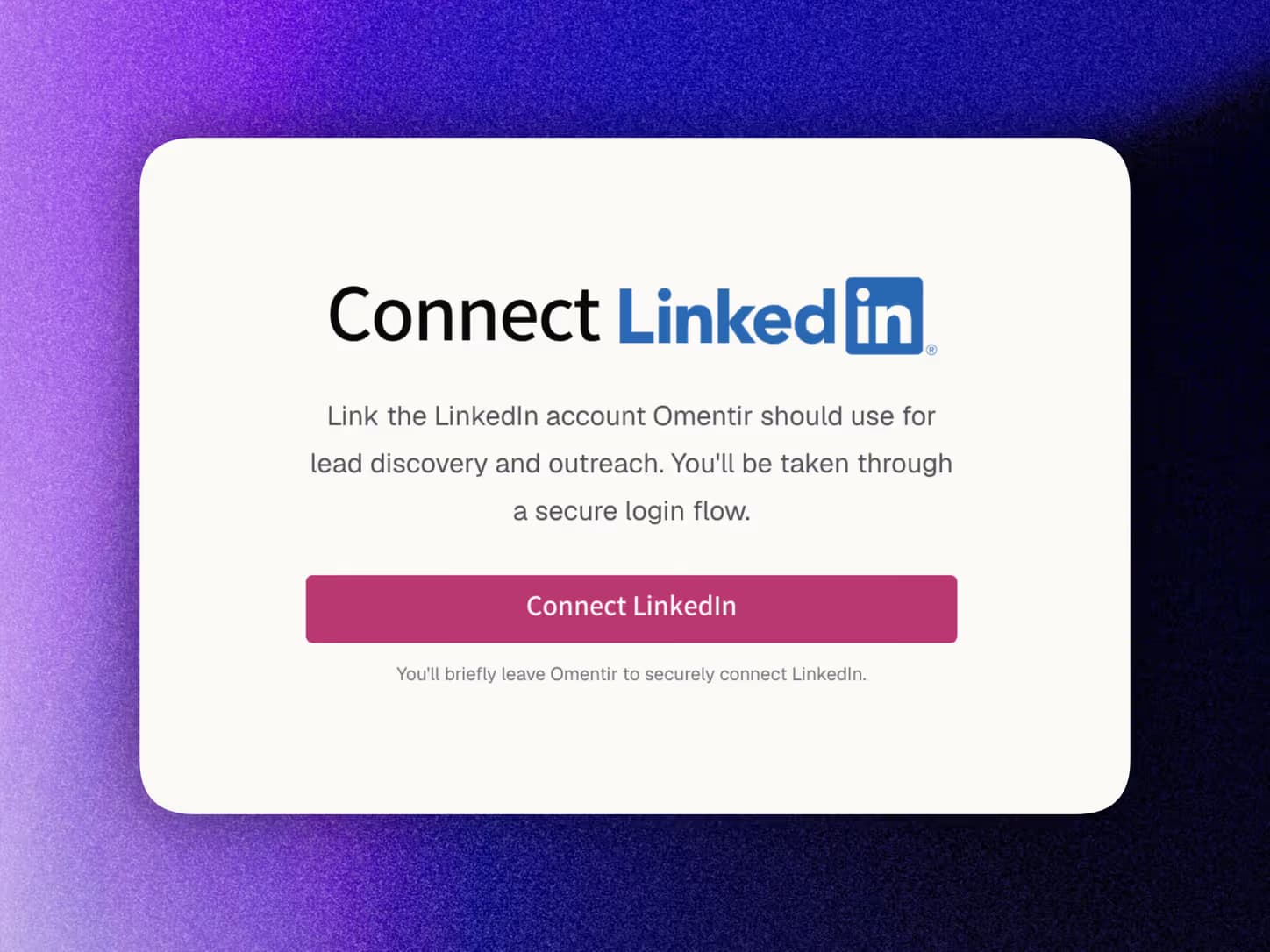
1. Set up Omentir
Create an account, connect LinkedIn, and fill My Product. Chat apps use the same workspace and daily safety limits as the dashboard.
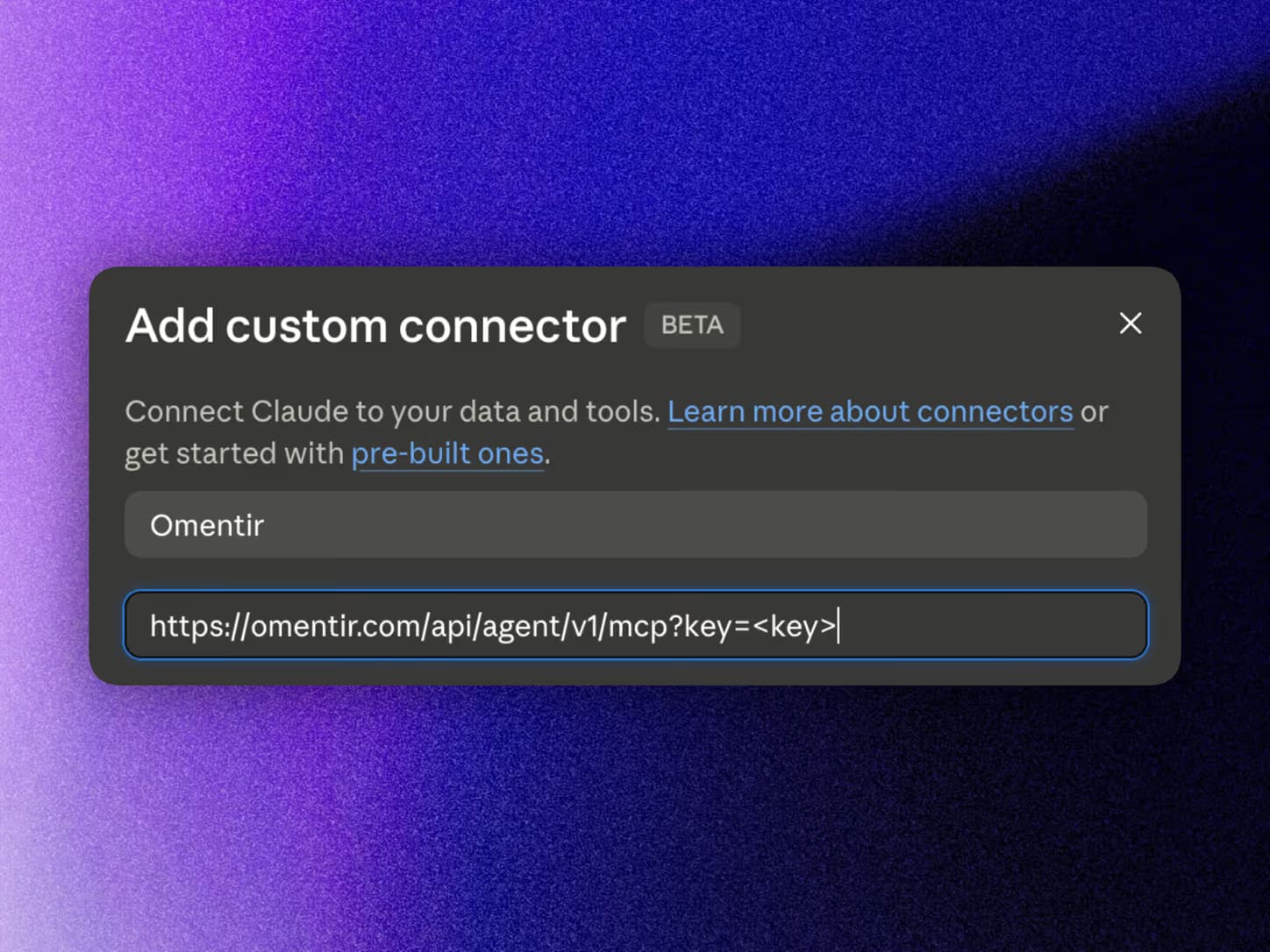
2. Add the MCP connector (chat apps)
In Claude, ChatGPT, or Grok: Settings → Connectors → add a custom connector with the URL below. No API key is required for these apps.
https://omentir.com/api/agent/v1/mcp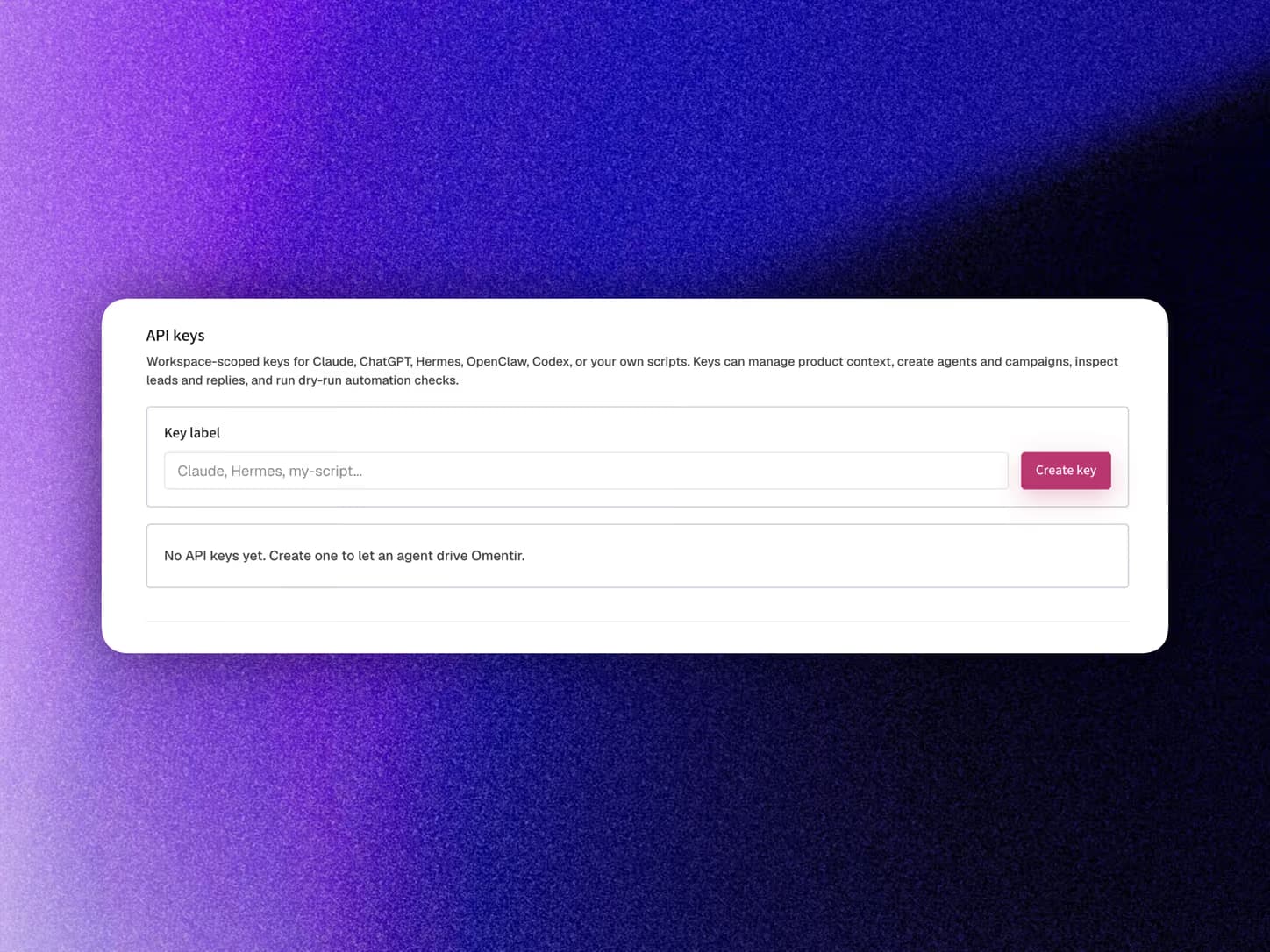
3. Approve access (or use an API key)
Chat apps send you to Omentir to sign in and Connect workspace. For Cursor, Claude Code, or scripts, create a key on the API page and send Authorization: Bearer <token> instead.
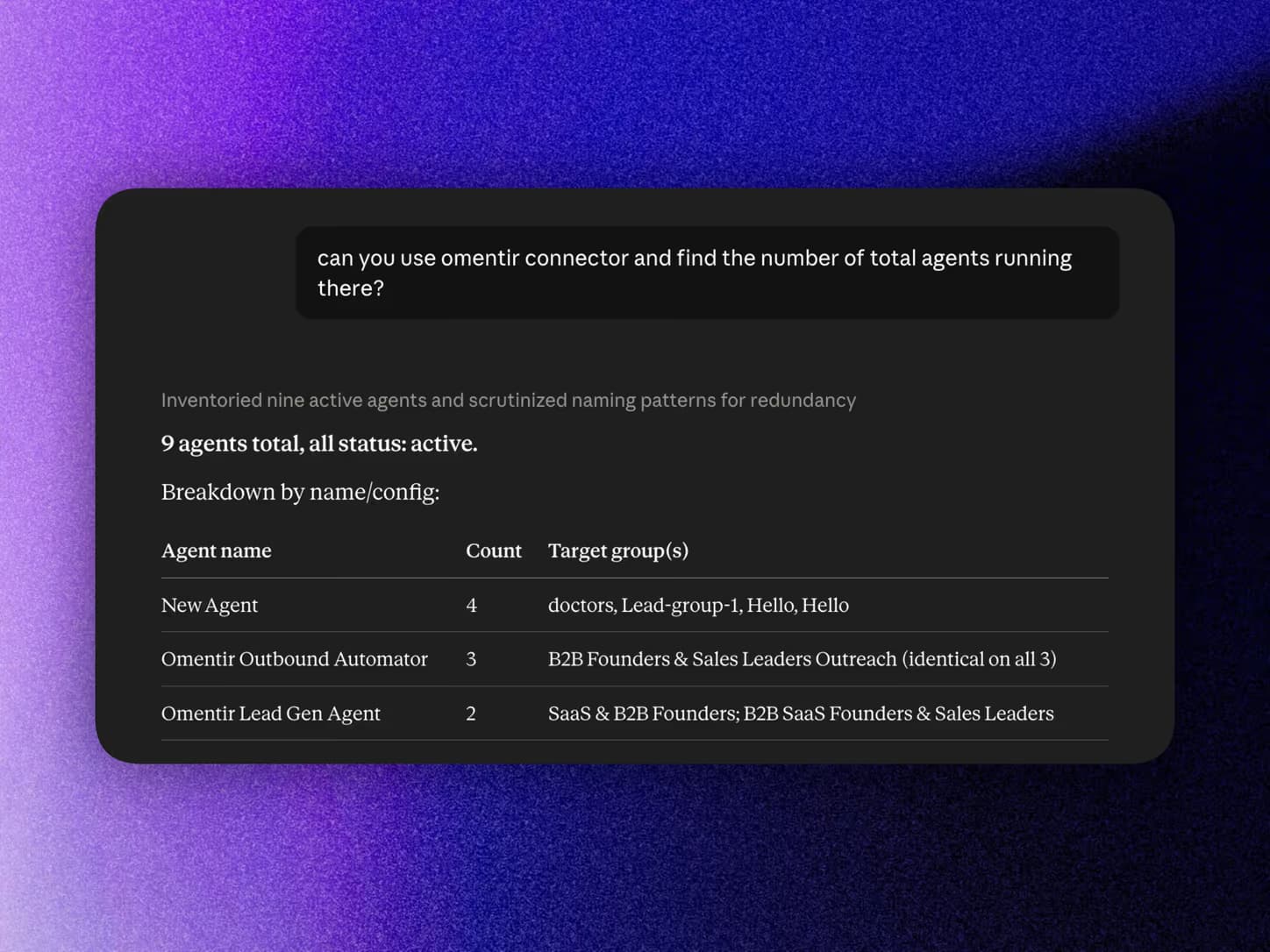
4. Ask your AI to run Omentir
Enable Omentir tools in the conversation if the app asks, then ask it to list agents, create a lead finder, or start Steal Customers with competitor LinkedIn URLs.
Every tool the server exposes
Nineteen focused tools cover lead discovery, the send schedule, and existing conversations. Clients discover them automatically via tools/list.
Context & product profile
omentir_get_contextRead workspace readiness, product profile, counts, the workspace time zone, and today's remaining send allowance.
omentir_get_product_profileRead the product profile used for ICP matching and personalization.
omentir_update_product_profileUpdate the product profile used to qualify and rank leads.
Lead discovery
omentir_create_agentCreate a classic lead finder or Steal Customers agent (competitor post commenters + AI outreach; no ICP).
omentir_update_agentEdit any agent: mode, signalSources (competitor + founder/employee URLs), LinkedIn account, lead group, send window, or outreach.
omentir_list_agentsList all agents (including Steal Customers), with next discovery run, mode, and send window.
omentir_list_leadsSearch, filter, sort, and list leads (includes post/comment engagementContext for Steal Customers).
omentir_get_leadRead one exact lead and its complete record, including engagementContext when present.
omentir_list_groupsList the lead groups in the workspace.
Workspace & send schedule
omentir_list_linkedin_accountsList connected LinkedIn accounts available for discovery.
omentir_list_activityInspect recent discovery runs and operational status.
omentir_list_scheduled_actionsRead queued outreach with each action's exact planned send time and draft.
omentir_get_statsRead lead, agent, and existing outreach metrics.
omentir_update_settingsSet daily connection-request and message limits, first-message delay, AI follow-up behaviour, and the workspace time zone.
Lifecycle management
omentir_pause_agentPause an agent: stops discovery and freezes its automated outreach.
omentir_resume_agentResume a paused agent so discovery and outreach run again.
omentir_delete_agentDelete an agent, its exclusive lead group, campaigns, and those leads. Shared groups stay.
Replies
omentir_list_conversationsList recent LinkedIn reply conversations captured by Omentir.
omentir_reply_to_leadReply in existing conversations, within your daily message quota.
Curious what your agent should do with them? The For Agents page walks through the recommended workflow end to end.
Frequently asked questions
A hosted Model Context Protocol endpoint at omentir.com/api/agent/v1/mcp. Claude, ChatGPT, and Grok connect with a custom connector and OAuth. Cursor, Claude Code, OpenClaw, or a custom assistant uses a Bearer token. Once connected, the same tools cover My Product, classic lead finders, Steal Customers agents, discovery status, leads, the send schedule, and existing conversations.
In the chat app open Settings, then Connectors, and add a custom connector with https://omentir.com/api/agent/v1/mcp. Sign in on Omentir when prompted and choose Connect workspace. Then enable Omentir tools in that chat if the app has a tools menu. No API key is required for these apps.
Create a token on the API page in Omentir, then send it as Authorization: Bearer <token> on every request to the MCP endpoint or the REST API under /api/agent/v1. Tokens are workspace-scoped and revocable from the same page.
Connecting an app and enabling it in a conversation are separate steps in most chat apps: after approving access, switch Omentir on in that chat's tools menu and send a new message. If the connector never asked you to sign in, remove it and add the URL again.
Yes. After My Product is set and LinkedIn is connected, ask the assistant to create an agent with mode steal_customers and your competitor LinkedIn company URLs. It can also pass optional founder or employee profile URLs. Omentir finds employees, scans posts, and turns commenters into leads with AI outreach.
Streamable HTTP with JSON-RPC 2.0: initialize, ping, tools/list, tools/call, and the initialized notification. OAuth 2.1 discovery, dynamic client registration, and PKCE are supported for connector-style apps.
Yes. The same workflow is available under /api/agent/v1, documented by the OpenAPI schema at /api/agent/v1/openapi.json and the machine-readable guide at /agents.md.
Point it at omentir.com/agents.md (how to connect, classic vs Steal Customers create payloads, tool list, time zones, send windows, and guardrails). Human setup lives on omentir.com/mcp-server and omentir.com/for-agents.
Yes. Omentir is MIT licensed. The hosted MCP server runs the same public GitHub code; you can inspect every tool or self-host with Docker.
Plug your agent into Omentir
Create a workspace, add a connector or mint an agent token, and your MCP client is finding buyers and tracking their outreach in minutes.
Get Started