Lead finders
How Omentir classic lead finders turn your ideal customer profile into ongoing LinkedIn prospect discovery, scored leads, and campaign-ready groups.
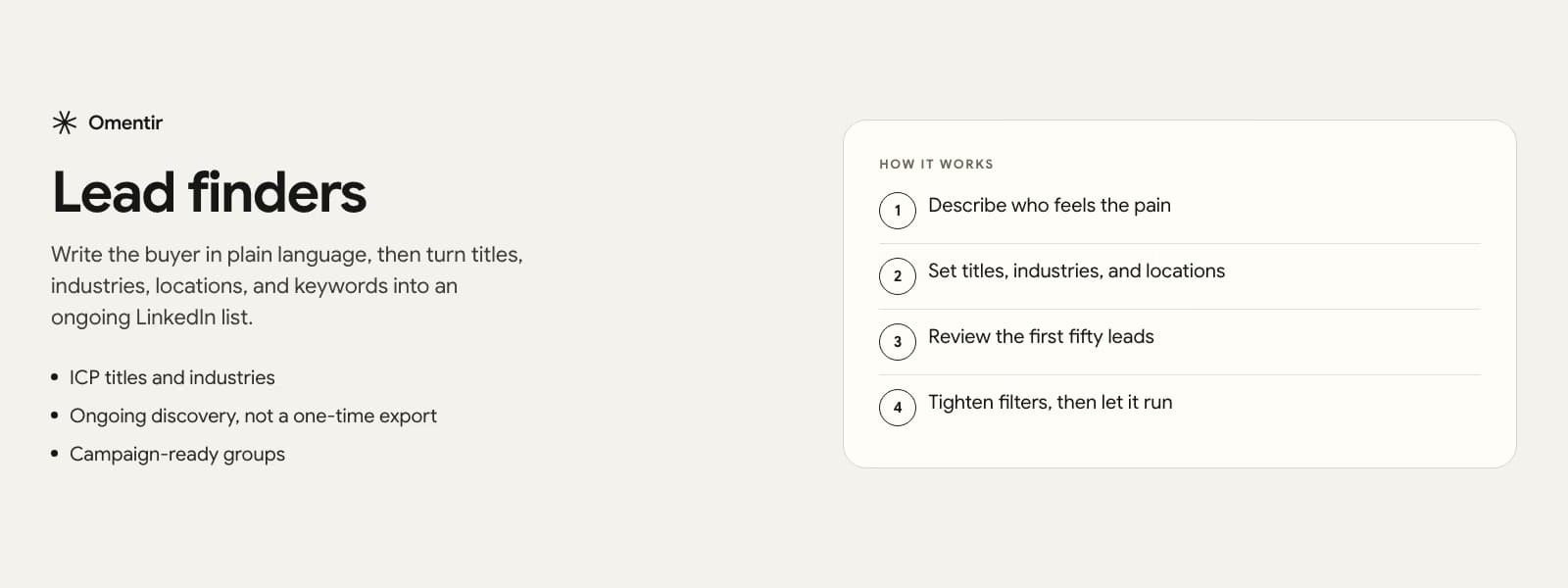
Classic lead finders in plain language
A classic Omentir lead finder is an agent that searches for people who match the buyer you described. You give it titles, industries, locations, keywords, and product context from My Product. It returns leads you can review, group, and push into outreach campaigns.
This is the default discovery path when you know who should buy, but do not want to live in LinkedIn search filters all day or buy a static list that goes stale after one export.
Why My Product and ICP matter
Discovery quality follows clarity. My Product tells the system what you sell and why it matters. ICP fields narrow who is worth contacting. Together they reduce the chance that the agent fills a group with plausible-looking but wrong people.
If your offer or ICP is still fuzzy, fix that first. A lead finder will amplify the definition you give it. It will not invent product-market fit for you.
From discovered leads to campaigns
Leads land in groups you can inspect. From there you launch campaigns for connection requests, messages, and follow-ups. Scoring and review steps help you prioritize who gets manual attention versus automated first touches.
You can create, pause, resume, and inspect lead finders from the dashboard or from MCP and REST operators. That means a human or an AI operator can keep discovery running without rebuilding the whole stack.
- Create agents with prompt plus targeting fields
- List and filter leads after discovery runs
- Attach outreach and reply handling when you are ready
- Pause or resume without deleting the lead group
Lead finders versus Steal Customers
Lead finders start from ICP filters. Steal Customers starts from competitor engagement. Use lead finders when the job is 'find more people like our best customers.' Use Steal Customers when the job is 'talk to people already reacting to competitors.' Many workspaces run both.
How to brief a lead finder so it stays useful
Write the buyer in plain language before you fill filters. Who feels the pain, which company size can pay, and which titles are a waste even if they look senior. Then translate that into titles, industries, locations, and keywords. If you cannot explain the buyer in two sentences, the agent will collect a pretty list that never replies.
Review the first fifty leads as if you were going to message them tomorrow. Reject patterns, not individuals: agencies when you sell to in-house teams, students when you sell to operators, the wrong geography. Tighten the finder once, then let it run.
When a classic lead finder is the wrong tool
If the only people who buy from you are people already arguing on a competitor post, start with Steal Customers. If you need phone numbers as the system of record, you want a contact database, not a LinkedIn finder. Lead finders are for turning a written ICP into a living LinkedIn list, not for replacing every data vendor in your stack.
Frequently Asked Questions
No. Classic lead finders discover prospects from your ICP and product context inside Omentir. You may still use external research, but the product is not a static contact export tool.
Yes. Teams often separate agents by segment, offer, or geography. Plan limits apply on the managed product; self-hosted installs use your own infrastructure ceilings.
Tighten titles, industries, locations, and keywords, and refresh My Product so scoring and personalization match the real offer. Weak ICP definitions produce weak lists in every tool.
Yes. MCP and REST tools support create, update, list, pause, resume, and delete for agents, including classic lead finders.
Put this feature to work on your LinkedIn account
Connect LinkedIn, fill My Product, and run the motion end to end in one workspace.