
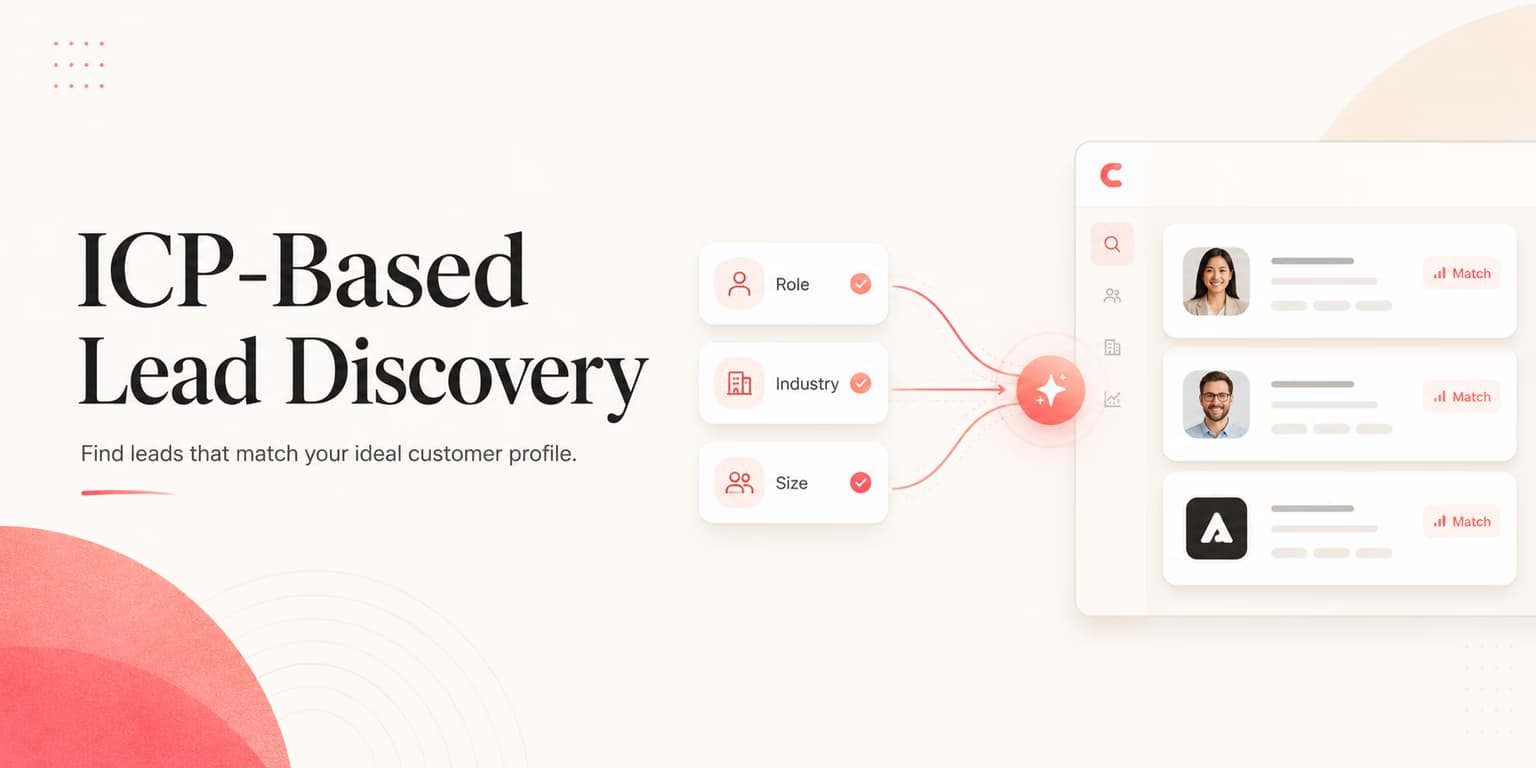
Most B2B startups fail because they spend their outbound budget targeting the wrong companies. They start with a vague description of their ideal buyer, such as "SaaS companies in North America with 10 to 50 employees." Then, they buy a broad database export matching those parameters and launch cold outreach campaigns.
The problem is that static database lists grow stale quickly. Companies hire new teams, change their product offerings, or pivot to new markets. A list that looked good in January is full of dead leads by June. To build a reliable sales pipeline, you must shift from static database exports to dynamic, ICP-based lead discovery.
Dynamic discovery means defining your Ideal Customer Profile (ICP) as a set of active search rules rather than a static document. By running daily searches on LinkedIn, you can find prospects as they match your criteria, allowing you to reach out at the moment of highest relevance.
Omentir is designed to run this discovery process in the background. Set up plain-language search rules, and the platform monitors target markets, filters out poor fits, and places qualified profiles into your review queue. Below is how to break your ICP into a working search.
A strong ICP workflow is not a bigger list. It is a better decision system. Every profile should either have a clear reason to enter the queue or a clear reason to be rejected. When the criteria are fuzzy, the list grows quickly but the conversations get worse.
The core pillars of your ICP
Before you build a search query, define the boundaries of your target market. An Ideal Customer Profile has three layers of data:
- Firmographic Data: The organizational boundaries, including company size, industry classification, geographic presence, and employee growth rates.
- Technographic Data: The software tools and infrastructure the company uses, such as cloud providers, CRM systems, or analytics dashboards.
- Buyer Personas: The specific decision-makers within the organization, including their department, job title, and level of authority.
By documenting these pillars, you create a concrete blueprint for your prospecting. This prevents your team from importing low-value leads that drag down campaign conversion rates.
Add a fourth layer: timing. A perfect-fit company with no current reason to care may still ignore you. A slightly narrower company that is hiring, launching a product, changing leadership, or posting about the problem is often more useful. Your ICP should define both fit and timing so your outreach has a reason to exist now.
The easiest way to write this is as an inclusion and exclusion table. Include companies with the right model, size, role, and trigger. Exclude agencies, students, consultants, competitors, inactive profiles, and companies outside your sales motion. Exclusions are what keep the agent honest when a profile looks close but would never buy.
Targeting Rule: Mind the Tech Stack
If your product integrates with Salesforce, target only companies using Salesforce. Reaching out to HubSpot users with a Salesforce-specific pitch is a quick way to destroy outbound efficiency.
Mapping ICP attributes to LinkedIn search parameters
Once your pillars are defined, you must translate them into the search fields of your prospecting tools. The primary engine for B2B active sourcing is LinkedIn Sales Navigator, which provides advanced filters for title, company size, and headcount growth.
Translation is where most ICP documents break. "Fast-growing SaaS company" is not a search parameter. "Headcount 11-200, software industry, North America, sales department growth, hiring SDRs, founder or VP Sales title" is. Turn every fuzzy phrase into a filter, keyword, or manual review rule.
Some ICP attributes cannot be captured perfectly in LinkedIn. That is fine. Mark them as enrichment or review fields. For example, "uses Salesforce" may require technographic enrichment. "Founder-led sales motion" may require website or profile review. "High outbound urgency" may require job posts, founder content, or recent hiring signals.
Boolean search logic for title filtering
Do not rely on LinkedIn's default title categories, which are often too broad. Instead, build custom Boolean query strings using the AND, OR, and NOT operators. This ensures that you target specific decision-makers while excluding irrelevant support roles.
For example, if you are targeting VP-level marketing executives, a Boolean title search query might look like:
("VP" OR "Vice President" OR "Director") AND "Marketing" NOT ("Assistant" OR "Coordinator" OR "Consultant")
This string targets marketing directors and VPs while filtering out coordinators and external consultants who lack buying authority.
Build title strings in pairs: one inclusive query and one exclusion query. The inclusive query finds likely buyers. The exclusion query removes people who share similar language but not the buying role. If you target revenue leaders, exclude coaches, agencies, advisors, students, professors, and fractional consultants unless those segments are intentionally part of the campaign.
Filtering by company size, industry, and headcount
After defining the title string, apply firmographic constraints. Use the company headcount filter to exclude organizations that are too small or too large for your sales cycle.
Look at department headcount growth rates rather than company-wide growth. A company whose total employee count is flat might still be expanding its engineering team by 30% year-over-year, which often means more spend on technical infrastructure.
Company size should match your sales cycle. A solo founder may buy quickly but have low budget. A 5,000-person enterprise may have budget but a long procurement process. If your product is founder-friendly, target smaller teams with urgent pain. If your product needs security review and implementation support, target larger accounts with clear department ownership.
Industry filters need the same care. Broad categories hide very different businesses. "Software" can include developer tools, vertical SaaS, marketplaces, data vendors, and agencies. Write the subsegments you want, then add negative filters for the ones you do not.
Automating daily discovery with Omentir agents
Running searches manually every day is a tedious process. It takes hours of click-heavy work that distracts you from closing sales.
Omentir automates this loop by letting you run discovery agents. You can define your ideal company parameters and target titles in plain language. The system runs searches on LinkedIn daily, extracts matching profiles, and scores them against your criteria. This workflow is detailed in our guide on AI LinkedIn prospecting workflows.
The platform saves these matches inside dedicated lead groups. The agent reports who was found and highlights the exact reasons they fit, allowing you to review and approve prospects quickly.
Start new agents in a conservative mode. Let them collect a small sample first, then inspect the false positives. If too many leads fail because the title is wrong, tighten the Boolean string. If too many fail because the company segment is wrong, add exclusions. If the leads fit but the message feels weak, add stronger timing signals.
The point of automation is not to remove iteration. It is to make iteration faster. Instead of rebuilding a spreadsheet every week, you adjust the rules and let the agent keep watching the market.
SOP: auditing and refining the discovered lead queue
Never import automated search results directly into an outbound sequence without auditing the queue. Even the best search strings return false positives, and sending automated pitches to poor-fit profiles damages your sender reputation.
Establish a simple daily audit routine for your sales team:
- Check the profile: Confirm that the prospect's current title matches your Boolean rules and that they have been in their role for at least 30 days.
- Review the company site: Verify that the company is active, has a working website, and fits your target industry category.
- Analyze intent signals: Look for recent signals, such as job openings or funding updates, to prioritize outreach. This intent-scoring process is detailed in our guide to LinkedIn lead scoring rubrics.
- Disqualify immediately: If the company is a competitor or does not fit your technographic profile, reject the lead immediately to keep your lists clean.
This review step keeps your list quality high. Spending a short moment to check a profile before sending is often the difference between a relevant note and obvious automation.
Track rejection reasons while you review. Common reasons include wrong role, wrong company type, no timing signal, inactive profile, existing competitor, unclear authority, or poor geography fit. After twenty rejects, patterns will appear. Those patterns are your next search improvements.
Matching outreach copy to specific ICP pain points
A clean prospect list is useless if your outreach copy is generic. Your connection note and first message must speak to the specific challenges that your target persona faces at their type of company.
If your ICP targets growth-stage B2B startups, focus your copy on efficiency and what a small team can do without extra headcount. If you target enterprise companies, focus on compliance, safety, and integration capabilities.
Omentir ensures your outreach copy matches these parameters by grounding drafts in your product profile and company-specific context. When the system drafts a campaign sequence, it matches the prospect's firmographic attributes with the relevant marketing messages in your database. This structured copywriting strategy is outlined in our guide on B2B lead generation setups.
The message should map to the reason the lead qualified. If the lead qualified because of hiring, mention hiring. If they qualified because of a role change, mention the new mandate. If they qualified because of a public post, mention the topic, not the fact that they posted. This keeps your copy connected to evidence.
Avoid one-size-fits-all proof points. A founder cares that the workflow saves time and creates conversations. A VP cares that the system is controlled, measurable, and safe for the team. A RevOps buyer cares about routing, data quality, and process consistency. Same product, different pain.
Moving beyond static lists
Building a repeatable sales pipeline means moving from stale databases to dynamic, ICP-based lead discovery. Break your ICP into search parameters, then run automated discovery loops so new fits keep arriving without a weekly CSV rebuild.
Use Omentir to automate the logistics of your search. Set up your discovery agents, review the incoming leads daily, and launch safe, paced sequences that turn warm LinkedIn profiles into qualified demos.
The best discovery workflow feels calm. New leads arrive, weak fits are rejected, good fits have a clear reason for outreach, and the message matches the reason they were selected. That is how ICP moves from a slide in a strategy doc to a daily operating system for pipeline.
Frequently asked questions
An Ideal Customer Profile (ICP) defines the characteristics of the accounts or companies that get the most value from your product, such as industry, revenue, or team size. A buyer persona defines the specific job roles and individual traits of the buyers within those companies.
You cannot filter by technology stack directly in standard searches. Use Boolean keywords such as 'Salesforce' or 'AWS' in the profile keyword field, or use external enrichment tools to confirm technology usage before importing leads.
Omentir lets you define search agents using natural language. The system runs automated LinkedIn discovery pathways daily, scores every new lead against your profile parameters, and queues up high-fit prospects for review.
Broad titles return too many false positives, such as sales representatives when you want to target VPs. Use specific title filters and Boolean operators like 'VP' OR 'Director' to keep lists clean.