Turn replies into demos
Omentir can share your Calendly or Cal.com link after a prospect shows interest, then email you when they confirm. It does not replace the call.
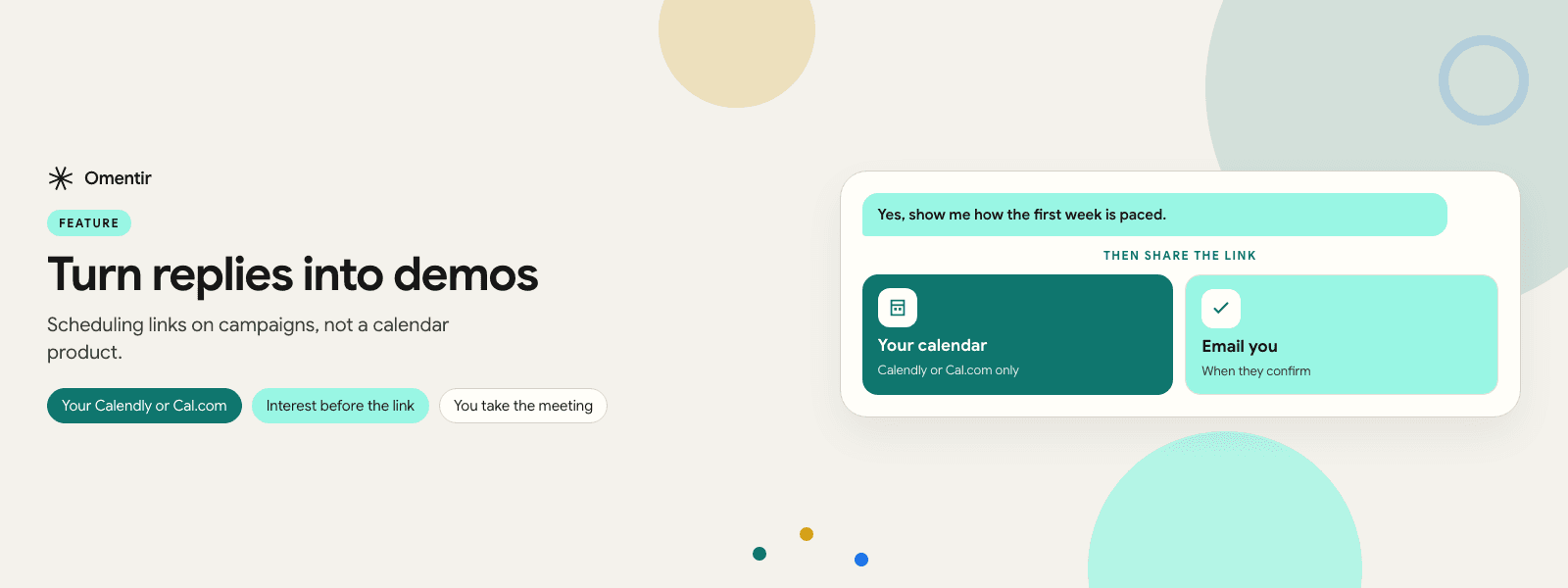
- Your Calendly or Cal.com
- Interest before the link
- You take the meeting
Setup
- 1
Add a scheduling URL
Set schedulingLink on My Product, or bookingLink on the campaign. Only Calendly and Cal.com URLs are accepted for booking mode.
- 2
Pick until-booked only if you mean it
If you still want to qualify by hand, use until interest or handoff. Booking mode continues the thread toward a time.
- 3
Confirm in LinkedIn after they book
The invite email is not the whole handshake. A short confirmation in the thread ties the meeting to the conversation.
What actually ships
Until-booked reply handling shares the scheduling link after interest and emails the workspace user when the lead confirms a meeting. There is no Omentir-native calendar. If you needed round-robin across ten AEs, keep the calendar tool you already have.
When not to turn this on
High-ticket conversations where the next step is a custom security review, not a fifteen-minute slot. Also skip it on a brand-new LinkedIn account. Earn replies first. The guarantee has its own measurement rules; this feature is not that contract.
Frequently asked questions
Not as a native booking integration described here. You still get an email when a meeting is confirmed. Wire CRM how you already wire it.
Booking mode expects Calendly or Cal.com. A raw Google Calendar URL is not the documented path.
Put this feature to work on your LinkedIn account
Connect LinkedIn, fill My Product, and run the motion end to end in one workspace.