
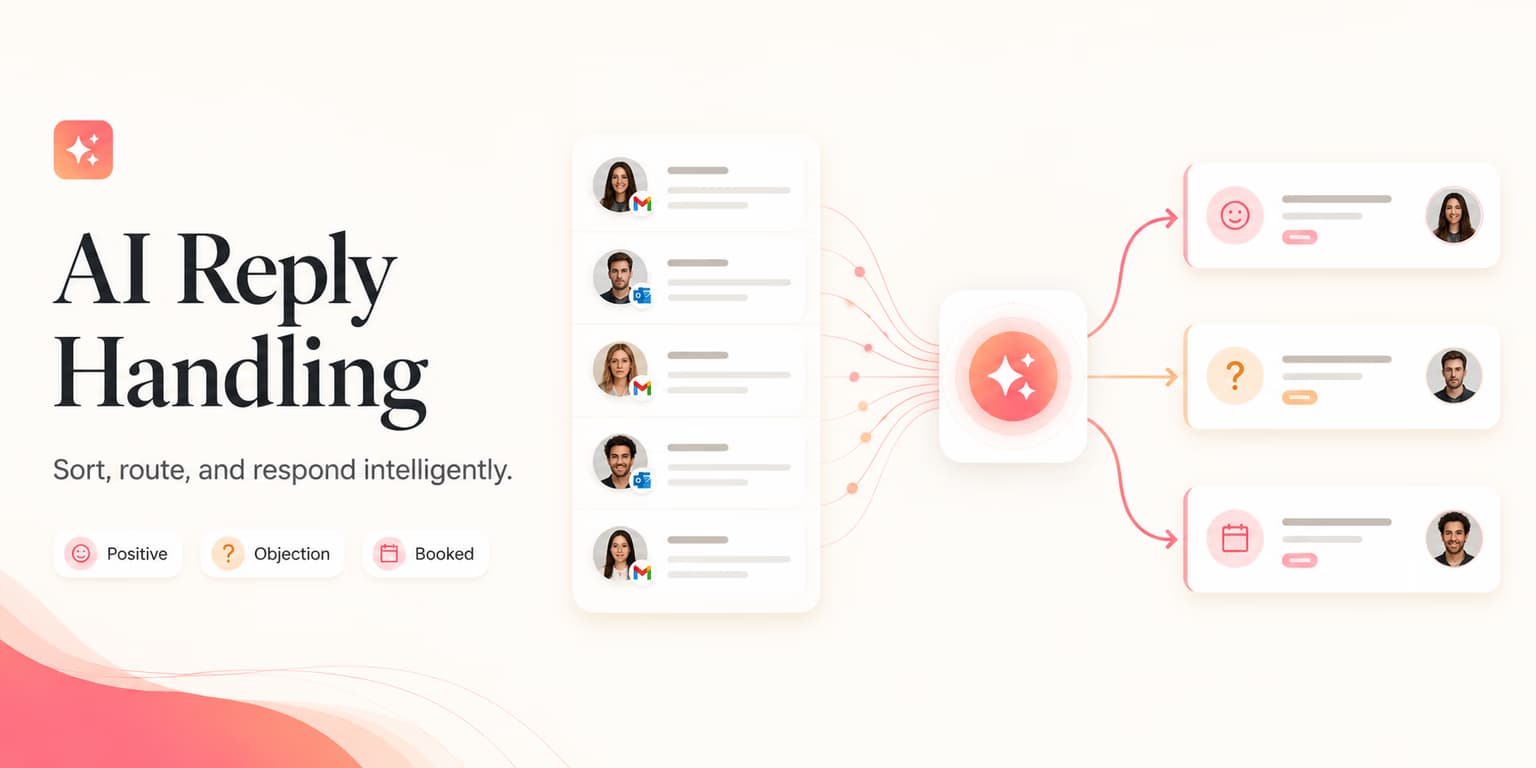
Most outbound campaigns do not fail at the first touch. They fail in the response. A founder or sales development representative spends hours writing a sequence, then loses the deal when a prospect replies with a simple question.
Imagine a prospect writing, "Looks interesting, but we are fully locked into our current stack until next quarter." A standard, auto-generated sequence might ignore this completely and fire off another scheduled follow-up. A rushed salesperson might paste a generic booking link, saying, "No worries, let's chat anyway." Both responses destroy the hard-won trust.
Turning a casual response into a qualified sales meeting takes timing and context. With generative AI tools like ChatGPT and advanced workflows, you can classify replies and draft custom responses in real time. The work is building a reply framework that uses AI speed without losing a human voice.
The 5 intents of LinkedIn replies
Before you draft a response, know what the prospect actually wants. When someone replies to LinkedIn outbound, they are usually expressing one of five intents. Answering a referral with a scheduling link is a fast way to get reported as spam.
To automate reply handling safely, categorize incoming messages into these buckets:
- Positive interest: The prospect explicitly agrees to learn more, watch a demo, or read a document.
- Information request: The prospect asks a specific question about features, pricing, integrations, or compatibility.
- Objection or hesitation: The prospect expresses interest but raises a barrier, such as pricing, timing, or existing competitor agreements.
- Referral or handoff: The prospect directs you to contact a colleague who manages that specific department or decision.
- Negative or unsubscribe: The prospect asks you to stop messaging them, says they are not interested, or leaves a hostile remark.
Categorizing these intents by hand is slow. Using an LLM context engine to classify replies lets sales teams prioritize positive leads quickly and route objections to custom workflows.
Pacing tip for reply delivery
Never reply to a LinkedIn message within 60 seconds of receiving it. A sub-minute response looks automated and breaks the human feel. Wait 15 to 45 minutes so the reply matches ordinary messaging habits.
Response playbooks
Once you have classified the intent, the draft has to match what the prospect asked for. Here are operational templates for the most common reply categories.
1. The positive interest playbook
When a prospect says "Sure, tell me more" or "Sounds interesting," the urge is to drop your booking link immediately. That is a mistake. Sending a booking link without context forces the prospect to do the work. Offer a low-friction option first.
The script:
"Glad it caught your eye, [Name]. I can share a quick 2-minute video that shows exactly how we find buyers, or we can grab a brief 10-minute call next week to see if it fits. Which do you prefer?"
This response gives them control. They can opt for the low-effort video or the high-value call. If they choose the video, send it along with your calendar link at the end of that message.
2. The info request playbook
If a prospect asks, "Does your platform integrate with Salesforce?" do not reply with a long technical spec sheet. Answer in one sentence, explain the benefit, and ask a question so the conversation stays two-sided.
The script:
"Yes, we support native two-way sync with Salesforce so your outbound activity is logged automatically without manual data entry. Are you looking to sync contacts, activity logs, or both?"
3. The referral playbook
When a manager replies, "You should talk to our growth lead, Sarah," act quickly. Confirm the details, thank the sender, and use their name when you reach the referral.
The script for the sender:
"Thanks for pointing me in the right direction, [Name]. I will reach out to Sarah and mention you pointed me her way. Appreciate the help!"
When reaching out to Sarah, reference the conversation immediately so she knows why you are writing. You can learn more about structuring these sequences in our LinkedIn Pitch Templates guide.
Reframing common objections
Objections are not rejections. They are requests for more context or proof. Most objections boil down to timing, budget, or tool fatigue. If a prospect raises an objection, write a draft that validates their situation before presenting a soft alternative.
Here is a before-and-after example of reframing a common objection.
Objection: "We already use Apollo for sourcing and outreach."
"Omentir is much better than Apollo because Apollo uses static databases which are outdated, whereas we enrich data in real time and have an AI agent that runs outbound campaigns autonomously."
"Apollo is great for building lists. Most of our users actually keep Apollo for sourcing, but connect Omentir on top of it. We take those raw lists and use AI to qualify leads, personalize every message based on their actual website, and pace the outreach safely. Are you hitting limits on your outreach volume right now?"
The good response does not bash the competitor. It acknowledges the tool's value, explains how Omentir sits on top of it, and asks a qualifying question. This keeps the conversation moving naturally. You can read a complete breakdown of comparing these stacks in our article on Is Apollo's Database Enough?.
The human-in-the-loop flow
Why avoid fully autonomous reply engines? Hallucinations and account safety. If an LLM drafts a message making a feature claim or a pricing promise that your product does not support, you are legally and reputationally bound by it.
LinkedIn's algorithms are also sensitive to automated spikes. Sending oddly formatted messages at mechanical intervals can land your profile in restricted status.
Use a hybrid workflow. Here is how we design it at Omentir:
- Step 1: An incoming reply is detected via our integration with Unipile.
- Step 2: The AI reads the message history, analyzes the prospect's profile, and classifies the intent.
- Step 3: The AI drafts a response matching the specific playbook for that intent, using the workspace's product profile.
- Step 4: The drafted reply is placed in a queue. It is not sent.
- Step 5: The human operator receives an alert, reviews the draft, makes minor edits if necessary, and clicks "Approve".
- Step 6: Omentir sends the approved response within the user's daily message budget, maintaining a natural, human pace.
This method combines the speed of AI drafting with the safety of human oversight. The operator saves 90% of the time they would spend writing messages from scratch, but remains the final filter for quality.
Running reply ops via MCP
For developers and teams building custom sales stacks, Omentir exposes a hosted Model Context Protocol (MCP) server. This allows AI agents like OpenClaw, Claude, or ChatGPT to handle the entire reply sequence programmatically.
The agent can interact with conversations using two primary tools:
omentir_list_conversations: Retrieves recent LinkedIn chats captured by Omentir, complete with message history and prospect details.omentir_reply_to_lead: Sends a message back to the prospect, routing the copy through the security pacing layers.
Here is an example workflow of how an agent uses these tools in a session. First, the agent calls the list tool to fetch recent unread conversations:
// Tool call: omentir_list_conversations
{
  "limit": 10,
  "status": "active"
}
After retrieving the conversation data, the agent passes the history to its internal reasoning engine, drafts a response based on the product profile, and submits the reply:
// Tool call: omentir_reply_to_lead
{
  "leadId": "lead_982347102",
  "messageText": "Hi Sarah, appreciate you pointing me in the right direction. I'll connect with Dave directly to see if our integration fits your tech stack. Thanks!"
}
By routing the action through Omentir, developers ensure their custom agents obey safety guardrails automatically, preventing them from exceeding LinkedIn's daily quotas. Read more about developing agentic workflows on our For Agents overview.
Metrics to track
To measure whether AI reply handling is working, track conversion down the funnel. Raw replies are not enough. You need to know whether those replies become revenue opportunities.
Focus on these three benchmarks:
- Reply-to-demo conversion rate (target: 15% - 25%): The percentage of total reply threads that result in a booked call. If this is low, your drafts are likely pushing too hard or pitching too early.
- Objection resolution rate (target: 10% - 15%): The percentage of prospects who initially raised an objection (e.g. "no time") but still ended up booking a meeting after your response.
- Average response speed (target: 30 - 60 minutes): How long it takes to draft and approve replies. Keeping response times under an hour during working hours significantly increases conversion.
Review these numbers weekly and tune your prompt templates so the copy matches what the market actually asks. Check out our LinkedIn Outreach Funnel guide for a full breakdown of pipeline measurement.
Frequently asked questions
No. Once a prospect replies, all automated drip sequences must pause instantly. Continuing to send pre-scheduled cold sequences after they have written back is the easiest way to look unprofessional and get blocked.
This is why human-in-the-loop validation matters. By routing every response through a drafts queue, you can catch any hallucination before it goes live. You should also ensure your product profile (managed under omentir_update_product_profile) contains clean, explicit pricing guidelines.
Keep it simple and polite. Acknowledge their message, opt them out of future campaigns, and thank them for their time. A simple "Understood, thanks for letting me know!" leaves a professional impression and prevents them from reporting your account.