
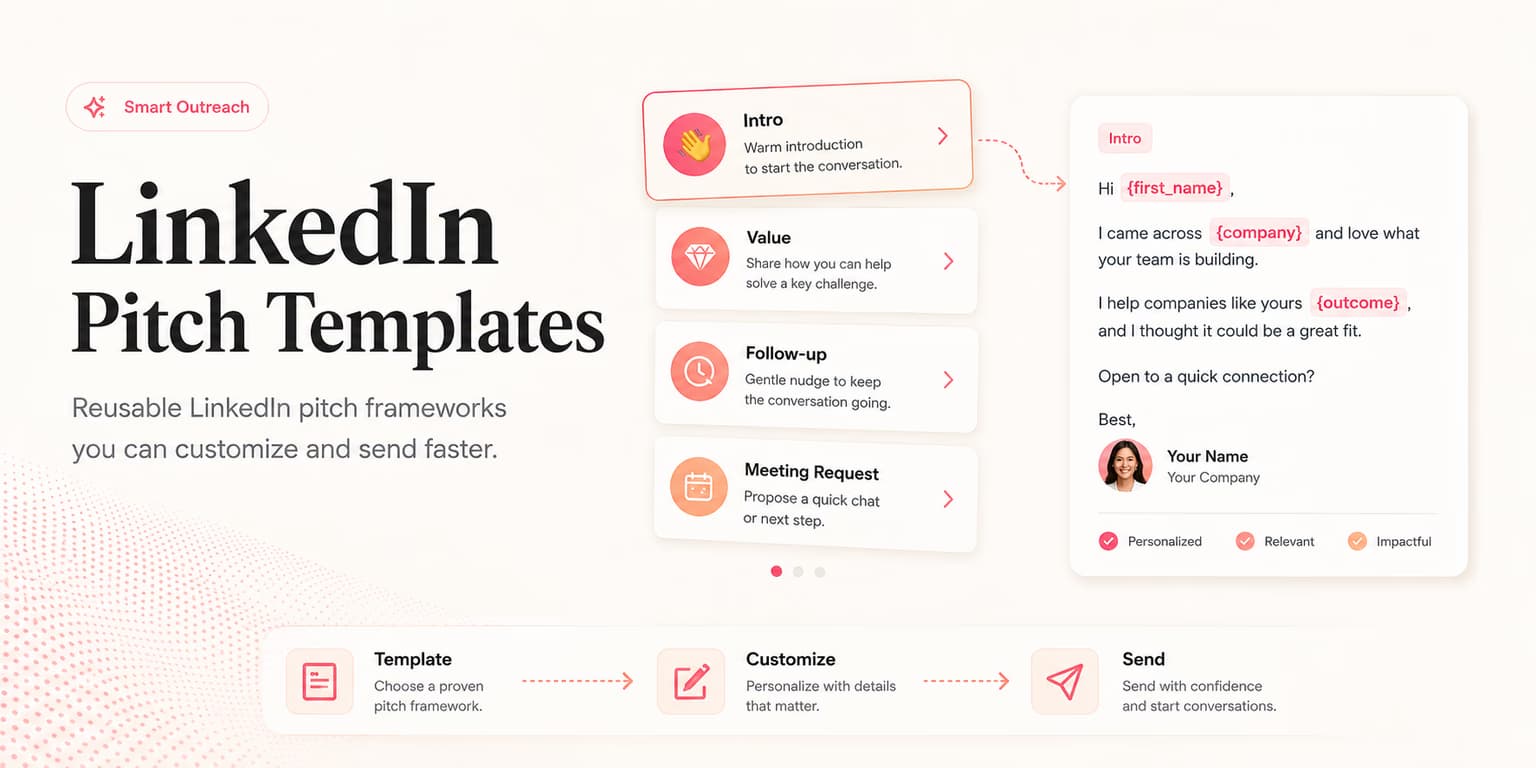
LinkedIn pitch templates are useful only when they are tied to a real buyer signal. Without that signal, a template is just a polished way to sound irrelevant.
The best pitch on LinkedIn does three things quickly: it explains why this person is receiving the note, names a problem that could plausibly matter now, and asks a question that is easy to answer. It does not force a meeting before the buyer has confirmed the problem.
This article is different from the broader list of LinkedIn cold message templates. Those are opener structures. This guide shows how to choose the right pitch pattern once you know the buyer signal you want to use.
Templates need a signal
A template should never be the starting point. The starting point is the signal. Hiring, expansion, a public post, a tool change, a team announcement, or a profile detail gives the message a reason to exist.
If you cannot name the signal, do not pitch yet. Put the prospect back into research or nurture. The fastest way to burn a good account is to send a vague pitch because the title looked close enough.
Use this four-part pitch frame for every template:
- Signal: what you noticed and why it is fair to mention.
- Problem hypothesis: the friction that often appears around that signal.
- Proof or offer: the useful thing you can show, share, or help compare.
- Question: a simple next step that does not demand a meeting too early.
Template rule
If the first sentence could be sent to 1,000 people unchanged, the template is not ready. Rewrite it around the buyer signal before touching the offer.
Choose the right template
The wrong template can make a strong lead feel cold. A hiring signal should not receive the same pitch as a competitor-switch signal. A founder post should not receive the same pitch as a job listing.
Pick the template based on the signal, not the product feature you want to sell.
| Signal | Best pitch pattern | Avoid |
|---|---|---|
| Hiring | Scaling friction | Claiming they are already struggling. |
| Public post | Point-of-view reply | Turning their post into a sales trap. |
| Competitor/tool signal | Comparison offer | Insulting the tool they chose. |
| Accepted connection | Context continuation | Dropping a calendar link immediately. |
This selector keeps the pitch from becoming a generic product announcement. It also makes AI assistance easier because the model knows which pattern to adapt.
Seven pitch patterns
Use these as working patterns, not finished copy. Each one should be rewritten with a real signal, a truthful problem hypothesis, and a specific buyer.
1. Hiring signal
"Saw you are hiring [role/team] right now. Teams at that stage often start feeling [specific workflow friction]. We put together a simple way to [outcome]. Is that already handled internally, or still a bit manual?"
2. Post reaction
"Your point about [topic] was sharp. We have been seeing the same issue show up when [team type] tries to [process]. Curious, is [problem] something your team is actively solving, or more of a background concern?"
3. Comparison offer
"Noticed your team uses [tool/category]. Good fit for [strength]. Where teams sometimes hit friction is [specific limitation]. We made a short comparison checklist for that decision. Useful to send over?"
4. Accepted connection
"Thanks for connecting. The reason I reached out is that [signal] usually creates [problem] for teams like yours. We help with [outcome]. Is that relevant right now, or am I early?"
5. Resource pitch
"I saw [signal] and thought the [resource/checklist/teardown] might be useful. It shows how teams handle [problem] without [common painful workaround]. Want me to send it?"
6. Founder peer pitch
"Founder-to-founder note: we are building around [problem] because we kept seeing [specific friction]. Your team looks close to that stage. Would love your blunt take on whether this is real or overbuilt."
7. Warm reply pivot
"That makes sense. Rather than explain it in a wall of text, I can show the 10-minute version around [their problem]. If it is not relevant, you can tell me quickly. Worth comparing notes?"
Rewrite the template
The template is only the first draft. Rewrite it until it sounds like something a real person would send from their own profile. Remove abstract claims, long setup, fake urgency, and any phrase that sounds like a landing page.
A weak version says, "We help companies increase revenue through AI-powered automation." A better version says, "Teams hiring their first SDRs often struggle to keep lead review consistent before messages go out." The second sentence names a real operating problem.
Keep the message small enough to answer on a phone. A good LinkedIn pitch often fits into three short lines: signal, problem, question.
Rewrite by removing seller-centered language first. Phrases like "we are excited to announce," "our platform helps," and "I wanted to introduce" make the buyer do the translation work. Replace them with buyer-centered language that starts from the situation the buyer already recognizes.
| Weak pitch | Better rewrite | Why it works |
|---|---|---|
| "We help teams automate outbound with AI." | "Teams hiring their first SDRs often struggle to keep lead review consistent before messages go out." | It starts with the buyer's operating moment, not the seller's category. |
| "Would you like a demo of our platform?" | "Is that review step already handled internally, or still a bit manual?" | It asks for reality before asking for calendar time. |
| "We can increase pipeline by 30%." | "The teams we see struggle here usually lose time deciding which leads deserve follow-up." | It avoids unsupported numbers and names a believable friction. |
A good rewrite usually removes more than it adds. You do not need a company intro, a feature stack, a long credibility paragraph, and a demo ask. You need one reason, one problem, and one easy reply path.
If the pitch still feels stiff, read it aloud. Real LinkedIn notes have a spoken rhythm. They are direct, slightly imperfect, and clear about why the person is receiving the message.
Quality check
Before sending, run the pitch through five checks. This is where most templates either become useful or become spam.
- Signal check: does the opener reference something specific and true?
- Claim check: are you avoiding private assumptions about pain, budget, or performance?
- Buyer-language check: would the buyer describe the problem this way?
- Pressure check: can the prospect say no without feeling cornered?
- Length check: is the message easy to read on mobile?
If the pitch fails any check, rewrite before sending. The goal is not to ship a template. The goal is to start a conversation the buyer can respect.
Here is the practical test. Suppose the signal is "the company is hiring two account executives." A failed pitch says, "Congrats on the growth. We help teams automate outbound. Want to see a demo?" It is short, but it skips the buyer's actual friction and jumps straight to the seller's category.
A passed version says, "Saw you are hiring two AEs. Teams at that stage often start reviewing more leads than they can properly qualify. Are you already happy with how reps decide who deserves follow-up?" That message does not assume pain. It names a likely workflow issue and lets the buyer correct you.
The passed version also creates a cleaner next step. If the buyer says yes, you can share how your workflow helps. If they say no, you learned the account is not active around that problem. Either reply is useful.
Keep a small template log with the signal, pitch pattern, reply, and next step. After a few weeks, you will see which patterns create real conversations and which ones only sound clever internally. Use that log to retire weak patterns quickly.
AI-assisted pitching
AI can adapt these templates quickly if you give it the right inputs: the buyer signal, ICP, disqualifiers, proof, forbidden claims, and desired tone. Without those inputs, it will produce smooth but generic copy.
Omentir's workflow is built around that order. It finds ICP-fit buyers, scores them against your criteria, drafts personalized outreach from real context, and keeps campaigns human-paced. That means the pitch starts from prospecting evidence, not a blank prompt.
If you want a wider framework for writing with AI, read the AI sales pitch guide. This article gives you the LinkedIn-specific patterns to apply once the buyer signal is known.
What to send next
A pitch is not the whole sequence. If the prospect replies with interest, qualify before booking. If they ask for more info, clarify what they want to evaluate. If they go quiet, follow up with one new useful angle instead of repeating the pitch.
The guide to LinkedIn demo booking covers the handoff from interested reply to scheduled call. Pair that with the AI follow-up playbook so your sequence does not lose context after the first message.
Good LinkedIn pitch templates are not magic words. They are disciplined containers for real signals. When the signal, problem, proof, and question line up, the message feels less like a pitch and more like a useful professional note.
FAQs
No. Use templates as structure. Replace the signal, pain, proof, and question with details that are true for the specific buyer.
LinkedIn pitches should be shorter, more conversational, and easier to answer on mobile. They should feel like a professional note, not a formatted campaign email.
Usually after the prospect confirms relevance or asks for details. In the first pitch, ask a low-friction question unless the buyer has already shown strong intent.
Yes, if the AI is given verified signals and forbidden claims. It should adapt the template, not invent pain or imply private knowledge.