Get LinkedIn sales with Grok Bot
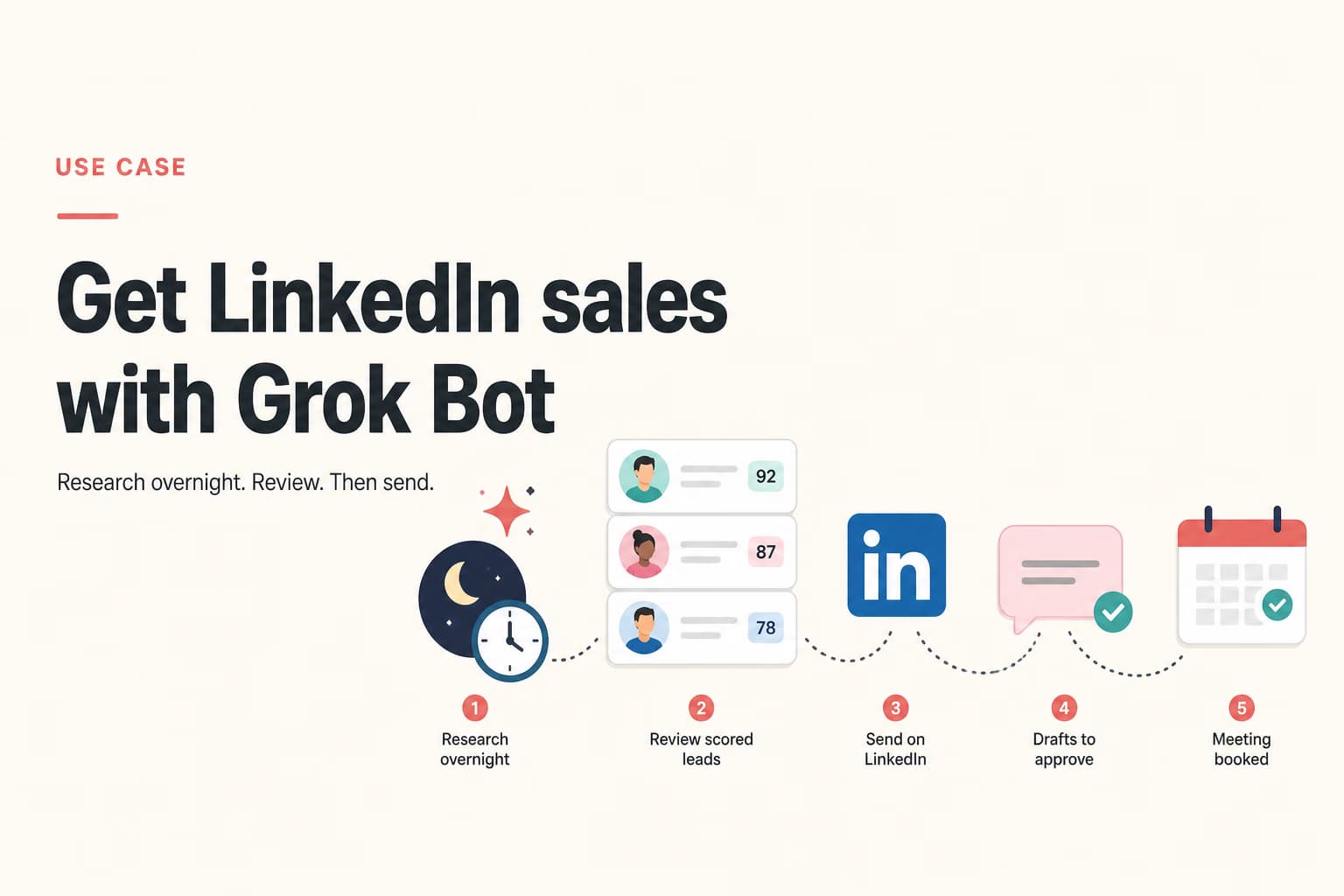
- Overnight research
- Review list, then send
- No LinkedIn login on the Bot
Grok Bot can keep working after you close the laptop. That is useful for research and drafts. It is a problem if the Bot logs into LinkedIn and clicks Connect. Put LinkedIn in Omentir. Put the Bot on MCP.
First weeks
- 1
Finish both products before you invent a workflow
Omentir: LinkedIn connected, My Product written in two sentences a stranger would understand. Grok Bot: app installed, one named Bot whose job is outbound, not a catch-all assistant. If either side is empty, the overnight run will guess.
- 2
Connect MCP and write the stop rule
Add https://omentir.com/api/agent/v1/mcp in Grok Bot Plugins. Approve the workspace. Put this in the Bot description: research and draft only; never send; never enroll; never sign into LinkedIn. SpaceXAI's own sales-outbound example already stops at a review list. Keep that sentence.
- 3
One narrow overnight job
One ICP, one source, a number you can read in the morning (twenty to forty people, not four hundred). Ask for fit notes, a skip reason, and a draft that cites a real signal. In Omentir, list agents before you let it create a finder. Read the first batch yourself.
- 4
Send from Omentir, own the inbox
Start a small campaign with conservative daily limits and send windows in the prospect's timezone. Approve reply drafts. Measure meetings, not how many notes the Bot wrote while you slept. If ignores pile up, change the promise before you raise volume.
Why the Bot should not own LinkedIn
Grok Bot's pitch is that it can sign into the tools you already use, including sites with no MCP. For a CRM or an analytics dashboard, that can be fine. For LinkedIn, a cloud VM sharing logins across every Bot on the account is the fingerprint LinkedIn already looks for.
Omentir already has the paced send path, the review queue, and the daily caps. Grok Bot's job is to keep filling that queue with people you would actually message, then stop.
What actually turns this into sales
Meetings come from a tight ICP, a note that names a real trigger, and a human who answers when someone writes back. The Bot does not attend the demo. If you cannot spend fifteen minutes on the review list and the inbox, you bought a research toy, not a sales motion.
Grok Bot is still in beta and sits on expensive Cursor or SuperGrok plans. If you do not already have it, start in Omentir Overview. Add the Bot later if you want overnight research on top.
Frequently asked questions
It can call Omentir tools that enqueue outreach under your campaign and safety settings. It should not send from the LinkedIn website on its own computer. Keep send behind your review.
No. A written ICP plus an Omentir lead finder is enough. A CRM view is useful if you already live there. Do not wait on a CRM cleanup to start one segment.
No. That is the Grok integration. This use case is the Grok Bot app.
Connect the Bot to a workspace that already has a buyer written down
If My Product is still a homepage paragraph, fix that before the overnight run.