
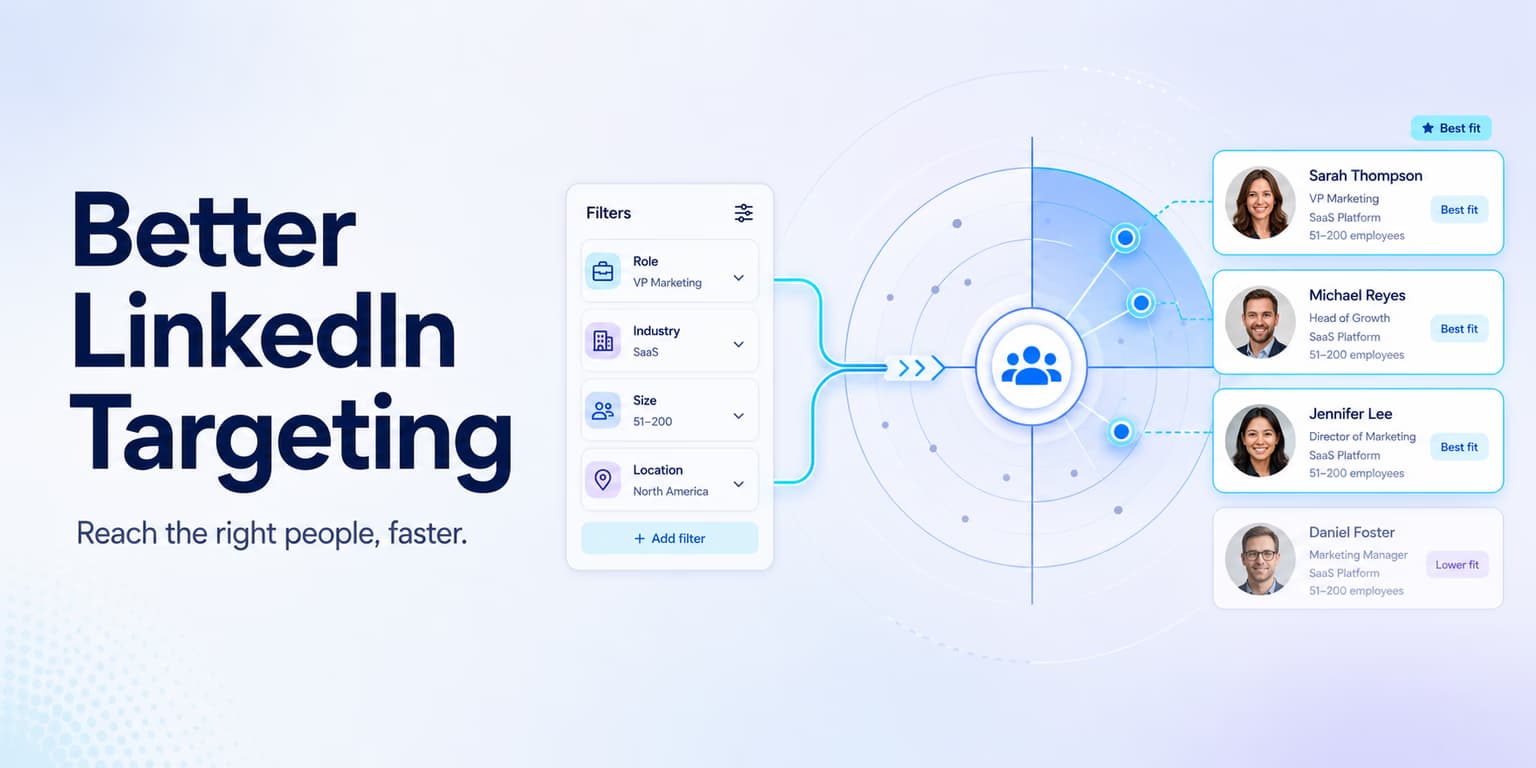
Outbound sales success is mostly a targeting problem. A rough message to a relevant buyer who has the problem you solve can still get a reply. A carefully written pitch to someone with no budget, no authority, and no need will be ignored.
Most B2B teams still run campaigns with broad targeting. They search for general titles like "Marketing Manager" in broad regions and export thousands of profiles. Then they blast connection requests, hoping a small percentage will book a demo.
That volume approach does not work in 2026. LinkedIn enforces strict limits on weekly invitations, and platform security filters restrict accounts that generate high rates of ignored requests or spam flags. To grow pipeline, build lists of qualified buyers.
Omentir puts that filtering into the daily sales routine. Discovery agents run in the background, check leads against your ICP scoring rules, and stage drafts in your review queue. Here is how to tighten the targeting pipeline.
The practical goal is not to find every person who could possibly buy. The goal is to build a small list where every profile has a clear reason to be there. When the list is clean, your first line becomes easier to write, your offer feels more relevant, and your follow-up does not sound like it was sent to a spreadsheet.
Map ICP attributes to search filters
To build a targeted list, translate your Ideal Customer Profile (ICP) into specific search filters. Do not rely on high-level categories like "Technology" or "Financial Services." Those groups are too broad and include companies that operate in completely different ways.
Define the segment with narrow parameters instead:
- Company growth rate: Target companies expanding their engineering or sales teams (e.g., headcount growth of 10% to 20% over 6 months).
- Department size: Target organizations with departments large enough to need dedicated software, but small enough to lack complex procurement rules.
- Profile activity: Exclude profiles that have not posted updates or changed roles in the last 30 days to avoid inactive accounts.
A useful ICP map has four layers: account fit, role fit, timing signal, and exclusion rule. Account fit answers whether the company has the right business model, size, geography, and maturity. Role fit answers whether the person owns the problem or can introduce you to the owner. Timing signal answers why this account should care now. Exclusion rules protect the list from profiles that look close in a search result but would never become a customer.
For example, "B2B SaaS companies in North America" is too loose. "Series A to C B2B SaaS companies, 25 to 200 employees, hiring SDRs or RevOps, where the Head of Sales or founder has posted about pipeline quality" is much more useful. It gives you a reason to reach out, a reason to believe the problem exists, and a reason to avoid unrelated software companies.
For list qualification templates, check our guide to ICP lead discovery setups.
Targeting rule: watch the title exclusions
Always exclude titles containing words like 'Advisor', 'Consultant', 'Freelancer', or 'Intern'. These profiles are rarely active buyers and will dilute your outreach sequence.
Sales Navigator Boolean syntax
To narrow broad search results, use Boolean syntax in LinkedIn Sales Navigator. Use parentheses to group terms, quotation marks for exact phrase matches, and operators to control results.
For example, instead of searching for "Sales Director," use a structured Boolean search query in the title field:
("Director" OR "VP" OR "Head") AND "Sales" AND NOT ("Advisor" OR "Consultant" OR "Agency" OR "Intern")
This string targets active executives while excluding service providers and interns. For outreach planning blueprints, read our guide on cold LinkedIn outreach workflows.
Do not stop after one search string. Build two or three versions for the same market so you can compare list quality. One query might focus on seniority, another on function, and another on problem language in the profile. If all three return the same obvious profiles, your targeting is probably too generic. If each query returns a different slice of the same buyer universe, you have a stronger sourcing system.
Save the search logic in plain English next to the query. A future teammate should be able to read it and understand why the search exists: "find sales leaders likely responsible for outbound conversion at scaling SaaS teams, while excluding consultants, agencies, and career coaches." That sentence prevents your list from drifting when someone edits the filters later.
Exclude low-fit leads with negative filters
Negative filters are the most useful tool for cleaning search results. Sales Navigator lets you exclude specific industries, company headquarters, and past company names.
Exclude companies that are too large (e.g., more than 5,000 employees) or too small (e.g., solo operators), unless they specifically match your product profile. This keeps your list quality high and ensures your copy remains relevant.
Negative filters should also cover business model mismatch. If you sell to software companies, remove recruiting agencies, marketing agencies, development shops, accelerators, schools, investors, and marketplaces unless one of those segments is intentionally part of your ICP. If you sell to enterprise teams, remove fractional leaders and solo consultants. If you sell to founders, remove employees at massive companies who share the same title but have a completely different buying process.
The easiest audit is to open twenty profiles from the search result and mark each one as yes, maybe, or no. If fewer than fifteen are obvious yeses, fix the search before exporting anything. Bad targeting compounds quickly: every weak profile creates weak personalization, weak follow-up, and noisy pipeline reporting.
Technographic data and hiring triggers
To find buyers with immediate intent, verify technographic details and active job postings. Scan technological profiles using tools like Clay or Apollo.io.
If your product automates marketing workflows, target only companies that are actively hiring marketing leads. This hiring signal confirms they have a budget for growth initiatives. For list enrichment workflows, check our guide on LinkedIn sales lead pipelines.
Treat signals as context, not proof. A company hiring SDRs may need outbound infrastructure, but it may also already have a strong stack. A company using a certain tool may feel pain around workflow complexity, but it may also be happy with the setup. Your job is to stack two or three weak signals until the outreach has a reasonable premise.
A strong signal stack might look like this: the company is hiring account executives, the sales leader recently posted about pipeline quality, and the team uses a tool category your product improves. That gives you a specific opener: "Saw you are scaling the sales team and hiring for more outbound capacity. Usually that creates pressure around list quality and follow-up consistency." The message is still short, but it is now anchored in observable reality.
Keep sourcing lists current with discovery agents
Sales reps should not spend hours every day running manual queries and building lists. Automate sourcing with discovery agents.
Omentir lets you save your search rules as automated templates. The system checks LinkedIn daily for matching profiles, scores them against your ICP guidelines, and places them into your lead workspace, keeping your queue populated.
Automation should make the research loop more consistent, not remove judgment from the process. A good discovery agent needs clear acceptance criteria: which titles count, which industries are excluded, which signals raise priority, and which profiles should be held for review. Without those rules, automation simply finds more of the same messy leads faster.
The best workflow is a daily review queue. Let the agent collect candidates, then inspect the edge cases: unusual titles, ambiguous companies, old profiles, and prospects with no current signal. Accept the leads that have a defensible reason for outreach and reject the rest. Over time, those decisions sharpen the search pattern because you start seeing exactly where the list is leaking.
If you use Omentir for this, keep the campaign in draft while the targeting is still being tuned. Review the lead, the premise, and the first message together. Once the list quality is stable, you can let the system handle more of the routine pacing while still keeping the outbound motion tied to real buyer context.
Pace campaign activity to protect the account
Better targeting reduces waste. It does not give you a free pass to empty a new list in two days. A tighter ICP still produces a spike if you send every match the morning the list lands.
After you narrow titles, industries, or geographies, leave the daily invite cap where it was. Use the extra precision to raise reply quality, not send volume. If the new list is smaller, send fewer notes, not the same count to a "better" audience.
Better targeting also helps safety because it reduces ignored requests. A narrow list lets you send fewer invites while still creating real conversations. That is a healthier system than pushing volume upward to compensate for weak fit.
B2B list qualification checklist
Follow this SOP to audit and refine prospect lists daily:
- Run Boolean string: Confirm your search titles include specific negative filters (NOT consultant/advisor).
- Verify geography: Exclude companies whose headquarters are outside your target market region.
- Audit enrichment: Check that technographic and software usage data points are verified.
- Enable draft review: Verify that campaigns are created as drafts for human validation before sending.
- Enforce daily quota: Keep connection request volume inside conservative, human-paced limits for each active profile.
Add one more check before a lead enters a campaign: can you write one honest sentence explaining why this person is worth contacting? If the answer is only "they have the right title," the lead is not ready. If the answer includes the company, role, signal, and likely pain, the message has a chance to feel like it belongs in their inbox.
This sentence becomes your outreach premise. It might be "new VP of Sales at a company expanding outbound hiring," "founder posting about agency margins while selling to B2B service firms," or "RevOps leader at a team adding sales tools after a funding event." The premise is short, but it keeps the entire sequence grounded.
Treat targeting as a weekly habit
Better LinkedIn targeting is a reliable way to raise response rates and protect sender reputation. Map ICP variables to specific search strings, use Boolean filters, and keep discovery loops running so the list stays clean.
Let Omentir handle the logistics. Ground your search queries, review the lead queue daily, and launch paced sequences that turn warm LinkedIn leads into conversations.
The cleanest teams treat targeting as a weekly operating habit. They inspect search quality, tighten exclusions, document winning signals, and remove segments that produce polite but empty replies. That discipline is what makes personalization scalable. The message can only be as sharp as the list beneath it.
Frequently asked questions
LinkedIn limits weekly connection requests. Blasting messages to broad lists wastes these invite credits on low-fit leads, resulting in low response rates and higher risks of account flags.
Boolean operators (AND, OR, NOT) let you combine search terms to find specific profiles. For example, a title filter like 'VP AND (Sales OR Revenue) NOT (Advisor OR Consultant)' targets active sales leaders while excluding service providers.
A technographic trigger is a signal confirming a company uses specific software. You can find these by reviewing active job descriptions or using data enrichment services like Clay.
Omentir uses automated discovery agents to run your search rules daily. The system checks new profiles, filters them using your ICP scoring parameters, and places qualified drafts in your review workspace.