
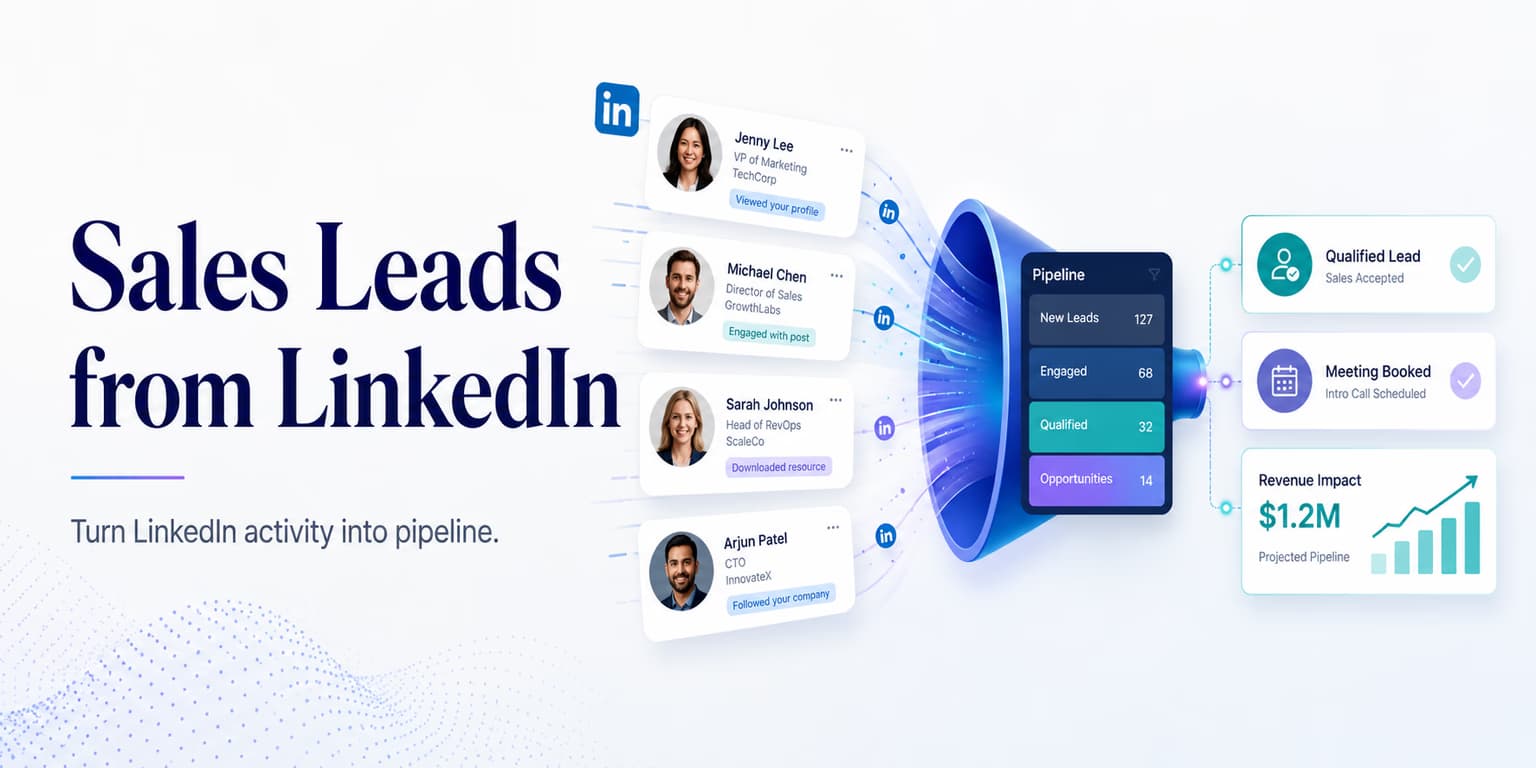
LinkedIn is useful for B2B lead sourcing because it shows more than a name and a company. You can see role changes, hiring patterns, profile language, company pages, posts, comments, and the way a buyer presents their work. That context can make outbound feel relevant when it is used carefully.
The mistake is treating LinkedIn like a giant spreadsheet. Teams export or copy a broad search, add everyone to a list, and send the same connection note until the channel gets noisy. The result is predictable: stale leads, poor fit, generic messages, and unnecessary pressure on the sender profile.
A better LinkedIn sourcing pipeline has a narrower purpose: find the right people, understand why they might care, and decide whether the account deserves outreach now. That requires search rules, enrichment, signal scoring, message review, and paced delivery. It is not enough to collect profiles; you need a system that turns profiles into qualified conversations.
Omentir is built around that workflow: discovery agents, ICP fit checks, campaign drafts or launches, human-paced LinkedIn activity, and reply conversations in one inbox. This article walks through the practical sourcing pipeline behind that motion, from search design to daily review.
Target active B2B buyers with filters
A great lead pipeline begins before you open LinkedIn Sales Navigator. Start by writing the account and buyer rules in plain language. Who feels the pain? Which company types can afford to solve it? Which trigger makes the timing better? Which accounts should be excluded even if the title looks right?
Broad searches like "Sales in USA" return too much noise. Use specific title filters, company size, industry, geography, seniority, and Boolean logic to narrow the first pass. Then add activity and timing signals. A recent role change, current hiring activity, public posts, or a relevant company initiative can make a prospect more worth reviewing.
Do not confuse activity with intent. A person who posts every day is not automatically a buyer. A person who changed jobs may be too busy to evaluate new software. Treat these as review signals, not proof. The job of the pipeline is to help you choose better accounts, not pretend you can read a buyer's mind from a profile update.
A useful search brief might say: "Find founder-led B2B SaaS companies with 10 to 80 employees, hiring sales or growth roles, where the founder or GTM lead is active on LinkedIn. Exclude agencies, recruiters, students, and companies selling primarily to consumers." That is far more useful than a giant list of everyone with "VP Sales" in the title.
Targeting Rule: Look for Profile Activity
Activity helps you prioritize, but it should not replace fit. A quiet decision-maker at a perfect account may still be worth reviewing, while an active poster at a poor-fit company should stay out of the campaign.
Build sourcing cascades to clean sourced data
Raw LinkedIn profiles contain useful but incomplete data. A profile can show title, company, headline, and recent activity, but it may not tell you the company size, current tech stack, hiring pattern, business model, or whether the account matches your exclusions. Enrichment fills in those gaps.
A sourcing cascade is the order in which you check additional sources. You might start with the LinkedIn profile, then inspect the company page, then review the company website, then use a data provider such as Apollo.io, and finally use a workflow tool such as Clay to organize the results. The point is not to collect every possible field. The point is to answer the few questions that decide whether outreach is worth sending.
Keep the cascade conservative. If two sources disagree about company size, mark the field as uncertain. If the domain looks wrong, reject the lead until it is fixed. If the prospect changed companies recently, make sure your message references the current role, not the previous one.
Validate software usage and tech stacks
Technographic validation matters when your product depends on an existing workflow. If your offer is useful only for companies using a certain CRM, warehouse, email platform, or sales process, do not rely on a title match alone.
Public signals can include integration pages, job descriptions, documentation, website scripts, partner pages, and case studies. A job post asking for HubSpot operations experience is not the same as a verified HubSpot implementation, but it may still suggest the team has a CRM workflow worth understanding.
Write the evidence plainly. "Careers page asks for Salesforce reporting experience" is better than "uses Salesforce" unless the source actually proves usage. This keeps the message honest and helps reviewers understand why a lead was scored.
Apply an intent-based rubric to rank prospects
Once the lead is enriched, score it against your ICP. The score should combine fit and timing. Fit asks whether the company and buyer match your target. Timing asks whether there is a current reason to start a conversation.
A simple rubric can use five fields: account fit, buyer role, signal strength, message angle, and exclusion risk. A high-fit account with weak timing may go into a monitoring list. A medium-fit account with a strong signal may need manual review. A low-fit account should be rejected even if the buyer is active.
Omentir runs discovery workflows from your criteria and helps surface matches for campaign review. This workflow is detailed in our guide on B2B lead generation setups.
The rejection path is important. A pipeline that never rejects leads is not a pipeline; it is a queue. Rejections teach the system what not to source and protect the sender from wasting reputation on people who were never likely to reply.
Personalize message drafts from sourced insights
A personalized message should reference the reason the prospect was selected, not every detail you found. If the company is hiring for outbound roles, the opener can ask about making prospecting repeatable. If the buyer recently moved into a growth role, the opener can ask how they are approaching pipeline creation. If the website shows a clear integration, the opener can connect to that workflow.
The safest copy uses public evidence without sounding invasive. "Saw your team is hiring for someone to own LinkedIn prospecting" is grounded. "I know your outbound process is messy" is a leap. A good lead pipeline should give the writer enough context to ask a useful question without pretending to know private pain.
Omentir drafts campaigns from product and lead context, with the option to stage drafts for review or launch active campaigns depending on the workflow. Keep the first batch reviewed. This ensures each pitch is grounded in verified context, as outlined in our guide on ChatGPT founder outreach playbooks.
A strong draft should pass three checks: it is specific to the prospect, it is truthful to the evidence, and it asks for a small reply rather than demanding a meeting immediately. If any one of those fails, rewrite before sending.
Manage campaign volume limits and account security
LinkedIn sourcing only creates revenue if the account remains healthy enough to keep working. Volume limits, timing, campaign overlap, reply handling, and sender history all matter. A great list can still cause problems if it is pushed through an aggressive delivery pattern.
Configure campaigns around conservative daily quotas and human-paced sending. Do not run every sourced lead into the outbox at once. Prioritize the highest-fit accounts, review reply quality, and increase slowly only when the channel is producing the right conversations.
Omentir coordinates outreach through paced queues and daily quotas, and keeps replies organized in one inbox. Your team can then connect qualified replies and booked calls to its CRM or pipeline tracker. For guidelines on booking calls, read our playbook on booking 5 demos weekly.
The operational rule is simple: source more leads than you send. A healthy pipeline has a review layer. It lets you choose the best accounts for today instead of treating every found profile as an immediate outbound task.
SOP: the LinkedIn sourcing pipeline checklist
Follow this SOP to manage your pipeline daily:
- Verify Search Rules: Check that discovery targets the right account type, buyer role, and geography.
- Audit Enrichment: Confirm domains, current roles, company details, and evidence sources before outreach.
- Score Intent: Separate strong buying signals from generic activity.
- Review Drafts: Inspect the first batch for accuracy, relevance, tone, and a clear question.
- Review Pacing Limits: Confirm daily quotas, campaign overlap, and reply stop conditions.
- Track Outcomes: Log positive replies, objections, referrals, not-now responses, and booked meetings.
- Update Revenue Systems: Move qualified replies into your CRM or pipeline tracker with the original signal attached.
Run this checklist before scaling volume. If the sourced leads are weak, fix targeting. If the enrichment is noisy, fix the cascade. If the drafts are vague, fix the evidence and prompt. Scaling should come after the system proves that it can produce qualified conversations.
Turn LinkedIn sourcing into repeatable pipeline
A predictable B2B sales pipeline needs a shift from static database exports to LinkedIn sourcing you can inspect. The work is not only finding more names. Define the ICP, collect useful evidence, reject weak fits, draft from real context, and send at a pace that protects the account.
Omentir helps run the logistics of that motion: discovery agents, lead review, campaign creation, paced outreach, and reply organization. The better your sourcing rules, the better the whole system performs.
Start with one narrow segment and one offer. Build the pipeline, review the first leads manually, inspect the first replies, and then scale only what produces real buyer conversations. That is how LinkedIn becomes a repeatable source of pipeline instead of another place to spray generic messages.
Frequently asked questions
A LinkedIn sales lead represents an active profile with real-time updates (like promotions, company hiring posts, or content comments). This is more relevant than a static database profile because you can target your pitch to their active goals.
An enrichment waterfall is a programmatic workflow that queries multiple database providers (like Apollo or Clay) sequentially. This verification process ensures you have correct email addresses and verified firmographic details before launching campaigns.
Omentir captures leads, campaign activity, and reply conversations inside the workspace. Your team should connect qualified replies and booked meetings to your CRM or pipeline tracker as part of the revenue workflow.
There is no universal safe number. Use conservative daily quotas, avoid overlapping campaigns on one sender, and keep LinkedIn activity paced like a real person working a focused list.