
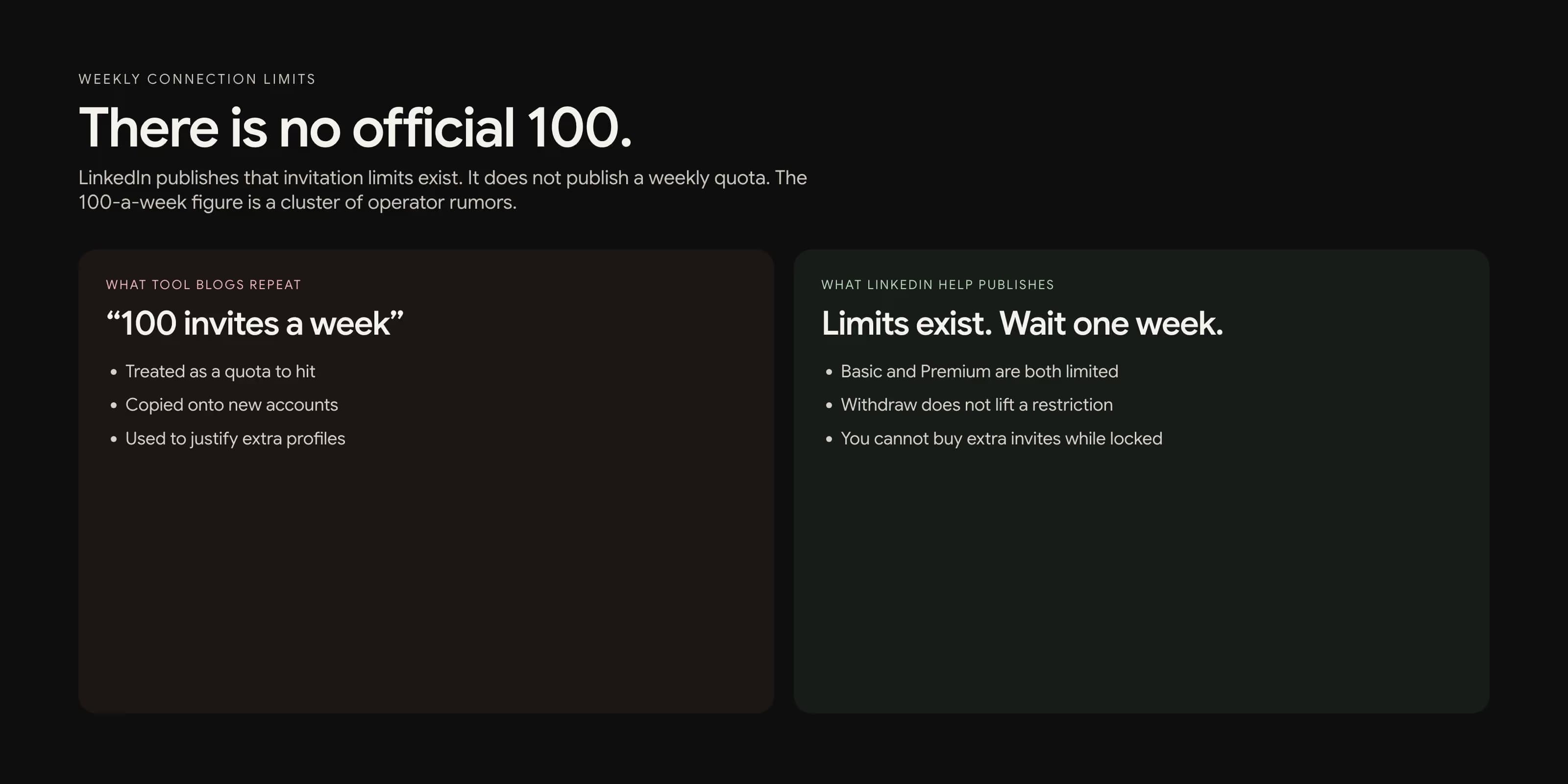
Most LinkedIn limit posts give you a number, usually 100 invitations a week, then tell you how to get around it. LinkedIn does not publish that number. What it publishes is simpler: invitations have a limit, the limit exists so strangers stop getting spam, and if you hit it you wait about a week.
This article is about working under that fact. If you came here for a bypass, you are in the wrong place. If you came here because a healthy account suddenly could not send invites, keep reading.
There is no official weekly number
LinkedIn's help pages say invitation limits exist for every member, Basic and Premium included. They do not say "100 per week" or "20 per day." They say the limit is there so people receive relevant requests, and that sending fewer, more thoughtful invitations improves the rest of the product for you: feed, search, and the rest.
That is an important sentence. The company is not hiding a quota so power users can find it. It is telling you the product works better when you do not spend invitations like postage. A weekly ceiling that moves with how people treat your requests is consistent with that.
The practical result: two accounts with the same plan can have different room. A five-year personal profile with high acceptance has more slack than a two-week sales seat. Copying a number from a 2024 tool blog onto a new account is how the new account spends the next week locked.
What happens when you hit the limit
From Invitation limit reached:
- You cannot send invitations until the restriction lifts.
- The wait is typically one week.
- Withdrawing pending invitations does not remove the restriction.
- You cannot buy or otherwise acquire more invitations while restricted.
- LinkedIn will not shorten the wait, and Support will not tell you the exact reason.
You can still use the rest of the account. Message people you are already connected with. Comment. Follow. Finish the profile. You just cannot mint new invitations. Treat that week as a cooldown, not a puzzle to solve. For the cooldown playbook, see how to warm up a LinkedIn account.
What counts against the limit
The invitation is the scarce object. These usually count: a Connect click from a profile, a Connect click from search, and a Connect click from most desktop surfaces where you can add a note. These usually do not spend an invitation:
- Following someone, which LinkedIn itself suggests as an alternative.
- Joining a group and talking there.
- An InMail, which spends InMail credit, not an invite.
- A message to someone who is already a first-degree connection.
- A reply to someone who wrote you first, including a reply to a note they have not accepted yet.
LinkedIn lists those alternatives in Alternatives to inviting someone to connect. It also says members often ignore or mark invitations from people they do not know as spam. That is the other half of the limit: you are not only spending a counter. You are spending reputation with the people who land in Focused versus Other.
Incoming invitations are sorted that way, as described in Invitations on LinkedIn. If your outgoing requests look low-trust, they sit in Other, where people are less likely to see them. A "sent" invite that nobody opens is still a spent invite.
Why everyone still says 100 a week
Operators have watched the product for years. For a lot of aged, healthy accounts, the weekly ceiling has often sat near 100. Tool vendors repeated that number until it looked official. It is not. It is a cluster of anecdotes.
Some accounts get less room after a restriction. Some get less room after a week of ignores. New accounts can hit a wall far below 100. Premium does not print extra invites. It prints extra notes. The 30,000 first-degree connection cap is a separate, published maximum for the whole network, not a weekly quota.
If you need a number to plan around, plan around 40 to 60 thoughtful invites a week on a warmed account, and far fewer on a new one. Leave slack. The goal is to never see the restriction screen. Hitting 99 to "use the quota" is how you discover your personal ceiling the hard way.
Pending invites are a second limit
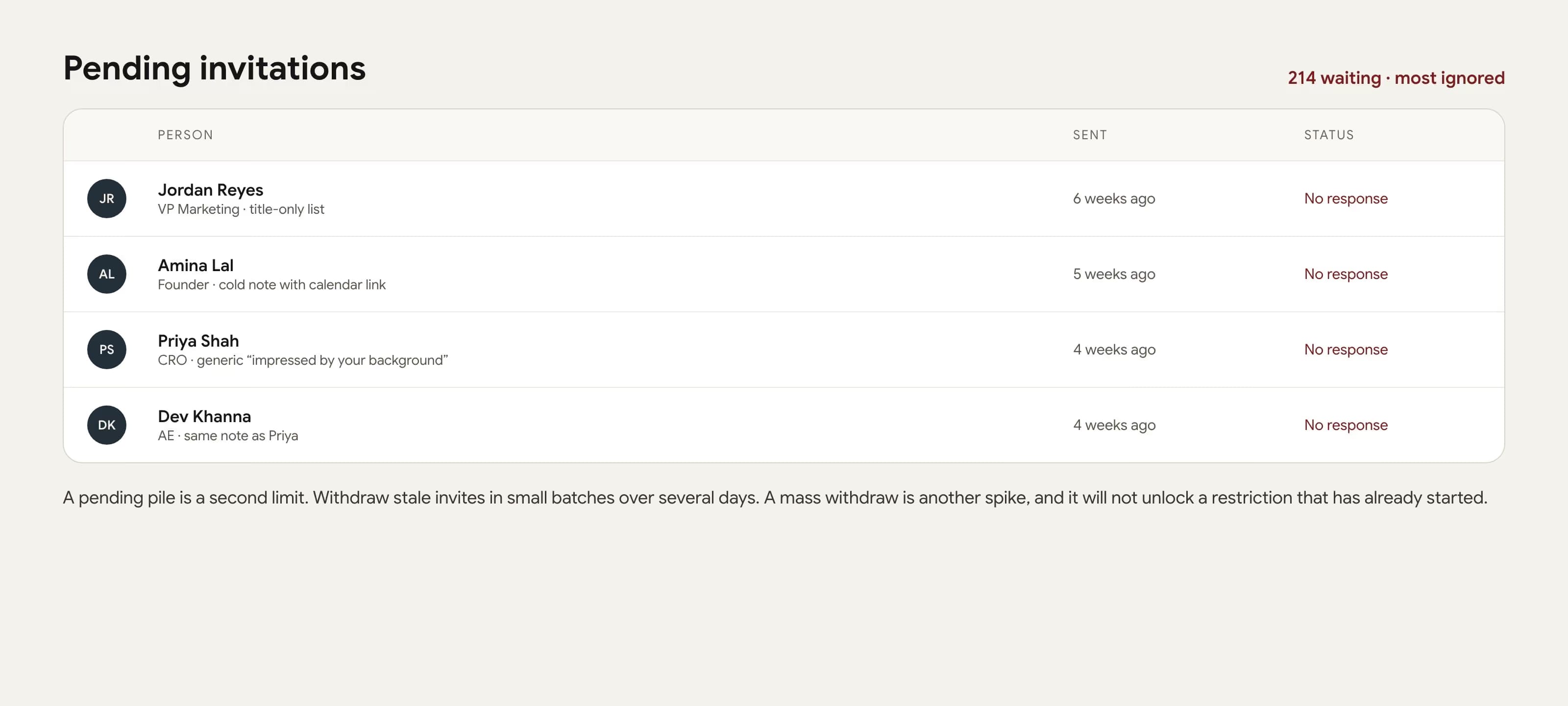
Every invitation you send that nobody acts on stays pending. A large pending pile tells the product you have been asking people who do not want to hear from you. That is a worse signal than a slightly lower weekly send count.
Review pending invitations on a schedule. Withdraw ones older than a few weeks, in small batches, on different days. Do not dump 400 withdrawals on a Sunday night. You are trying to look like a person cleaning a desk, not a script emptying a queue.
And again: once a restriction has started, withdraw will not end it. Clean pending before you scale, not as a panic move after the lock.
How to work under the real limit
The useful operating rules are almost all about not needing more invites.
- Warm the account first. A quiet profile has a lower ceiling. The four-week version is in the warmup guide linked above.
- Spend invites on people with a reason. A post, a hire, a room you shared, a real intro. The note, if you add one, is that reason. Details are in how to write a connection request that gets accepted.
- Follow first when the person is a publisher you do not know. Comment. Then invite later if there is still a reason.
- Use InMail for people who will never accept a cold invite and who are worth one credit. Do not use it as a volume channel.
- Message first-degree connections instead of re-inviting the same market every quarter.
- Stop a batch that is being ignored. More volume on a bad list spends the week and the reputation.
If you want a weekly cap to type into a tool, type a number you would not mind living with after a bad week, not the highest rumor you have heard. On most warmed accounts that is closer to 10 a day than 20.
More profiles is not a cheat code
Teams that need more conversations add more real people: a founder and a seller, two founders, an AE who already lives on the product. Each person warms their own account and stays under their own ceiling. That is a team, not a loophole.
Creating extra profiles to multiply invites is how you collect restrictions in parallel. LinkedIn's user agreement and professional community policies are not on your side there. If one healthy profile cannot find enough people with a reason to connect, the list is the problem, not the weekly cap.
The limit is doing the job LinkedIn says it is doing: making thoughtless invitations expensive. The way through it is a smaller, better list, not a higher number.
Frequently Asked Questions
LinkedIn does not publish a fixed weekly number. The ceiling moves with account age, acceptance, pending invites, and prior restrictions. Operator reports often cluster around 100 a week for healthy aged accounts, and much lower for new or quiet ones. Treat any public number as a rumor, not a quota to hit.
LinkedIn Help says a temporary restriction typically lasts one week. You cannot send invitations during that week. Withdrawing pending invitations does not lift it. You cannot buy more invites, and Support will not shorten the wait.
Premium lets you add a note to more invitations. It does not remove invitation limits. LinkedIn Help is explicit: Basic and Premium accounts are both subject to those limits.
Yes, slowly. A large pile of ignored pending invites is a bad signal. Withdraw stale ones in small batches over days, not hundreds in one sitting. Withdraw does not lift a restriction that has already started.
LinkedIn's own alternatives are follow, join a relevant group, send an InMail if you have credits, or message people you are already connected with. Those actions do not replace a good invite. They keep you from spending the invite on someone who has no reason to accept.