
B2B outbound only lasts as long as the sending accounts stay usable. Growth teams spend months sourcing lists, writing prompts, and wiring multi-profile campaigns. If those profiles get restricted or banned, the pipeline stops.
Social platforms have tightened spam filters. They look for repetitive action intervals, session IP mismatches, and low acceptance. Profiles that look like bots get locked.
You do not need a hidden tool to stay under those filters. You need cookie hygiene, API routing instead of DOM scripts, and daily limits you actually keep.
Account health is not a setting. It is the history of where you logged in, how fast you sent, and whether the last fifty notes looked like one person. Treat that history as an asset.
Create an account health baseline
Before connecting any outbound workflow, record the account's baseline. Count pending invites, recent accepted requests, current conversations, profile completeness, and whether the account has received recent security prompts. This gives you a reference point when performance changes.
Without a baseline, teams misdiagnose problems. They blame the copy when the account was already unhealthy. Or they blame the platform when a new campaign doubled activity overnight. Account health is easier to protect when you can see what changed.
How platforms score account health
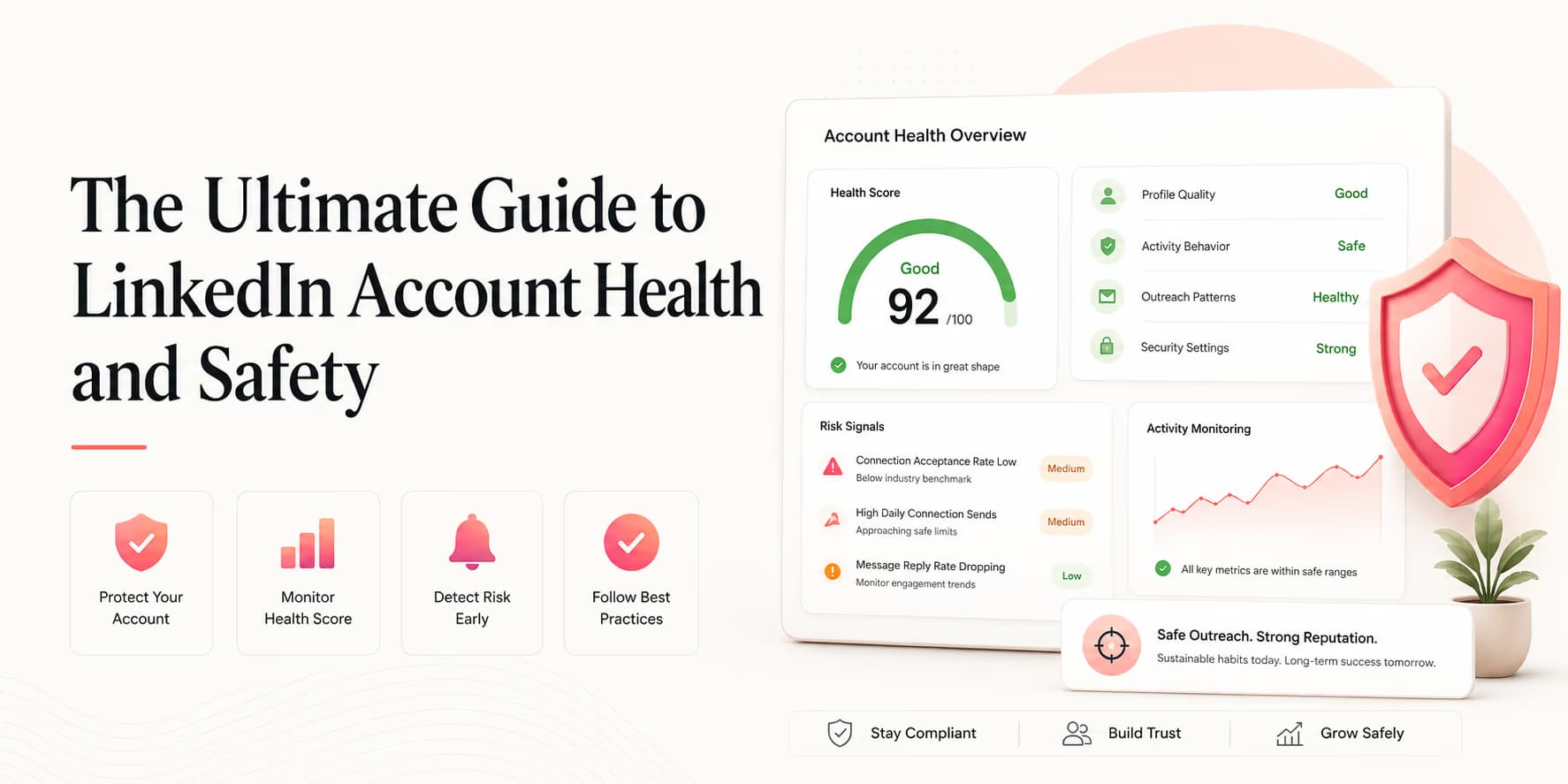
LinkedIn evaluates profile activity and assigns a trust score. Accounts with higher scores usually get more weekly invite room.
The platform monitors several indicators:
- Connection Acceptances: Target rates above 40-50%. If prospects ignore your requests, your trust score drops.
- Spam Reports: Flagged when prospects select "I don't know this person" after declining invites.
- Account Activity Mix: Organic feed posts, comments, and manual messages build trust margins.
For profile setup rules, see our guide on crafting high-acceptance LinkedIn profiles.
Treat these indicators as directional, not as a public scorecard. LinkedIn does not expose a single account-health number to operators. Your internal score should be a practical proxy that helps the team decide whether to increase, hold, or reduce activity.
Session security: cookies and location
Session conflicts are a major trigger for security alerts. If a sales operator logs in to a profile from New York while an automation script accesses it from London minutes later, security checks will lock the profile.
To prevent these geolocation alerts, ensure your automation runs on proxy servers located in your local region.
Also keep browser cookies so session tokens persist. Constant re-authentication looks like a new device every time.
The safest operating model is one owner per profile. If three people log in from different cities, while a tool sends from a fourth location, the account starts to look abnormal. Keep access limited, document who owns the profile, and avoid casual password sharing.
Skip risky extensions: use API routes
Chrome extensions are a bad idea for B2B prospecting. They inject code into the page DOM, which platform security scripts can see.
Use API routing instead. Connect profiles through an API connector (Unipile is one example). Campaigns then talk to platform endpoints instead of clicking around in a browser.
API routing is not a license to send aggressively. It simply removes one risky execution method: browser manipulation. You still need daily caps, message review, opt-out handling, and a clear stop condition when someone replies.
Cap daily actions
Never send more than 20 connection requests a day from one profile. Space them with random delays.
Copy that cuts spam reports
Relevance is an account-health issue. Generic pitches to cold lists get reported as spam.
Use copywriting prompts grounded in website metadata and career signals, as detailed in our guide on outbound copywriting prompts.
Relevance protects the account because recipients react differently when a message clearly belongs in their professional context. A low-fit message is not just a conversion problem. It increases ignored requests, negative replies, and spam reports.
The sender reputation feedback loop
Review account health weekly through a simple loop: audience, copy, volume, reaction. If the audience is broad, copy gets vague. If copy is vague, acceptance drops. If acceptance drops while volume rises, account risk increases.
Fix the loop from the start, not the end. Narrow the audience before rewriting every message. Rewrite the opener before increasing daily sends. Reduce volume before the account shows verification prompts.
Weekly question: did this sender create useful conversations with the right buyers, or did it merely perform activity?
Account health metrics to track
You do not need a complicated dashboard to protect a LinkedIn profile. Track a small set of metrics weekly and write down the decision each metric implies.
| Metric | What it tells you | Action |
|---|---|---|
| Acceptance rate | Whether the audience and connection note are relevant. | Tighten ICP before increasing volume. |
| Pending invites | Whether old requests are accumulating. | Withdraw stale requests on a schedule. |
| Negative replies | Whether prospects feel the outreach is irrelevant. | Pause and rewrite targeting or copy. |
The action column is the important part. Metrics are only useful if they change behavior. If a profile is trending in the wrong direction and the team keeps sending anyway, the dashboard becomes decoration.
If you get restricted
If the profile is restricted, recover it in this order:
- Step 1: Disconnect all campaigns and automation scripts immediately.
- Step 2: Withdraw all pending connection requests to clean your inbox.
- Step 3: Verify identity details requested by platform security.
- Step 4: Once cleared, warm up the profile manually for 7 days before resuming campaign automation.
For warmup details, see our guide on warming up LinkedIn profiles.
Restart safely after a restriction
A restriction should reset the campaign plan. Do not reconnect the account and resume at the old volume the moment access returns. Spend several days using the account manually, answering existing conversations, and removing stale pending invites.
When you restart, go back to the last volume that produced clean signals. If 15 requests per day triggered issues, restart at 5 to 8 with a narrower ICP. The goal is to rebuild normal behavior, not to make up for lost sending days.
SOP: weekly account health audit
Audit account safety weekly:
- Step 1: Track connection acceptance rates and keep them above 40%.
- Step 2: Withdraw pending connection requests open for more than 14 days.
- Step 3: Verify that your automation proxies match your local operator region.
- Step 4: Check campaign pacing and outbox delay settings in Omentir.
- Step 5: Review negative replies and opt-outs for targeting problems.
- Step 6: Confirm every active campaign has a human owner watching replies.
Omentir tracks these campaign settings so the outbound pipeline stays inside the limits you set.
Team operating rules
If multiple people use the same workspace, write operating rules. Who can launch a campaign? Who can raise daily limits? Who handles opt-outs? Who decides when an account pauses? Ambiguity creates risk because everyone assumes someone else is watching the sender.
Keep the rules simple: no new campaign without an ICP review, no volume increase without a weekly health check, no automated follow-up after a human reply, and no ignored opt-out. These rules protect the account and the brand at the same time.
Assign the right sender
Account health is easier to protect when the sender matches the buyer. A founder profile is usually strongest for early customer discovery, design-partner outreach, and high-trust conversations. A sales profile may work better for broader prospecting once the message is proven.
Do not assign campaigns randomly across available accounts. Match the sender's role, geography, network, and credibility to the audience. A technical founder reaching CTOs feels natural. A generic sales account pitching engineers may feel like a spam pattern even if the message is technically personalized.
This also helps with replies. When a prospect responds, the sender should be able to continue the conversation credibly. If the profile cannot answer obvious follow-up questions, the account will create awkward handoffs and weaker buyer trust.
Good sender assignment makes the outreach feel natural before the buyer reads a word.
Monthly cleanup routine
Once a month, run a deeper cleanup. Review every connected sender, archive inactive campaigns, remove old test lists, verify opt-out suppression, and check whether each sender still matches the market it is contacting.
This routine catches slow drift. A profile that started as a founder account can become a generic company sender. A campaign that started with a tight ICP can quietly expand into weak-fit leads. Monthly cleanup brings the system back to the original safety standard.
The best account-health program is not dramatic. It is a small set of habits repeated consistently: clean list, relevant message, paced send, fast human reply, and honest pause when the signals degrade.
Keep the sending setup boring and healthy
Outbound works when it looks like a person talking to people they have a reason to contact. Teams that ignore safety spend their weeks recovering accounts.
Manage session location, API routing, and invite pacing, and the profile stays usable. A clean integration still cannot save a founder who logs in from a new country and sends 60 invites that night. Judgment and hygiene still matter.
Frequently Asked Questions
Platforms weigh several signals: connection acceptance (aim above 40%), spam reports (keep near zero), profile completion, and whether sending pace looks consistent.
Browser extensions inject code directly into the LinkedIn DOM and perform actions at uniform, non-human speeds, which platform security flags as bot activity immediately.
Omentir connects to profiles via secure API pathways, encrypting session tokens and managing requests without storing raw passwords or using risky extensions.
Disconnect all outreach automation, withdraw pending connection requests, wait for the restriction to lift on its own, and use the account by hand for 7 days before resuming campaigns.