Grok Bot alternatives for LinkedIn sales
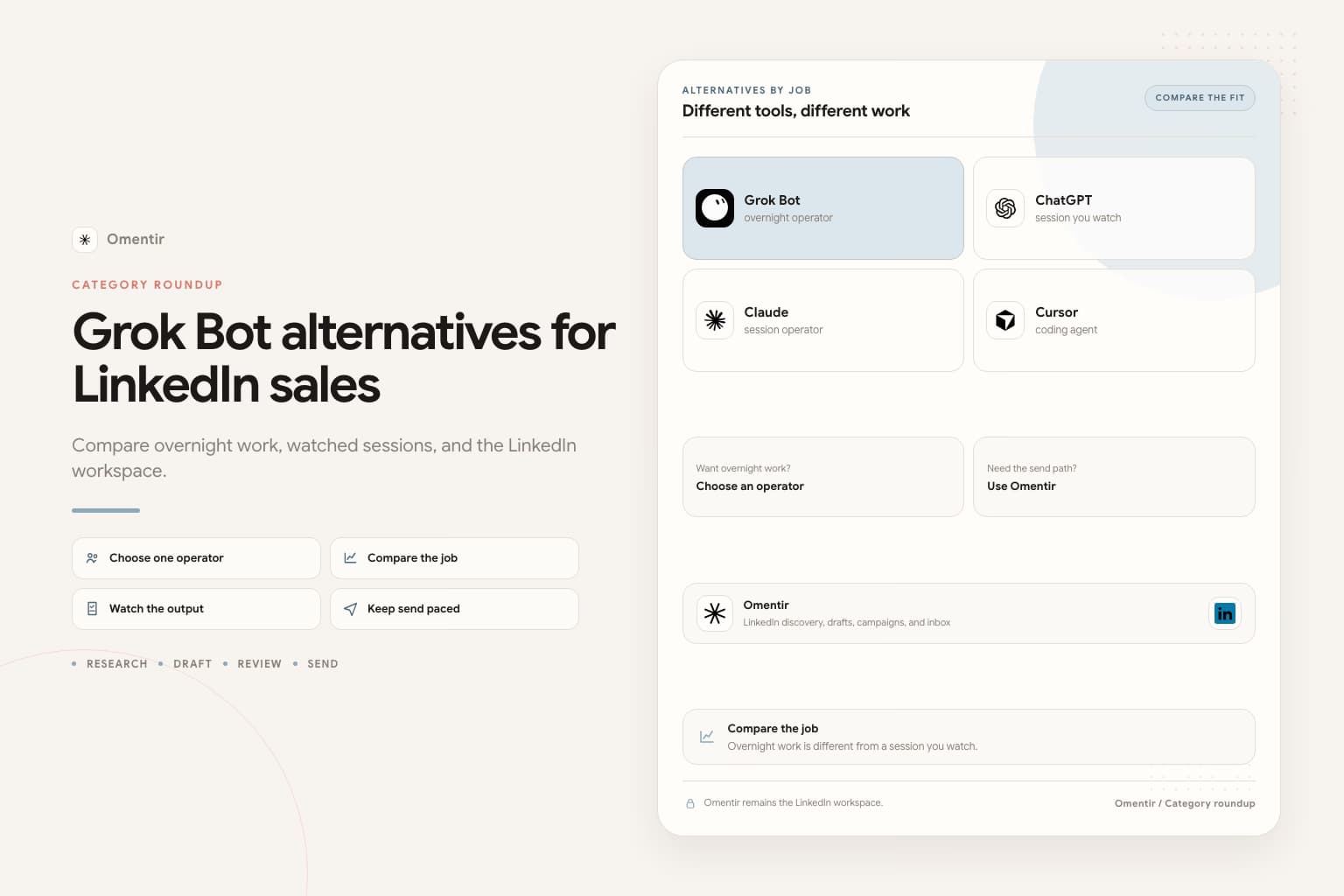
Keep Grok Bot if you already pay for the plan and you want a review list by morning. Use ChatGPT or Claude if you will sit with a session. Use Omentir Overview if you did not need another operator. Put LinkedIn in Omentir either way.
Shortlist
- 1

Grok Bot
Best for. People who already have SuperGrok Heavy, Cursor Ultra, or Cursor Teams Premium and want overnight research plus drafts.
Watch for. Beta product. Shared cloud computer. Do not sign LinkedIn into that computer. Confirm current access on x.ai/bot.
- 2

Grok
Best for. A grok.com chat session with an MCP connector, closer to ChatGPT than to the Bot app.
Watch for. Work stops when you close the tab. This is not Grok Bot. Use the Grok integration page.
- 3

ChatGPT
Best for. Founders who already live in ChatGPT and want to tighten an ICP, inspect a batch, and rewrite a weak note in one sitting.
Watch for. No unattended overnight run. Generic drafts if you skip a real trigger. See the ChatGPT integration.
- 4

Claude
Best for. The same conversational MCP path as ChatGPT, if Claude is already where the work happens.
Watch for. Do not add Claude plus ChatGPT plus Grok Bot on week one. One operator you watch beats three you forget.
- 5

Cursor
Best for. Coding agents and scripts that call Omentir with a Bearer token, including people who already have Cursor Ultra for Grok Bot.
Watch for. A repo agent is extra surface if you only needed Overview. Grok Bot shares MCP auth with Cursor, so the allowlist has to include the Omentir URL.
- 6
Omentir
Best for. LinkedIn discovery, drafts, campaigns, and inbox with no extra agent layer. Start here if you do not already pay for Grok Bot.
Watch for. Not a cloud browser. Not email warmup. You still read the first batch and take the meeting.
Name the job before you shop the Bot
People search Grok Bot alternatives for two different reasons. Some want overnight research without SuperGrok Heavy. Some tried computer use on LinkedIn and got scared. Those are different purchases. The first group needs a session operator or Overview. The second group needs a paced send path, which Omentir already is.
Grok Bot is not a packaged SDR. Claude and ChatGPT are not overnight VMs. Cursor is a coding agent that can call the same tools. Putting all of them on a feature grid produces a page that could swap logos. This roundup exists so you stop doing that.
LinkedIn does not belong on the Bot computer
Every row above can talk to Omentir over MCP or REST. None of them should hold a LinkedIn password. Grok Bot's extra risk is the shared cloud computer. ChatGPT and Claude do not get that VM. That is why the Bot can look more powerful and still be the wrong LinkedIn client.
If you already have Grok Bot, keep it on research and drafts. Connect Plugins to https://omentir.com/api/agent/v1/mcp. Stop at a review list. The weekly motion is get LinkedIn sales with Grok Bot.
If you already have Grok Bot, paste this
Finish Omentir first. Add the MCP plugin. Put the stop rule in the Bot description: research and draft only. Never send. Never enroll. Never sign into LinkedIn. Then paste this. Replace the brackets. Keep the last two sentences.
Paste into Grok Bot
You are the sales outreach manager for my company. Your job is to run LinkedIn outreach with Omentir.

My product helps [buyer] get [result]. Best-fit accounts are [company type, size, region]. Strong signals: [signal]. Skip [bad fit].

Work only through Omentir MCP. Start with get_context, then list_agents. If no finder matches this ICP, show me a create_agent config and wait.

Pull up to 30 people. For each one write fit 1-5, the evidence, any risk, and a two-sentence draft that cites a real trigger. If a note could fit two buyers, rewrite it.

Do not send. Do not enroll. Do not sign into LinkedIn.
Leave a review list by morning.
Frequently asked questions
Omentir is the LinkedIn workspace. Grok Bot is an operator you can put on top. If you do not have the Bot plan, Overview is the alternative to buying one. If you have the Bot, Omentir is still the send path, not a replacement for the overnight job.
Not as an unattended computer. Close the tab and the work stops. For a review list by morning, you want Grok Bot or you run the batch yourself in a session.
A local runtime you have to operate. Useful if you already run it. Extra surface if you only needed a hosted workspace. See the OpenClaw integration, not this roundup.
If you do not already pay for Grok Bot, do not buy it to send LinkedIn notes
Run one Omentir finder from Overview. Add an operator later if you want overnight research on top.
Prefer markdown? Grok Bot alternatives for LinkedIn sales.md