Automate cold LinkedIn messages with Grok Bot
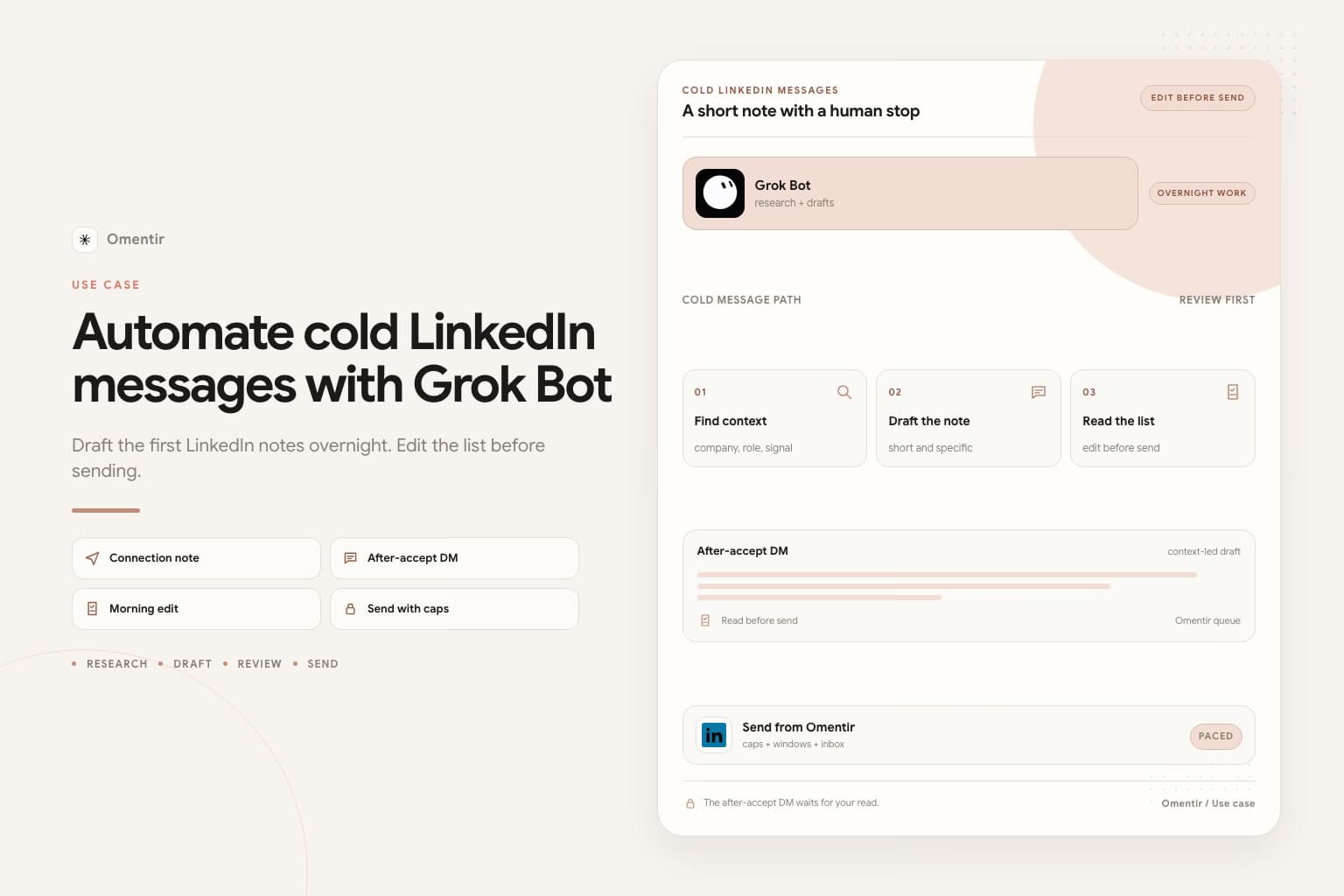
- Drafts overnight
- Send from Omentir
- Person on replies
Cold messaging is a connection note, a first DM after they accept, and one follow-up if they stay quiet. Grok Bot can fill that pile. It should not type in LinkedIn, and it should not argue in your inbox while you sleep.
First weeks
- 1
Write the promise before you automate the note
My Product in two sentences a stranger would understand: who feels the pain, what result you produce, what you will not claim. A vague brief produces notes you will not send from your own name. Grok Bot will not fix that overnight.
- 2
Overnight: one ICP, drafts that cite a real trigger
Connect MCP in Grok Bot Plugins. Stop rule in the Bot description: research and draft only; never send; never enroll; never sign into LinkedIn. Ask for twenty to forty people, fit notes, and a two-sentence after-accept DM. Invite notes stay short or blank.
- 3
Morning: cut junk, keep notes you would send from your phone
Reject agencies posing as SaaS, students, the wrong country. Edit a few drafts out loud. Start a small Omentir campaign with conservative daily limits and send windows in the prospect's timezone. Volume is not the goal.
- 4
Daytime: replies pause the sequence
The unified inbox collects answers. Approve or rewrite the next sentence. Book the call yourself. A Bot that cannot see the thread will double-send. If ignores pile up, change the promise before you raise caps.
Automate the pile, not the conversation
People who search this want the afternoon of first touches to happen without sitting in LinkedIn. That is a real job. The failure is a cloud browser grinding Connect while you sleep. Grok Bot's computer is shared across your Bots. A LinkedIn login there is shared too.
Omentir already has the paced send path. The Bot's job is to keep filling the queue with people you would actually message, then stop. SpaceXAI's own sales-outbound example already says do not send and do not enroll anyone.
Paste this into Grok Bot tonight
Finish Omentir first. Add the MCP plugin. Stop rule in the Bot description. Then paste this. Replace the brackets. Keep the last two sentences. Invite notes stay short or blank. The draft here is the after-accept DM.
Paste into Grok Bot
You are the sales outreach manager for my company. Your job is to run LinkedIn outreach with Omentir. Tonight the drafts are after-accept DMs, not invite notes.

My product helps [buyer] get [result]. Best-fit people are [role] at [company type, size, region]. Strong signals: [hire, post, comment, a tool they mentioned]. Skip [agencies, students, wrong country].

Work only through Omentir MCP. Start with get_context, then list_agents.

Pull up to 30 people. For each one write fit 1-5, the evidence, a skip reason if any, and a two-sentence after-accept DM that cites a real signal. No calendar hold. No fake mutual friend. No invented metric.

Do not send. Do not enroll. Do not sign into LinkedIn.
Leave a review list by morning.
When cold messaging should stay manual
A new or recently recovered LinkedIn account. A week you cannot sit with the list. A product story you cannot write in two sentences. Grok Bot is still in beta and sits on expensive Cursor or SuperGrok plans. If you do not already have it, start in Overview.
If email is the only channel that works, solve email. Omentir will not rotate domains. The Bot can draft an email. It should not pretend a LinkedIn workspace is a mailbox rotator.
Frequently asked questions
It can enqueue outreach through Omentir under your campaign and safety settings. It should not type the DM on linkedin.com. Keep send behind your review.
A specific one-liner can help. A pitch in the invite box often hurts. Blank is better than a fake paragraph.
That page is the overall outbound split. This page is the cold message job: invite note, first DM, follow-up. Same operator, narrower box.
Connect the Bot only after the first note is something you would send
If you would not put the draft on your own phone, do not let a campaign send it.
Prefer markdown? Automate cold LinkedIn messages with Grok Bot.md