Grok Bot prompts for LinkedIn outreach

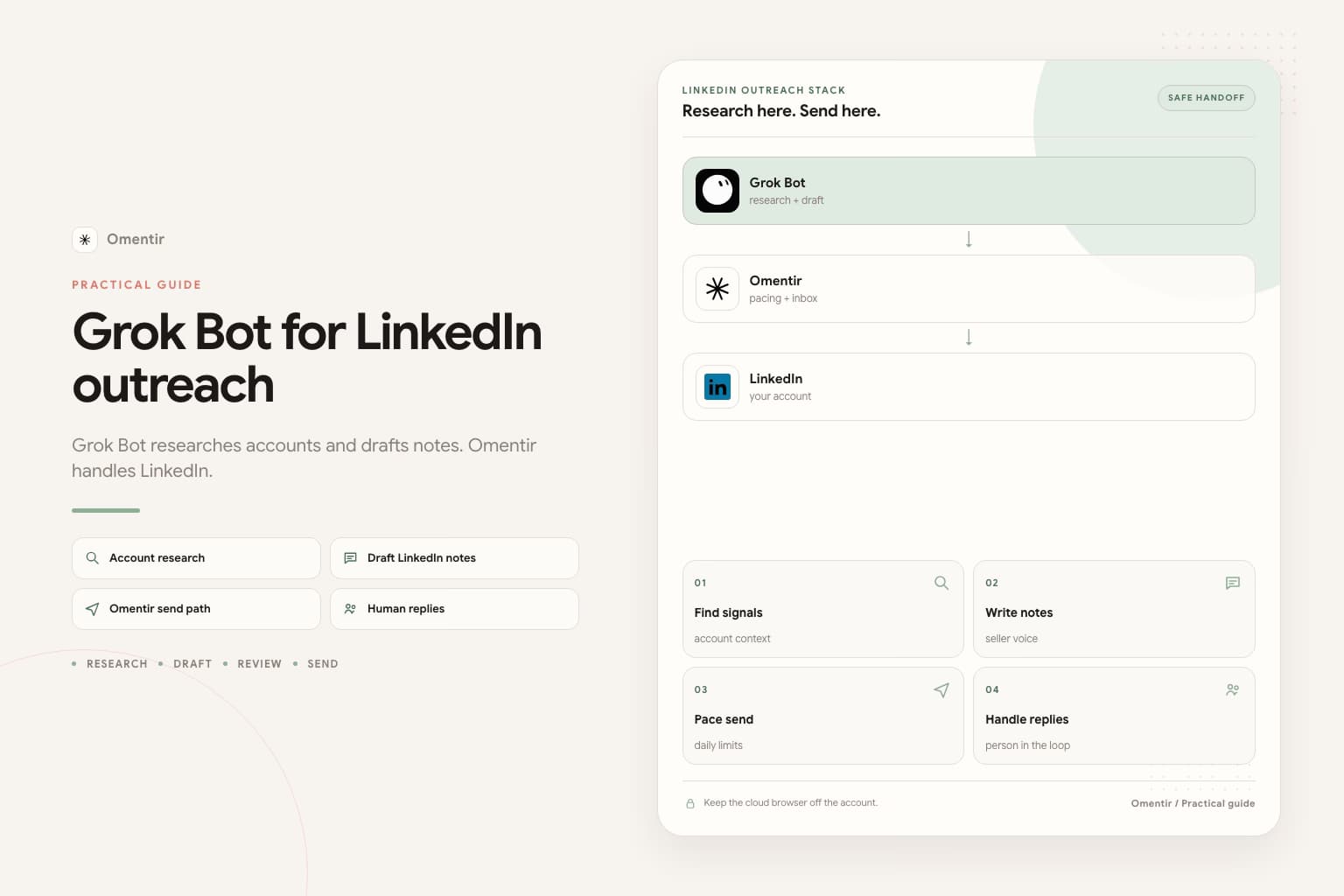
Most Grok Bot LinkedIn prompts fail in the same place. They ask for pipeline. They skip who to ignore. They never say stop. Grok Bot will still produce a list. You will not want to send it from your name.
These prompts assume you already connected Grok Bot to Omentir over MCP, and that LinkedIn stays inside Omentir. They are jobs, not personality files. Replace the brackets. Keep the last two sentences.
How to use these prompts
Put the stop rule in the Bot description and leave it there: research and draft only. Never send. Never enroll. Never sign into LinkedIn. Then paste one job for tonight. One ICP. A number you can finish in the morning.
If the Bot asks you to take over for a LinkedIn password or CAPTCHA, refuse. Computer use is how accounts get restricted. The longer split is Grok Bot for LinkedIn outreach.
- Finish Omentir first: LinkedIn connected, My Product written in two sentences a stranger would understand.
- In Grok Bot, open Settings, then Plugins. Add https://omentir.com/api/agent/v1/mcp. Approve Connect workspace.
- Put this in the Bot description and leave it there: research and draft only. Never send. Never enroll. Never sign into LinkedIn.
- If it asks you to take over the computer for a LinkedIn password, passkey, two-factor code, or CAPTCHA, refuse.
- Paste the job below. Replace the brackets. Keep the last two sentences.
Paste into Grok Bot
You are the sales outreach manager for my company. Your job is to run LinkedIn outreach with Omentir.

My product helps [buyer] get [result]. Best-fit accounts are [company type, size, region]. Strong signals: [signal]. Skip [bad fit].

Work only through Omentir MCP. Start with get_context, then list_agents. If no finder matches this ICP, show me a create_agent config and wait.

Pull up to 30 people. For each one write fit 1-5, the evidence, any risk, and a two-sentence draft that cites a real trigger. If a note could fit two buyers, rewrite it.

Do not send. Do not enroll. Do not sign into LinkedIn.
Leave a review list by morning.
Overnight research and first drafts
This is the default sales job, the one in the setup block above. Score, evidence, risk, a two-sentence note. Stop at a review list. SpaceXAI already writes the send ban into their own sales example. Keep it.
After-accept DMs
Tell the Bot which box the draft is for. An invite note is tiny or blank. The after-accept DM is two sentences and a real trigger. If you leave that unnamed, it writes the same paragraph for every box. More on the three boxes: automate cold messaging with Grok Bot.
Paste into Grok Bot
You are the sales outreach manager for my company. Your job is to run LinkedIn outreach with Omentir. Tonight the drafts are after-accept DMs, not invite notes.

My product helps [buyer] get [result]. Best-fit people are [role] at [company type, size, region]. Strong signals: [hire, post, comment, a tool they mentioned]. Skip [agencies, students, wrong country].

Work only through Omentir MCP. Start with get_context, then list_agents.

Pull up to 30 people. For each one write fit 1-5, the evidence, a skip reason if any, and a two-sentence after-accept DM that cites a real signal. No calendar hold. No fake mutual friend. No invented metric.

Do not send. Do not enroll. Do not sign into LinkedIn.
Leave a review list by morning.
Follow-ups after silence
A follow-up that says \"just circling back\" is a second copy of the first miss. Ask for a new trigger. Skip anyone who already answered. One or two nudges. Infinite follow-ups train people to ignore you. The landing version is follow-up messages with Grok Bot.
Paste into Grok Bot
You are the sales outreach manager for my company. Your job is follow-up drafts for people who accepted and never replied.

My product helps [buyer] get [result]. Only write a follow-up when the first note already went out and they stayed quiet. Skip anyone who already answered.

Work only through Omentir MCP. Start with get_context, then list_agents. Pull people already in a sequence who have not replied.

For each one write: why they still fit, what the first note said in one line, and a two-sentence follow-up that cites a new trigger, not a "just circling back." No calendar hold.

Do not send. Do not enroll. Do not sign into LinkedIn.
Leave a review list by morning.
A scored list, no copy
Sometimes you only need names. Fit, evidence, already in a sequence or not. No drafts. Use this when the promise is still changing and you do not want thirty notes you will rewrite anyway. Lead gen as a motion: Grok Bot for lead generation.
Paste into Grok Bot
You are the sales outreach manager for my company. Tonight you only find people. Do not draft messages.

My product helps [buyer] get [result]. Best-fit accounts are [company type, size, region]. Strong signals: [signal]. Skip [bad fit].

Work only through Omentir MCP. Start with get_context, then list_agents. If no finder matches this ICP, show me a create_agent config and wait.

Pull up to 30 people. For each one write fit 1-5, the evidence, any risk, and whether they are already in a sequence. No message drafts.

Do not send. Do not enroll. Do not sign into LinkedIn.
Leave a scored list by morning.
What to cut before you paste
Cut any line that asks the Bot to log into LinkedIn, Sales Navigator, or a rented profile. Cut \"be more aggressive\" and \"book the meeting overnight.\" Cut a second ICP in the same job. If you need Sales Navigator-shaped search without putting the login on the Bot computer, use Grok Bot and Sales Navigator.
In the morning, reject the 1s and 2s. Edit a few drafts out loud. Start a small campaign. The first real question in the inbox is still yours.
FAQs
You can. You will get a wide list and notes that could fit two unrelated buyers. Fill the brackets. Keep the last two sentences.
No. SpaceXAI's own sales example already stops at a review list. Keep do not send, do not enroll, and do not sign into LinkedIn.
grok.com is a chat connector. These jobs assume Grok Bot Plugins and overnight work. For grok.com, use the Grok integration and sit with the session.
Thirty is enough to judge the ICP. Four hundred is a list you will not read.
No. Pick one job. A scored list, a DM pile, and a follow-up pile on the same Bot is how review dies unread.
In Omentir, after you cut the junk. Caps and send windows stay there. The Bot should not type in LinkedIn.
Prefer markdown? Grok Bot prompts for LinkedIn outreach.md
Run the outreach from your own LinkedIn account
Omentir finds ICP-fit buyers, drafts connection notes and messages, and keeps replies in one inbox. You still choose the daily send limits.
Try Omentir