Grok Bot and Sales Navigator
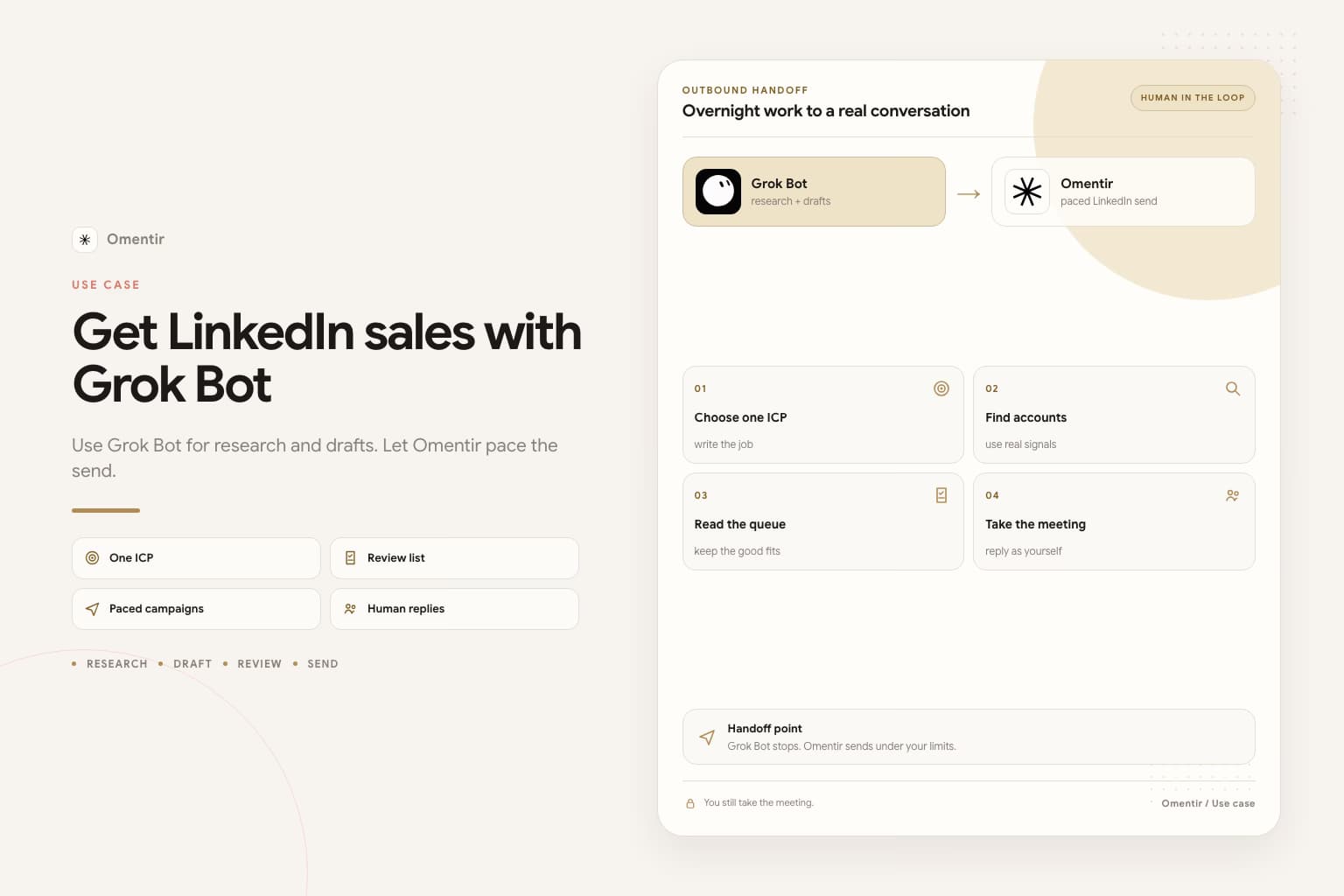
- No Navigator login on the Bot
- Same titles and signals
- Send from Omentir
Sales Navigator is still your LinkedIn identity. Logging it into Grok Bot's shared computer is the same mistake as logging in the free profile. Write the search. Run it through Omentir. Stop at a review list.
First weeks
- 1
Write the search you would have run in Navigator
Titles, company type, size, region, signals (hire, post, tech, funding), and who to skip. If you cannot write that in a paragraph, Navigator was not going to save you either.
- 2
Connect MCP. Keep Navigator off the Bot computer.
Add https://omentir.com/api/agent/v1/mcp in Grok Bot Plugins. Stop rule in the Bot description: never send; never enroll; never sign into LinkedIn or Sales Navigator. If it asks you to take over for a password, refuse.
- 3
Overnight: a scored list that looks like your search
Ask for up to 30 people, fit 1-5, evidence, and a two-sentence after-accept DM. InMail is a paid credit. Do not spend it on the first job unless you cannot reach them another way.
- 4
Morning: cut, then a small campaign
Reject bad titles and the wrong country. Edit a few drafts. Start in Omentir with conservative daily limits. Meetings still need a person on the reply.
Why Sales Navigator does not belong on the Bot
Grok Bot's computer is shared across every Bot on the account. A Navigator session there is a LinkedIn session. Takeover for a password or CAPTCHA persists. The restriction email still has your name on it.
Omentir already finds people from a written ICP. You do not need the Bot to drive Navigator to get a list that looks like one. If you already exported a CSV yourself, upload it. Do not ask the Bot to scrape the search UI.
Paste this into Grok Bot tonight
Finish Omentir first. Add the MCP plugin. Put the stop rule in the Bot description. Replace the brackets. Keep the last two sentences.
Paste into Grok Bot
You are the sales outreach manager for my company. Use Omentir to find people a Sales Navigator search would also surface. Do not log into Sales Navigator.

My product helps [buyer] get [result]. Best-fit titles: [titles]. Accounts: [company type, size, region]. Strong signals: [hire, post, tech, funding]. Skip [bad fit].

Work only through Omentir MCP. Start with get_context, then list_agents.

Pull up to 30 people. For each one write fit 1-5, the evidence, a skip reason if any, and a two-sentence after-accept DM. No calendar hold.

Do not send. Do not enroll. Do not sign into LinkedIn or Sales Navigator.
Leave a review list by morning.
When this is the wrong job
A new or recently recovered LinkedIn account. A week you cannot sit with the list. No written ICP. Grok Bot is still in beta and sits on expensive plans. If you do not already have it, start in Overview.
If you only wanted InMail volume, stop. Credits plus a vague promise is an expensive way to get ignored.
Frequently asked questions
No. Write the targeting. Omentir finders pull the people. Navigator on your own laptop is optional if you already pay for it.
Do not. The session stays on the shared computer. Watching once does not make it private.
No. This is the Grok Bot app. grok.com is a chat connector with no persistent VM.
Write the search before you connect anything extra
If the titles and exclusions are still fuzzy, Navigator and Grok Bot will both multiply the mess.
Prefer markdown? Grok Bot and Sales Navigator.md