Kimi for LinkedIn drafts

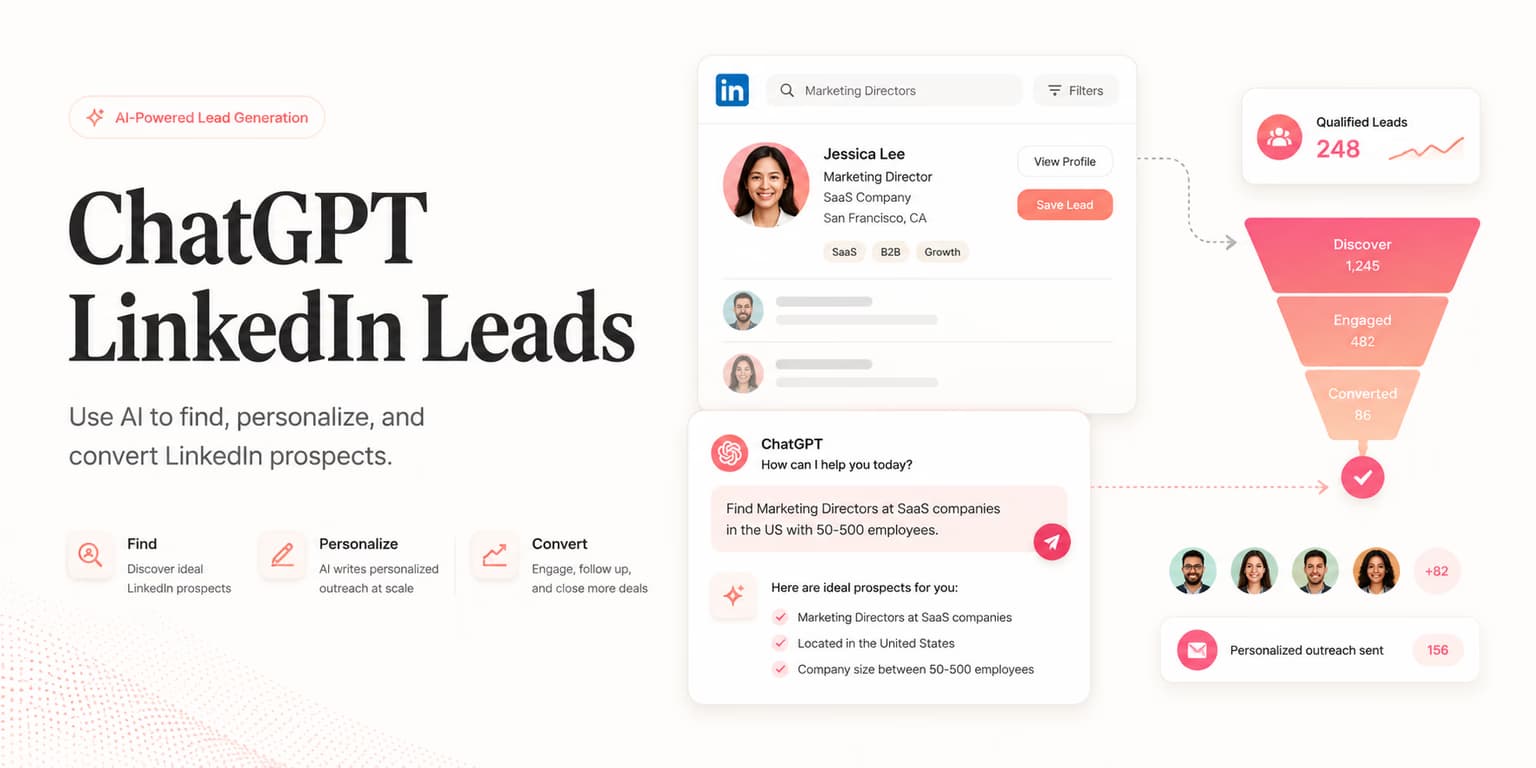
Kimi is a bad LinkedIn client and a decent scoring table if you paste the batch. Long context is the specialty. It is not a reason to invent posts you did not paste, and it is not an Omentir connector.
Connected chats (Claude, ChatGPT, grok.com) can run finders. Kimi cannot. Use Kimi when you already have people in Omentir and you want one chat to hold the dump. Help: can I use Kimi for LinkedIn outreach.
The long paste
Export or copy twenty profiles. Include the trigger you actually have: a post, a hire, a comment. Ask for fit, evidence from that text, a skip reason, and two sentences. If a note could fit two buyers, rewrite it. Then you still send from Omentir.
Paste this into Kimi
Paste into Kimi
I will paste people from Omentir. You are Kimi. Use the long context. Do not invent posts you cannot see.

My product helps [buyer] get [result]. Skip [bad fit].

For each person I paste, write: fit 1-5, the evidence from the text I gave you, a skip reason if they are wrong, and a two-sentence LinkedIn draft that cites a real trigger from that text. If a note could fit two buyers, rewrite it.

Do not tell me you will send anything. I send from Omentir after I edit.
FAQs
Not as a supported path. Paste from Omentir. Send in Omentir.
Long context for a batch you actually pasted. ChatGPT can also call Omentir tools. Kimi cannot.
Twenty to thirty. A hundred unread drafts is a pile.
Prefer markdown? Kimi for LinkedIn drafts.md
Run the outreach from your own LinkedIn account
Omentir finds ICP-fit buyers, drafts connection notes and messages, and keeps replies in one inbox. You still choose the daily send limits.
Try Omentir