
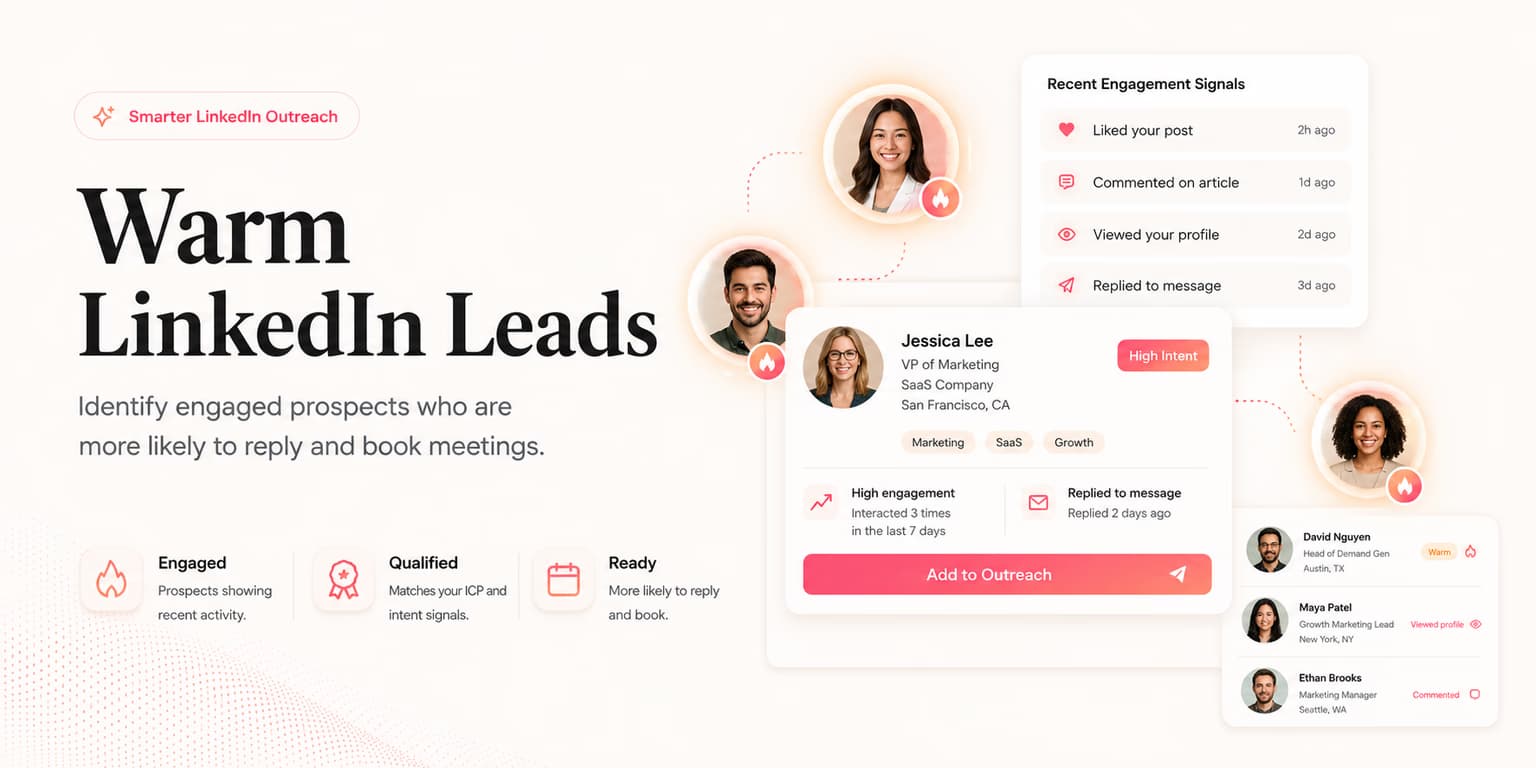
A warm LinkedIn lead is not simply someone you like more than the rest of the list. Warmth is evidence. It means the person has shown some familiarity, intent, timing, or relevance that should change how you approach them.
That evidence might be a reply, an accepted connection, a profile view, a comment on your post, a shared event, a referral, or a company trigger that makes the problem more urgent. On LinkedIn, the signal often sits in plain sight. The hard part is deciding what to do with it before the moment cools.
This guide is about handling warm leads after the signal appears. If you need to create familiarity before outreach, read the guide to warming up LinkedIn leads. If you are starting from a fully cold list, use the cold LinkedIn outreach workflow first.
Warm means evidence
Treat warmth like a reason to change the next action, not a vague feeling. A lead becomes warmer when you have proof that the person knows who you are, is connected to the problem, or has a business event that makes your timing more relevant.
Different signals carry different weight. Someone who viewed your profile is mildly warm. Someone who accepted your connection after a specific note is warmer. Someone who replied with "we are looking at this now" is no longer just warm; they are an active sales conversation.
The mistake is treating every warm signal as permission to pitch. A profile view should not trigger the same message as a pricing question. Good sellers let the signal set the temperature and the next step.
Simple warmth rule
A warm lead deserves more context, not more pressure. The next message should reflect what they actually did, not what you hope they meant.
Sort the signal
Build a simple signal map before writing copy. It keeps your team from overreacting to weak signals and underreacting to strong ones.
- Familiarity signals: profile views, post likes, accepted connections, event attendance, or mutual connections.
- Problem signals: hiring for a role connected to the pain, posting about the issue, asking peers for tool recommendations, or mentioning an internal change.
- Intent signals: asking a question, requesting details, mentioning budget, describing current process, or asking what implementation looks like.
- Negative signals: "not now," "not my area," ignored follow-ups, or objections that show the account is not ready.
Familiarity signals create permission for a light conversation. Problem signals create permission for a relevant hypothesis. Intent signals create permission to move faster. Negative signals create a responsibility to pause or reroute.
Do not let the signal category become a vanity label. The category should determine a real operating choice: who owns the next touch, how quickly it is due, whether the message should be reviewed, and whether the lead stays in automation. If the label does not change behavior, it is only decoration.
This is where many teams lose warm leads. They see any activity and send the same pitch. A better process asks: what did the lead reveal, how strong is it, and what would a respectful professional do next?
Choose the next move
Warm leads need a decision tree. Without one, the seller either freezes because the opportunity feels important or rushes into a demo ask too early.
Use four moves: acknowledge, explore, suggest, or schedule. Acknowledge when the signal is light. Explore when the buyer has shown a possible problem. Suggest when you can offer a useful next idea. Schedule only when there is enough intent to justify a live conversation.
| Signal | Next move | Message style |
|---|---|---|
| Viewed your profile | Acknowledge lightly | Connect around a shared problem, not the view itself. |
| Accepted your request | Explore | Continue the original context with one useful question. |
| Commented on your post | Suggest | Reference the public thread and offer a concise example. |
| Asked about solving the problem | Schedule | Answer directly, then offer a call if it would save back-and-forth. |
The right move should feel obvious to the buyer. If they only accepted a connection request, a calendar link feels abrupt. If they asked whether your product handles a specific workflow, refusing to move the conversation forward can lose momentum.
Respond before it cools
Warmth decays. A reply that feels active today can feel forgotten by tomorrow afternoon, especially if the prospect asked a practical question. The faster you respond with substance, the less work your next message has to do.
Speed alone is not enough. A fast generic response can still kill the thread. The response should answer the question, show you understood the context, and make the next step easy.
For high-intent replies, treat the message like a small sales call. Confirm the problem, answer the direct question, and ask one qualifying question. If the buyer gives enough detail, then move toward the calendar. The LinkedIn demo booking guide covers that handoff in more depth.
For moderate warmth, keep the message shorter. You are not trying to close the deal in one note. You are trying to turn an ambiguous signal into a clearer conversation.
If you cannot respond quickly, at least preserve the context. Save the triggering post, the exact reply, the company event, and the last message you sent. Warm leads often go stale because the seller returns later with no memory of why the thread mattered.
Keep them out of drips
The fastest way to waste a warm lead is to let a generic sequence keep running after the person has replied or shown intent. Once there is a live signal, the workflow should pause and the conversation should become context-aware.
This is especially important with AI-assisted outreach. Automation is useful for discovering leads, drafting context, and reminding the seller what needs attention. It becomes risky when it ignores fresh replies or treats every lead like they are still cold.
- Pause on reply: any human response should stop scheduled follow-ups until it is reviewed.
- Pause on objection: a timing, authority, or fit objection needs a tailored answer, not the next campaign step.
- Pause on demo interest: once the buyer asks for details, the goal changes from nurture to qualification.
- Pause on wrong person: route to the right stakeholder instead of pushing the current contact.
Omentir is designed around that controlled approach: it finds ICP-fit buyers, drafts personalized LinkedIn outreach for review, follows up at human-paced limits, and flags warm replies so the seller can step into the right threads. The point is to protect the opportunity, not to make the automation louder.
Build the operating board
A warm-lead system needs somewhere to live. It does not have to be complicated. In fact, complicated boards often hide the work. Use a small number of states that tell the seller exactly what to do next.
- New warm signal: needs review and classification.
- Question pending: buyer asked something that deserves an answer.
- Qualification needed: problem is relevant, but authority, timing, or fit is unclear.
- Ready for demo ask: enough intent exists to offer a call.
- Nurture later: relevant account, weak timing, respectful follow-up date.
Each state should have an owner and a due time. Warm leads fail quietly when nobody owns the next message. A founder-led team can review the board once or twice daily. A larger sales team may route high-intent replies instantly and lower-warmth signals into a daily review queue.
Keep the board small enough that someone will actually use it. Five visible states beat a complicated CRM taxonomy that requires a sales operations meeting to interpret. The board should answer one question at a glance: which warm opportunities need a human today?
This is also where lead scoring helps. Use the AI lead qualification framework to separate exciting signals from actually qualified opportunities. Warm is not the same as worth pursuing.
Copy for warm signals
Warm messages should sound less like introductions and more like continuation. The prospect has already created context. Your job is to use it without sounding like you are monitoring every click.
"Thanks for connecting. The hiring note around customer success caught my eye because that is usually when handoff problems start showing up. Are you already formalizing that process, or is it still handled account by account?"
That message works because it connects a visible business signal to a problem hypothesis. It does not pretend the buyer asked for a pitch.
"Appreciated your comment on founder-led sales. A pattern we see is that teams get interested leads but lose them in slow follow-up. Is that a real bottleneck for your team, or not the main issue?"
This version uses a public interaction, then asks for confirmation. It gives the buyer an easy way to say yes, no, or not yet.
When a warm lead replies positively, keep the next message direct. Answer what they asked, qualify the situation, and propose a call only when the call would clearly help. For ongoing nurture, use the AI follow-up playbook to avoid sending the same check-in over and over.
Warm LinkedIn leads are valuable because the conversation has already started in some form. Respect that start. Use the evidence, pick the right next move, respond while the context is alive, and stop every generic sequence the moment the buyer becomes a real person in the thread.
FAQs
A warm LinkedIn lead has given you some evidence of familiarity or relevance: a reply, accepted connection, profile view, comment, referral, event interaction, or company-level trigger that makes a conversation timely.
Only when the signal shows clear buying intent. A comment, profile view, or accepted connection usually deserves a contextual question first. A direct request for pricing, implementation, or a specific pain point can justify a demo ask.
Same day is best, and within a few hours is ideal for high-intent replies. The goal is not speed for its own sake; it is to answer while the context is still fresh.
Yes. AI can classify replies, summarize context, draft next messages, and remind you when a lead needs attention. The final message should still be reviewed when the conversation is commercially important.