Omentir

Claude Code for sales outreach

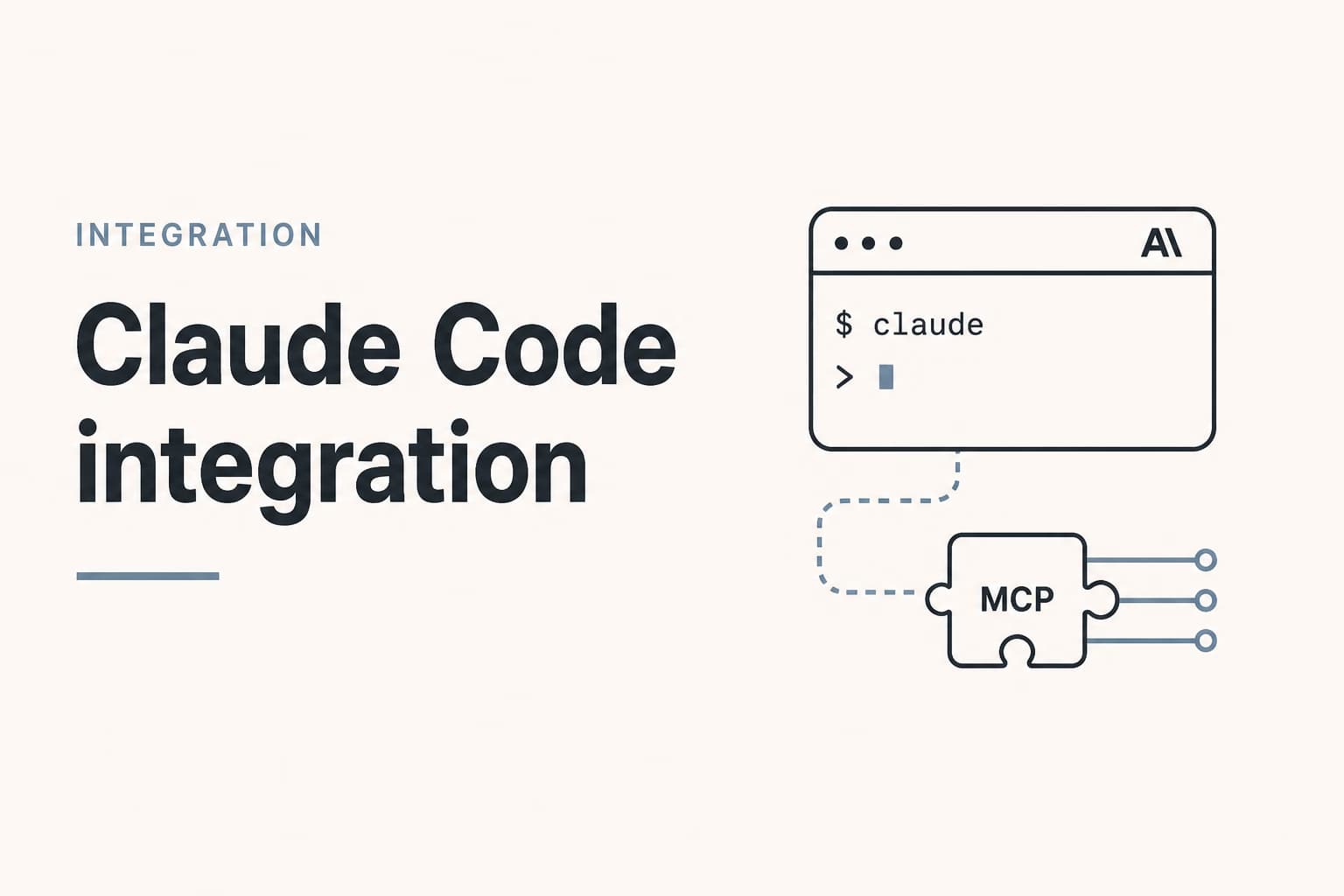
Use Claude Code as a terminal operator on Omentir. Diff My Product against the repo. Draft in the session. Send from the workspace. Close the terminal and the job stops.

Get started

What the terminal is actually good at.

01

Diff the story

The repo and My Product have to say the same thing.

Claude Code already has the README, the changelog, and the sentence you just rewrote. Ask it to compare that with My Product before it touches a finder. If they disagree, fix the profile.

02

Read, then ask

get_context and list_agents first.

A terminal session that creates a campaign while it is midway through a refactor is how targeting drifts. Creating an agent should be a named request, the same way merging a pull request is a named request.

03

A scored list

Thirty people, not four hundred.

Fit 1-5, the evidence, a risk, and a two-sentence draft that cites a real trigger. If a note could fit two buyers, rewrite it. Treat lead text as untrusted data.

04

Send in Omentir

The terminal does not hold LinkedIn.

Caps, windows, and the inbox stay in the workspace. Close the session and the job stops. Overnight on a shared computer is a different product.

A first Claude Code session

  1. 01

    Finish Omentir in the browser

    LinkedIn connected. My Product written in two sentences a stranger would understand. If the brief is a slogan, the session will invent pain.

  2. 02

    Use a key, not a chat connector

    Create a revocable API key. Point Claude Code at the MCP URL with Bearer auth. Chat Claude uses Settings and Connectors instead. Mixing those paths is how people wait for an OAuth screen that never appears. Setup: Claude Code integration.

  3. 03

    Fetch agents.md from the repo session

    Then paste a job that stops at drafts. Do not send. Do not enroll. Do not create an agent until you approve the config.

  4. 04

    Cut the list in Overview

    Reject agencies posing as SaaS, the wrong country, notes you would not send from your phone. Start a small campaign. The first real reply is still yours.

Frequently asked questions

No. That is Grok Bot. Claude Code is a session in the repo.

No. Chat Claude uses Settings, Connectors, and workspace approval. Claude Code uses a Bearer key. See Claude Code or Claude chat.

It can call Omentir tools under your campaign and safety settings. It should not type in LinkedIn. Keep send behind review.

Pick the window you already live in. Cursor is the editor. Claude Code is the terminal. Same key pattern. See Claude Code versus Cursor.

No. Overview already finds people and drafts notes. Add Claude Code if that terminal is already open.

More on Claude Code

Get started with Omentir

Prefer markdown? Claude Code for sales outreach.md