Grok Bot vs Claude for outbound

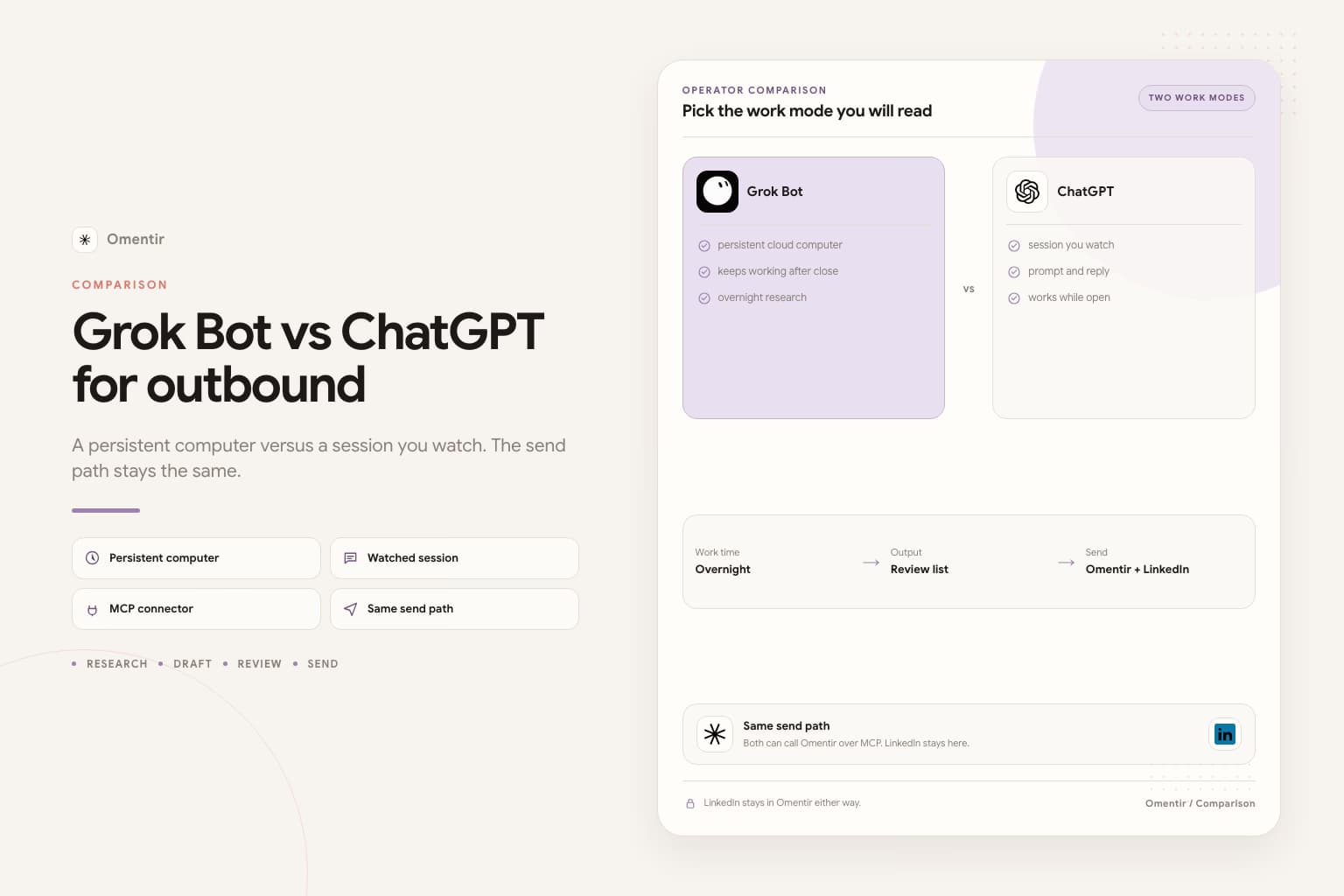
People ask Grok Bot versus Claude as if one model should win outbound. The useful split is the machine. Claude is a conversation you watch. Grok Bot is a named teammate on a persistent cloud computer. You give it a job. It keeps working after you close the laptop.
Neither one should log into LinkedIn. Omentir is the send path for both. The operator talks to Omentir over MCP. LinkedIn stays on the Omentir side.
The split that matters
| Job | Claude | Grok Bot |
|---|---|---|
| When it works | While you are in the chat | After you close the laptop |
| How you connect Omentir | Settings, Connectors, custom MCP URL | Settings, Plugins, same MCP URL |
| Computer | No cloud VM for clicking sites | Shared cloud computer across your Bots |
| LinkedIn risk | Bad drafts if you skip review | Bad drafts, plus computer use if you let it log in |
| Best first job | Tighten ICP, inspect a batch, rewrite a weak note | Overnight score-and-draft, stop at a review list |
| Skip if | You needed unattended overnight runs | You do not already pay for the plan that includes it |
grok.com chat sits closer to Claude than to Grok Bot. Same idea: a conversation, a connector, no persistent VM. If you landed here from grok.com, use the Grok integration. If you meant the Bot app, use Grok Bot.
Where Claude fits outbound
Claude is the operator to pick when you can sit with a batch this afternoon. Add the Omentir MCP connector, approve the workspace, ask for get_context and a list of agents, then inspect a small finder. You see the tools fire. You stop it when the targeting drifts.
That is also the limit. Close the tab and the work stops. Claude will not leave thirty scored people while you sleep. If you wanted that, you wanted Grok Bot, or you wanted to run the same job yourself in Overview.
Where Grok Bot fits outbound
Grok Bot is useful when you already pay for SuperGrok Heavy, Cursor Ultra, or Cursor Teams Premium, and you want research after you close the laptop. Named Bot. One ICP. Stop at a review list. SpaceXAI's own sales example already says do not send and do not enroll anyone.
The extra risk is the computer. All of your Bots share it. A LinkedIn login there is shared too. Claude does not give you that VM. Grok Bot does. If the Bot asks you to take over for a password or CAPTCHA, refuse. Setup: how to connect Grok Bot to Omentir.
The send path is the same
Daily caps, send windows, and the inbox live in Omentir. Claude and Grok Bot both call the same tools. Switching operators does not raise your LinkedIn limit. It does not make a vague promise sound specific. If ignores pile up, change the brief, not the model.
Grok Bot is still in beta. If you do not already have it, start in Overview or stay in Claude. Do not buy the Bot plan only to avoid reading your own list.
If you picked Grok Bot, start tonight
- Finish Omentir first: LinkedIn connected, My Product written in two sentences a stranger would understand.
- In Grok Bot, open Settings, then Plugins. Add https://omentir.com/api/agent/v1/mcp. Approve Connect workspace.
- Put this in the Bot description and leave it there: research and draft only. Never send. Never enroll. Never sign into LinkedIn.
- If it asks you to take over the computer for a LinkedIn password, passkey, two-factor code, or CAPTCHA, refuse.
- Paste the job below. Replace the brackets. Keep the last two sentences.
Paste into Grok Bot
You are the sales outreach manager for my company. Your job is to run LinkedIn outreach with Omentir.

My product helps [buyer] get [result]. Best-fit accounts are [company type, size, region]. Strong signals: [signal]. Skip [bad fit].

Work only through Omentir MCP. Start with get_context, then list_agents. If no finder matches this ICP, show me a create_agent config and wait.

Pull up to 30 people. For each one write fit 1-5, the evidence, any risk, and a two-sentence draft that cites a real trigger. If a note could fit two buyers, rewrite it.

Do not send. Do not enroll. Do not sign into LinkedIn.
Leave a review list by morning.
Pick one operator
If you already live in Claude and you can sit with a batch this afternoon, stay there. If you already pay for a Grok Bot plan and you want a review list by morning, use the Bot. If you have neither, start in Omentir Overview.
ChatGPT is the same kind of session as Claude. That comparison is Grok Bot vs ChatGPT for outbound. Do not run all three on week one.
FAQs
Not as a model ranking. Grok Bot is better when you want overnight research on a persistent computer. Claude is better when you want a session you sit with. LinkedIn send still belongs in Omentir either way.
You can. You should not on day one. Two review lists you never read are worse than one you finish. Pick the operator you will actually watch.
No. grok.com is a chat connector, closer to Claude's connector path. Grok Bot is a separate app with Plugins and a cloud computer.
The Claude connector path Omentir documents is a conversation with MCP tools. It does not get Grok Bot's shared VM. That is why Claude is the lower LinkedIn-login risk, and why it will not leave a list while you sleep.
Most founders should start in Omentir Overview with no extra operator. Add Claude if that is already where you work. Add Grok Bot only if you already pay for a plan that includes it.
Same job split as Claude: a session, not an overnight computer. See Grok Bot versus ChatGPT for outbound.
Prefer markdown? Grok Bot vs Claude for outbound.md
Run the outreach from your own LinkedIn account
Omentir finds ICP-fit buyers, drafts connection notes and messages, and keeps replies in one inbox. You still choose the daily send limits.
Try Omentir