
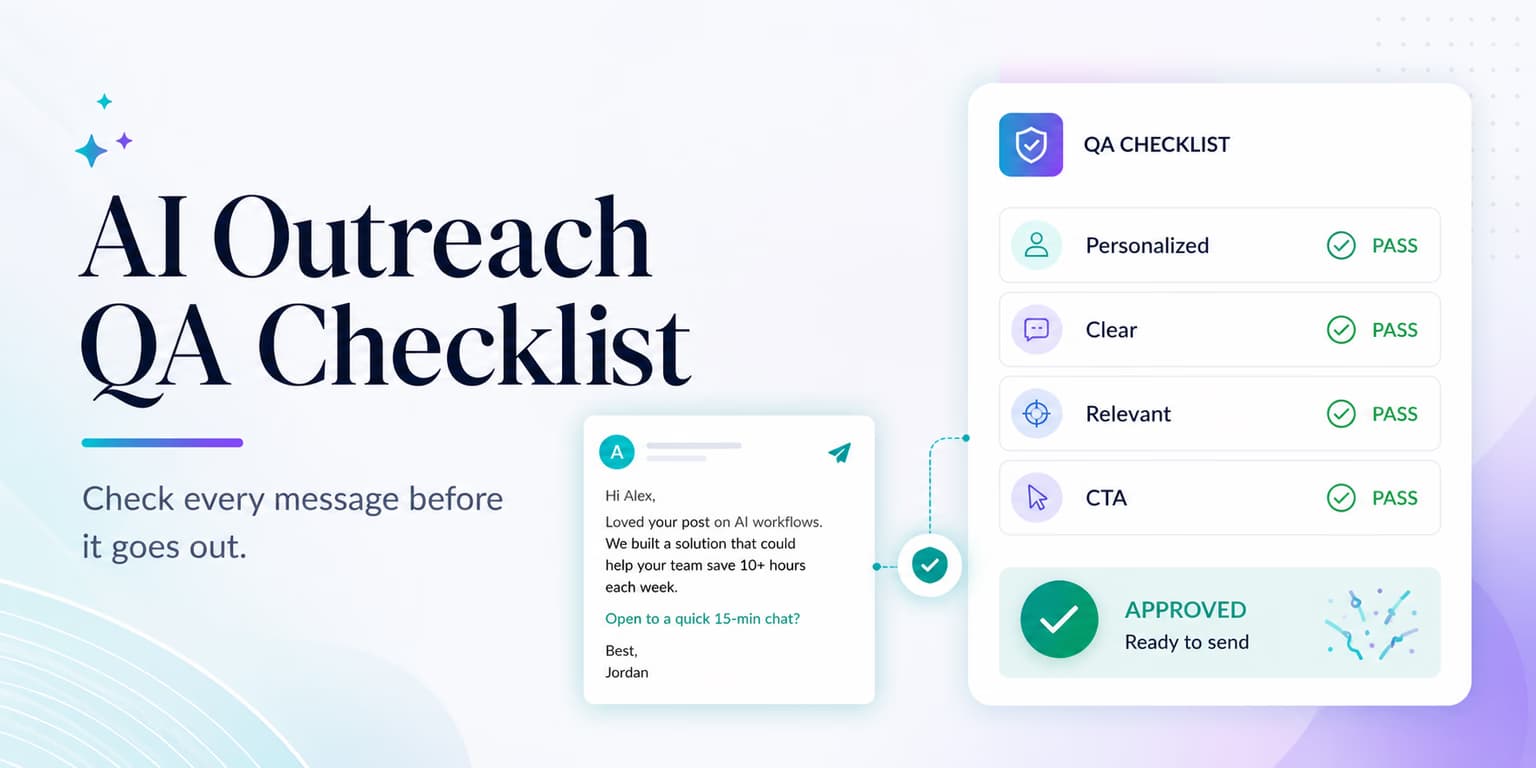
AI outreach does not fail only because the model writes bad sentences. It fails because nobody checks the system before real prospects see it. A single campaign can contain made-up product claims, broken personalization variables, stale buying signals, wrong links, unsafe pacing, and reply routing that leaves interested buyers unanswered.
Early test drafts often look fine. The first five messages may be clean because the sample prospects have complete profiles. Problems show up on edge cases: no company description, no recent LinkedIn activity, a vague job title, a protected profile, an old hiring post, or a prospect whose company name is also a common word.
A QA checklist is a boring, repeatable way to catch those issues before launch. It is not there to add process for its own sake. It is there so the first public version is something you would send from your own account.
Omentir supports that check with reviewable drafts, controlled LinkedIn pacing, and a discovery process built around lead fit. A tool still cannot replace judgment. Use this rubric before every AI-assisted outbound campaign, especially when it uses dynamic variables, website signals, or automated follow-ups.
Step 1: Ground prompts in verified product context
The first QA step is product truth. If the model is allowed to improvise, it may invent pricing, integrations, case studies, guarantees, compliance claims, or features that sound plausible but are not actually true. That is not a copy problem. It is a trust problem.
Separate verified context from writing instructions. Verified context should include the product category, target buyer, real capabilities, disallowed claims, approved proof points, pricing language if you mention pricing at all, and the exact next step you want a prospect to take. The writing prompt should tell the model how to use those facts, not ask it to fill in gaps.
Run a small hallucination test before launch. Ask the system to write messages for ten deliberately awkward prospects: a company outside your ICP, a profile with no title, a prospect at a competitor, an account with no recent activity, and an account where the signal is weak. The campaign should either write a restrained message or reject the prospect. It should never manufacture a reason to reach out.
Instruct the model to reference only facts that appear in approved product context or public prospect evidence. For prompting blueprints, check our guide to the AI outreach playbook.
QA checkpoint: spotting hallucinations
Audit test drafts for any feature claim that is not in your product profile. If the AI mentions dashboards, CRM syncs, integrations, customer results, or guarantees that are not explicitly approved, tighten the context and add a disallowed-claims section.
Step 2: Design fallbacks for missing variables
Personalized campaigns use variables such as first name, company name, title, recent post, hiring signal, funding event, tech stack, location, or pain point. Those variables are useful only when the data is present and interpreted correctly.
If a prospect has not posted on LinkedIn in months, a weak system may output blank space or write, "Saw your post about..." with no actual topic. If a company description is missing, it may produce a generic compliment. If a job title is unusual, it may guess the buyer's responsibility and write something awkward.
Design copy blocks that still work when data is missing. Every optional variable needs a fallback, and every fallback needs to be good enough to send. The fallback should not announce that data is missing. It should choose a more general opener that is still relevant.
- Recent post missing: Use a role-based opener instead of pretending you saw activity.
- Company signal weak: Reference the problem category, not a specific event.
- Title unclear: Ask a diagnostic question rather than assuming ownership.
- Company name awkward: Avoid forcing the name into the first line if it reads unnatural.
Test fallbacks with a sample set of incomplete records. A campaign that only works on perfect data is not ready. Real lead lists always contain gaps, and that is where AI quality shows.
Set conditional rules that swap the opener based on available details, as outlined in our guide on AI prospecting architectures.
Step 3: Audit message pacing and platform safety
Pacing QA is where many technically good campaigns become operationally risky. A message can be well written and still be unsafe if it is sent too fast, sent to too many people, or sent without stop conditions when prospects reply.
LinkedIn does not publish a simple universal rule that guarantees safety for every account. Treat exact limits as operational guardrails, not magic numbers. Newer or colder accounts should stay more conservative. Older accounts with normal manual activity still need human-paced delivery, natural spacing, and enough variation that the account does not behave like a bulk sender.
Your pre-launch check should answer four questions. How many connection requests can this profile send per day? How many follow-ups can fire in the same window? What happens when a prospect replies? What happens when the account reaches its daily budget? If those answers are unclear, the campaign is not ready.
Omentir coordinates outgoing activity through controlled queues and safety settings. Even then, the campaign owner should confirm the workspace is not trying to launch too many campaigns from the same LinkedIn profile at once. QA is not only about one sequence; it is about the combined pressure on the sender's account.
Step 4: Check links and profile settings
Links are small details until they break. A prospect who clicks a calendar link and lands on an error page rarely writes back to tell you. They simply disappear. Before launch, every destination in the campaign needs to be tested from the exact draft a prospect will receive.
- Link resolution: Ensure calendar links, resources, and website pages open correctly.
- Redirects: Avoid using multi-hop URL shorteners that trigger platform security filters.
- Profile visibility: Confirm your LinkedIn profile photo is visible to public networks in your privacy settings.
Also check message-to-page consistency. If your follow-up says "I recorded a short walkthrough," the link should not open a generic homepage. If your call to action is a demo, the calendar page should make it obvious which meeting type to choose. If you mention a case study, the landing page should show that case study without forcing the prospect through a confusing navigation path.
Profile QA matters because outreach is judged in context. Prospects often inspect your profile before accepting or replying. Make sure the sender's headline, company, photo, and featured links support the campaign. A clean message from an empty or confusing profile still creates friction.
For detailed sequence design, read our guide to the B2B sequencing playbook.
Step 5: Test reply routing and objection flows
QA is incomplete until you test what happens after someone replies. A campaign that generates interested responses but routes them poorly is still broken. Speed matters here because a warm reply loses momentum when nobody follows up.
Create a reply test set before launch. Include a positive reply, a soft maybe, a referral to another person, a pricing question, a "not now," an objection, an unsubscribe-style response, and a hostile response. Your system should categorize each reply, stop further automated follow-ups where appropriate, and make the next action obvious.
Be careful with automatic objection handling. Some replies are safe to draft against but not safe to send without review. For example, a pricing question may need current packaging context. A compliance objection may require a precise answer. A referral may require a new message to a different person. Route sensitive replies to a human review queue.
Verify that positive replies create the right alert, conversation status, or CRM task. Verify that negative replies suppress future follow-ups. Then inspect a few real conversations after launch to make sure the classification still holds outside the test set.
Pre-launch AI outreach checklist
Use this checklist to audit every campaign before going live:
- Product context: Verify that the AI cannot write product details that are not in your product profile.
- Variable check: Review copy outputs for cases where company name, job title, or intent variables are missing.
- Evidence check: Confirm that any personalized claim comes from public, current, sourceable evidence.
- Brevity check: Ensure the connection note and follow-up templates are concise enough to read quickly on mobile.
- Tone check: Remove overfamiliar praise, fake urgency, manipulative wording, and private-sounding claims.
- Link audit: Test calendar, resource, and website links from the actual draft.
- Profile audit: Confirm the sender profile looks credible and matches the offer.
- Pacing limit: Confirm daily budgets, delays, campaign overlap, and reply stop conditions.
- Reply routing: Test positive, neutral, objection, referral, and negative responses before launch.
- Manual review: Inspect a small first batch before allowing the campaign to scale.
A useful launch rule is simple: if you would not send the worst draft in the test batch from your personal account, do not launch the campaign yet. Fix the prompt, improve the fallback, tighten the ICP, or reduce the automation scope until the weak cases are acceptable.
This is also where teams should decide what the campaign is allowed to optimize for. If the only goal is volume, the system will eventually find ways to send more mediocre messages. If the goal is qualified conversations, QA should reject prospects and drafts that do not create a credible path to that outcome.
Make QA a habit before you scale
AI outreach is useful when it raises targeting quality and keeps execution consistent. It becomes dangerous when teams treat it as permission to skip judgment. The difference is the QA habit.
The best teams do not ask, "Can the system send this?" They ask, "Should this specific message go to this specific person from this specific sender today?" If the answer is yes, automation helps you execute cleanly. If the answer is unclear, the checklist gives you a way to pause before the prospect sees the mistake.
Configure your discovery agents, review the first drafts carefully, keep pacing conservative, and inspect replies after launch. That is how AI-assisted outbound becomes a reliable sales motion instead of a pile of fast, forgettable messages.
Frequently asked questions
Without a checklist, models invent product features, drop empty variables, or write stiff copy. Testing the setup catches those mistakes before a buyer sees them.
A variable fallback is the text you send when a profile is missing a detail, such as funding or a recent post. If there is no hiring signal, the copy should use a plain peer-to-peer opener instead of a blank or fake reference.
Omentir is designed around reviewable drafts, controlled pacing, and workspace-level safety settings so teams can inspect messages before scaling a campaign.
Open every calendar, resource, and landing page link from the exact message draft. Confirm the destination loads, the page matches the promise in the copy, and the next step is obvious.