
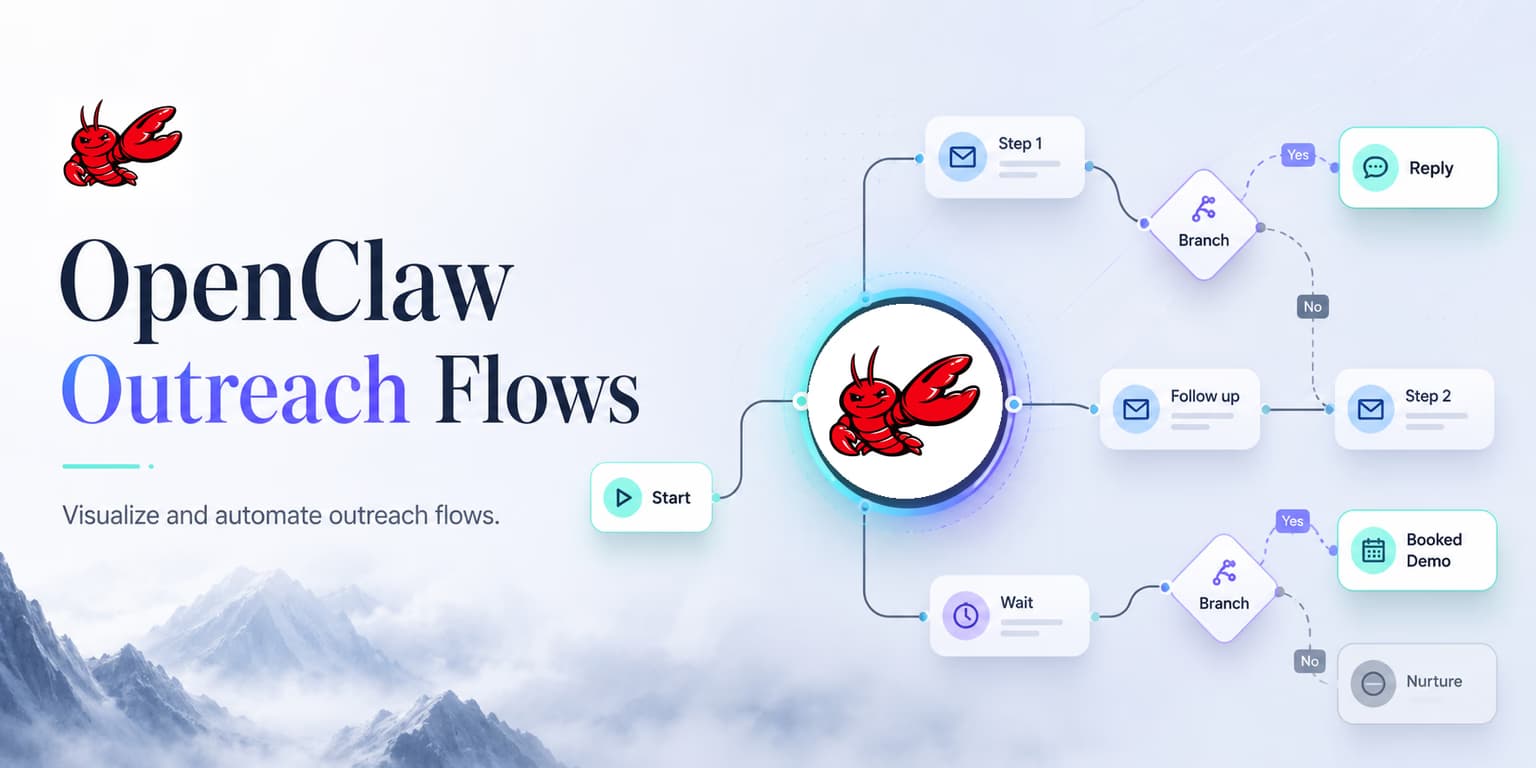
Linear outreach is easy to configure and easy to break. A rep imports a list, writes a few messages, sets delays, and hopes each prospect follows the expected path. But real buyers do not move through neat sequence steps. They change jobs, ask questions, refer you to someone else, object on timing, or reply with one sentence that does not fit the template.
Agentic outreach flows are useful because they treat outbound as a loop, not a script. The agent reads current context, configures lead discovery, inspects scheduled outreach, checks safety rules, and waits for new state before continuing. That loop can produce better work than a static sequence, but only when the boundaries are explicit.
OpenClaw is one way to think about this operator layer: a system that can call tools, reason over state, and move through nodes. The important design question is not "can the agent act?" It is "what is the agent allowed to decide, and what must stay behind a review gate?"
Omentir gives agents a safer execution surface through workspace-scoped API and MCP tools for context, product profiles, discovery agents, searchable leads, activity, existing conversations, and replies. This article shows how to design an OpenClaw-style loop that uses those capabilities without turning your LinkedIn account into an unsupervised sender.
The anatomy of an OpenClaw outbound loop
An outbound loop is built as a series of connected nodes. Each node should have a clear input, output, and failure mode. If a node cannot explain what evidence it used, the next node should not blindly continue.
- Context Node: The agent reads your product profile and workspace criteria to establish a baseline of verified product facts.
- Discovery Node: The agent runs daily searches on LinkedIn to find prospects matching your criteria.
- Scoring Node: The agent evaluates company website content and profile details, assigning a fit score with documented evidence.
- Review Node: The agent explains fit evidence and the planned schedule for qualified leads.
- Approval Checkpoint: A human sets up and reviews the campaign in Omentir before activation.
- Execution Node: Omentir routes approved campaign actions through pacing and quota controls.
- Reply Node: New replies are classified and routed to the right next step instead of continuing the old sequence.
Separating the workflow into nodes makes the system easier to debug. If poor leads enter the campaign, inspect the discovery node. If the message makes unsupported claims, inspect the context and drafting nodes. If replies get mishandled, inspect the reply node. Without node boundaries, every failure becomes "the agent messed up," which is not useful enough to fix.
The safest loops also have explicit stop states: rejected lead, needs human review, missing product context, daily quota reached, reply received, campaign paused, and workspace automation paused. A serious outbound agent should know when not to act.
OpenClaw flow rule
Never let a connector activate campaigns live. Keep campaign setup and approval in Omentir, while the agent focuses on discovery evidence, scheduled-action visibility, and existing conversations.
Configuring campaign state nodes for safe execution
To build a campaign flow, define target parameters and inputs for each node. The agent should not receive a vague instruction like "find good leads and message them." It should receive structured context: ICP, exclusions, product facts, allowed claims, campaign goal, sending account, review preference, and safety constraints.
For example, the discovery node should know which titles qualify, which company types are excluded, which geography matters, and which buying signals increase priority. The campaign setup stays in Omentir. The reply node should know which replies require a human before it sends an approved response to an existing conversation.
Use JSON schemas or tightly structured tool inputs to pass data between nodes. This is less glamorous than a free-form prompt, but it reduces ambiguity. A node that outputs `signal_source`, `signal_confidence`, and `safe_message_angle` gives the drafting node much better material than a node that outputs "good lead."
Mapping real-time context signals to flow parameters
Your drafting node should use dynamic variables to customize outreach, but each variable needs a confidence level. Funding, hiring, website copy, profile updates, and role context are not equal. Some are strong evidence. Some are weak hints. Some are too stale to mention.
If hiring_detected = true and source_current = true, hook = "saw the role includes [workflow]..."
If public_post_relevant = true, hook = "your point about [topic] stood out..."
If signal_confidence = low, hook = "curious how your team handles [role_based_workflow]..."
This modular structure prevents forced personalization. The agent should be allowed to fall back to a role-based opener when the signal is weak. A truthful broad opener is better than a specific but shaky claim. You can find more variable templates in our guide on OpenClaw prospecting workflows.
The campaign draft review checkpoint
Once the agent identifies qualified leads, the workflow needs a review checkpoint. A human sets up the connection note and follow-up sequence in Omentir, where new ICPs and high-value accounts can be reviewed before activation.
The reviewer should see the source evidence, prospect context, product claim, and draft message together. If the evidence does not support the message, reject the draft and fix the upstream rule. If the lead is poor-fit, reject the lead rather than rewriting the copy.
Omentir's public API and MCP tools do not create or launch campaigns. They give agents controlled discovery, schedule visibility, and existing-conversation access. For details on comparing agent tools, check out our guide on OpenClaw and ChatGPT sales workflows.
Objection resolution rules in autonomous flow trees
Reply handling is where execution loops become more useful than static campaigns. Once a prospect replies, the old sequence should stop and the loop should route the conversation based on intent. A question, referral, objection, interested reply, and negative reply each need a different path.
Use objection trees for budget, timing, competitor setup, wrong owner, and "send info" replies. Do not let the agent improvise sensitive answers from memory. Budget questions may require current pricing. Security questions may require approved language. Competitor questions may require careful positioning rather than a generic battlecard.
If the prospect says "too busy," the loop can draft a short reply offering to circle back later. If they ask how it compares to another tool, the loop can draft a balanced answer from approved product context. If they are angry or ask to be removed, the loop should stop outreach. This structured approach is detailed in our playbook on outbound sales automation stacks.
Pacing campaign invites to stay within platform limits
Agent loops can create activity faster than a human seller would. That is exactly why pacing must live outside the model's discretion. The agent can request an action; the outreach system should decide whether that action is allowed now.
Configure conservative daily quotas, natural spacing, campaign overlap checks, and reply stop conditions. If quota is reached, the loop should wait. If a campaign is paused, the loop should defer. If the workspace is missing product context, the loop should refuse to draft AI messages.
Omentir handles outreach through paced queues and campaign state rather than raw direct sending. That matters because account safety should be enforced by the platform, not by hoping the prompt remembers to be careful.
SOP: the OpenClaw campaign configuration checklist
Follow this SOP to configure campaign loops before launch:
- Verify Context Node: Ensure the product profile matches your latest pricing and features.
- Map Variables: Confirm that dynamic placeholders point to sourceable, current company updates.
- Set Rejection Paths: Define what happens when evidence is weak, product context is missing, or the lead is poor-fit.
- Review in Omentir: Set up and approve campaigns in Omentir before activation.
- Audit Pacing: Confirm quotas, campaign overlap, and reply stop conditions.
- Test Reply Branches: Simulate interested, objection, referral, not-now, and negative replies.
- Test Links: Check that calendar and video links resolve correctly.
Run a discovery review before letting the loop touch real prospects. Inspect which leads it selected, what evidence it cited, what Omentir has scheduled, and which replies it would escalate. If the review is messy, tighten the finder before setting up outreach.
Keep the preview output as an audit trail so future mistakes can be traced back to a specific node, rule, and evidence source.
Keep the loop narrow at first
Outbound success is driven by relevance, timing, and restraint. OpenClaw-style loops can help because they make outreach stateful: the agent can inspect context, draft from evidence, pause for approval, and adapt when replies arrive.
The mistake is giving the agent too much freedom too early. Start with narrow ICP rules, draft checkpoints, dry runs, and conservative pacing. Then expand only after the loop proves it can reject bad leads, write grounded messages, and route replies correctly.
Omentir gives agents the execution rails: discovery context, planned-send visibility, paced delivery, and existing reply conversations. Use those rails so your agent loop behaves like a careful sales operator, not a fast sequencer with a larger prompt.
Frequently asked questions
An execution loop in OpenClaw is an agent workflow that checks profile variables, evaluates ICP fit, writes custom copy, and schedules messages dynamically. This is more flexible than a static template because the agent can adjust its actions based on new details.
Use a workspace-scoped API or MCP layer to give the agent approved context: product profile, ICP rules, discovery agents, scored leads, activity, and existing reply conversations. Keep sensitive credentials out of the prompt.
An agent can draft responses after reading conversation context, but sensitive replies should stay human-reviewed. Pricing, security, legal, competitor, and angry replies are poor places for blind automation.
The agent should call an outreach system that enforces quotas, pacing, and campaign state. Omentir provides paced campaign execution and daily quotas, so the agent should route outreach through those controls instead of sending directly.